Product description
22
Amatron+ BAG0055.0 08.07
2.3 Entries on AMATRON
+
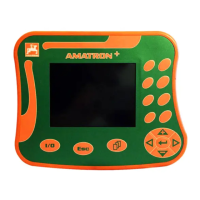
To aid in the operation of the AMATRON
+
, this operating manual
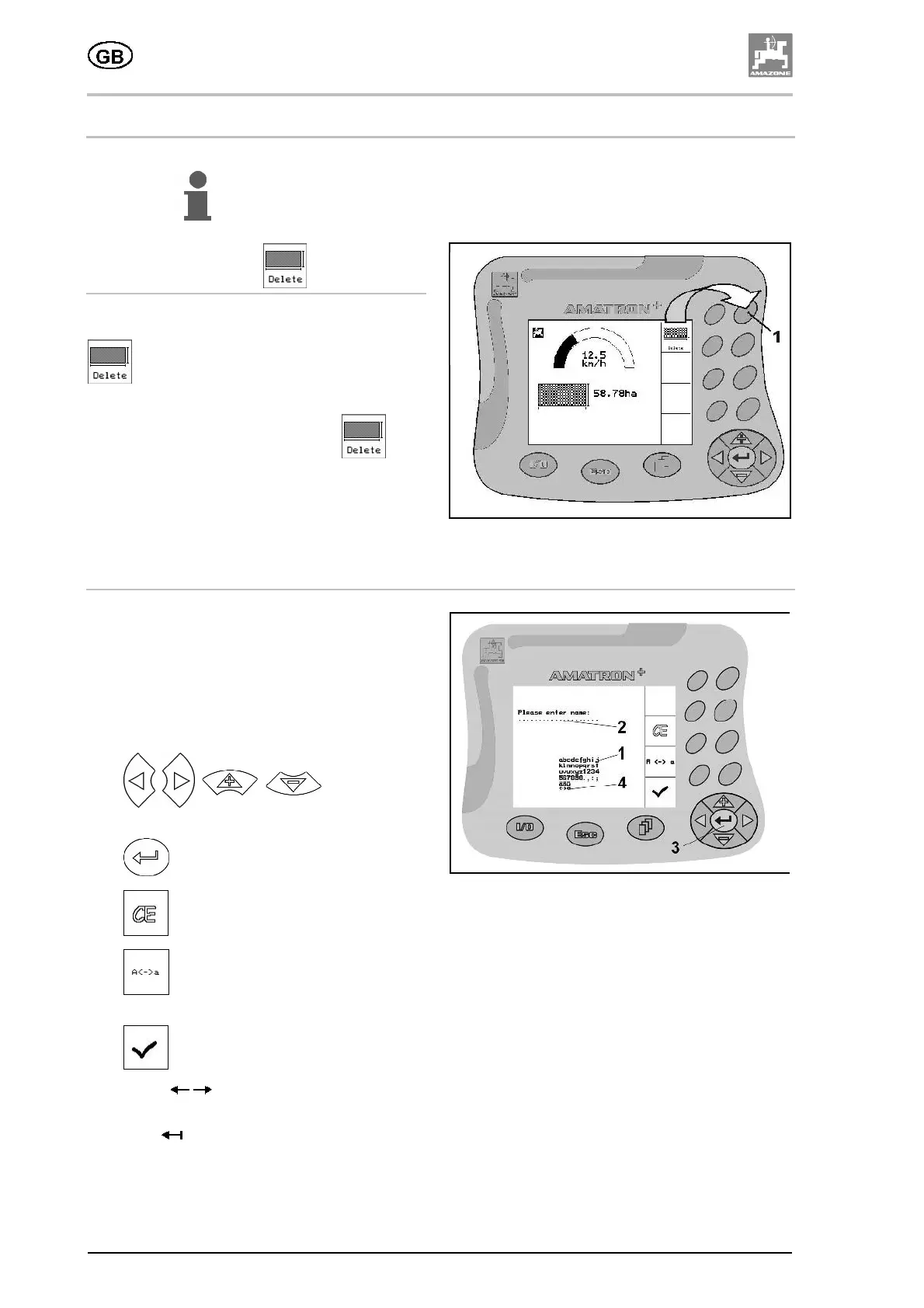
contains the relevant function fields. You must press the function key
assigned to the desired function field to activate the function
displayed.
Example: function field
Description in this operating manual:
Delete worked area.
Operating procedure:
Press the button associated with the
function field (Fig. 4/1), to delete the value for
worked area from the AMATRON
+
.
Fig. 25
Entering text and numbers
Fig. 26
If it is necessary to enter text and numbers on
the AMATRON
+
, the input menu (Fig. 5)
appears.
In the lower part of the display, a selection field
(Fig. 5/1) appears with letters, numbers and
arrows which can be used to compose the input
line (Fig. 5/2).
•
, ,
, Select letters
or numbers in the selection field (Fig. 5/3).
•
Confirm the selection (Fig. 5/3).
•
Delete the line of text.
•
Switch between upper and lower
case.
•
Confirm the text entered.
The arrows
in the selection field (Fig. 5/4)
make it possible to move around the line of text.
The arrow
in the selection field (Fig. 5/4)
deletes the last character entered.





 To Next Page