Use on the field
Amatron+ BAG0055.0 08.07
23
3 Use on the field
Before the machine can be used, the following information must be
entered:
• Machine data.
• Create a job and start it, if desired.
3.1 Work menu
1. Switch on the AMATRON
+
.
2.
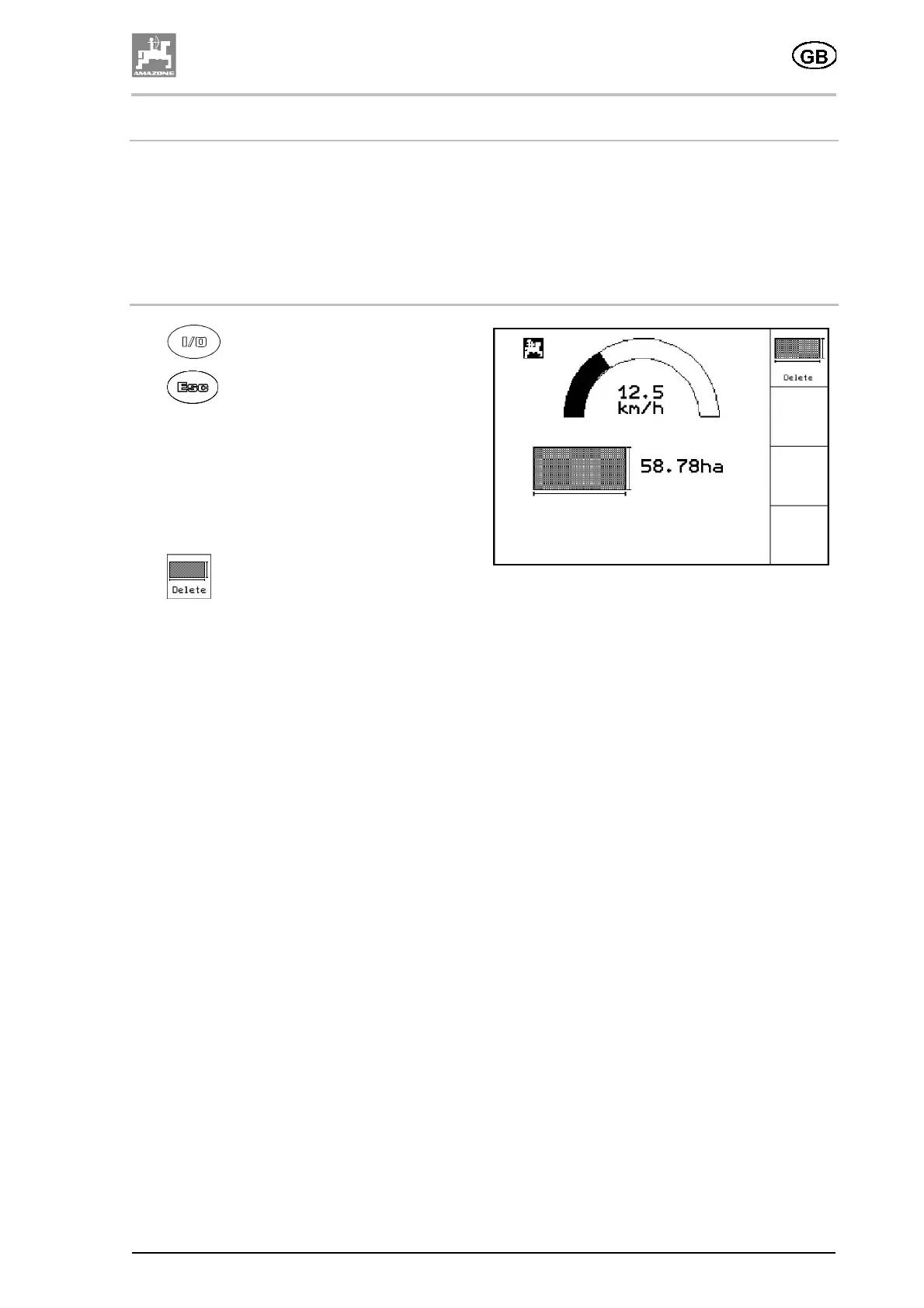
Before work starts, select the Work
menu.
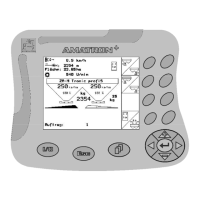
The Work menu displays:
ο the working speed (km/h),
ο the worked area (ha).
•
deletes:
ο the value for the worked area in the
Work menu,
ο the trip data for the job in progress.
Fig. 27





 To Next Page