Commissioning
24
Amatron+ BAG0055.0 08.07
4 Commissioning
4.1 Start screen
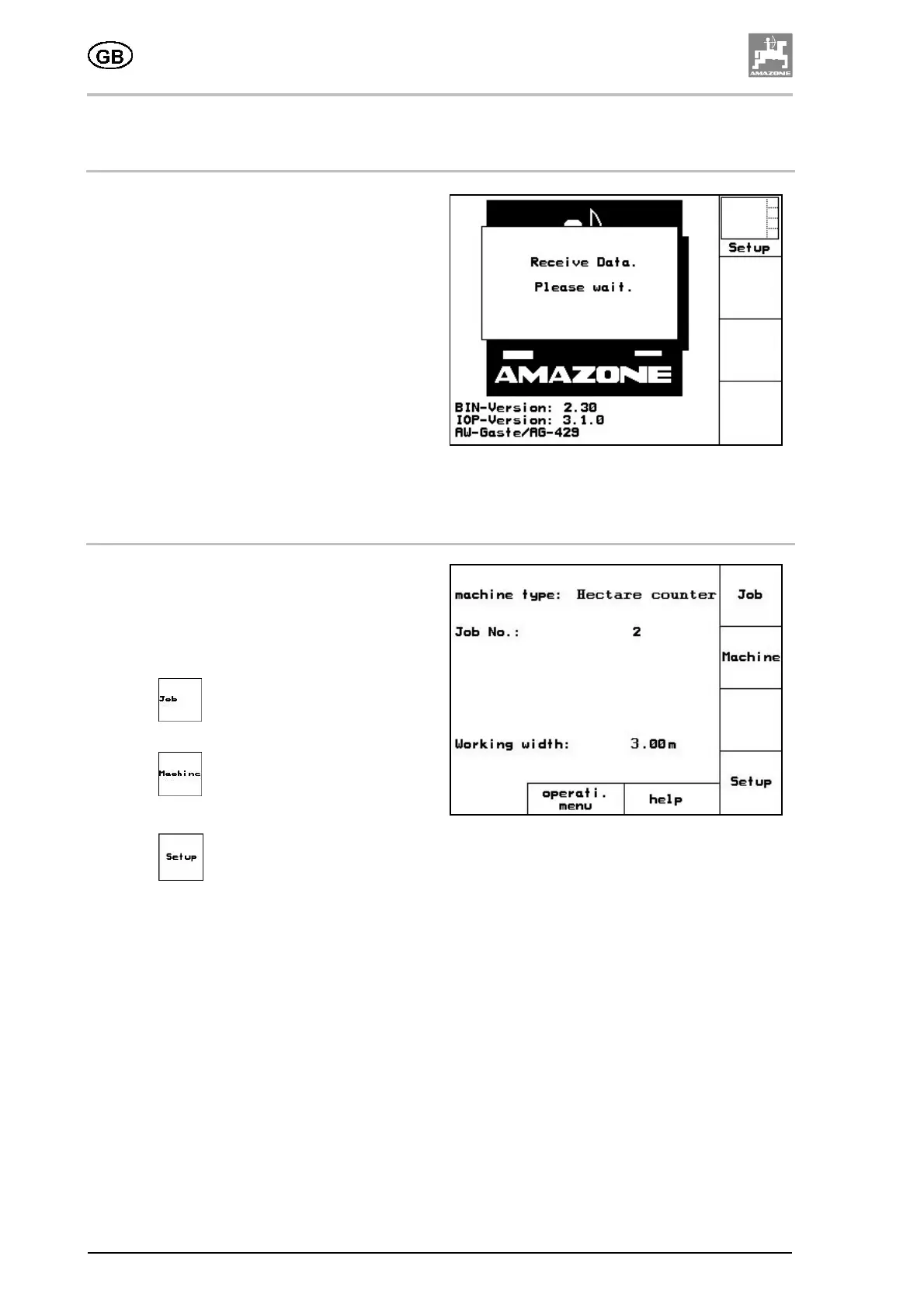
After the AMATRON
+
is switched on with the
machine computer connected, the Start screen
appears, indicating the terminal software version
number. After approx. 2 seconds, the
AMATRON
+
automatically goes into the Main
menu.
If data is loading from the machine computer
after the AMATRON
+
is switched on, e.g. in
event of
• a new machine computer being used,
• a new AMATRON
+
terminal being used,
• following a RESET of the AMATRON
+
terminal,
this is indicated on the Start screen.
Fig. 28
4.2 Main menu
Fig. 29
The Main menu shows:
• the selected machine type.
• the job number of the job in progress.
• the working width entered [m]
ο
Call up the Job menu
(for information on this, see page 12)
ο
Call up the Machine data menu
(for information on this, see page 14).
ο
Call up the Setup menu
(for information on this, see page 16).





 To Next Page