©American Audio® - www.americanaudio.eu VMS2™ User Manual Page 18
10. SET-UP
10.1 CHECKING THE CONTENTS
Be sure your VMS2™ was shipped with the following:
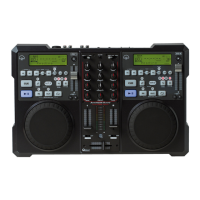
VMS2™ Controller
Operating Instructions (This Booklet)
USB Cable
6V Power Adapter
Virtual DJ Software
Warranty card
10.2 INSTALLING THE UNITS
Place your unit on a flat surface or mount it in a secure rack mount case.
Be sure the player is mounted in a well-ventilated area where it will not be exposed to
direct sunlight, high temperatures, or high humidity.
Try to place the unit as far as possible from TVs and tuners, as the unit may cause
undesirable interference.
10.3 CONNECTIONS
Be sure main power is connected last to prevent any electrical damage.
AUDIO CONNECTIONS
Use RCA or XLR cables to connect the VMS2™ outputs to powered speakers or an amplifier.
Never connect this player's output to a mixers Phono inputs.
Caution: To avoid severe damage to the unit, be sure the power is off when making
connections to the unit.



 To Next Page