©American Audio® - www.americanaudio.eu VMS2™ User Manual Page 19
11. SOFTWARE AND ASIO DRIVER INSTALLATION
Insert the disc into your computer cd drive and click on the CD icon.
Depending on the type of computer you are operating, choose the *.exe file for PC or the
*.dmg file for MAC.
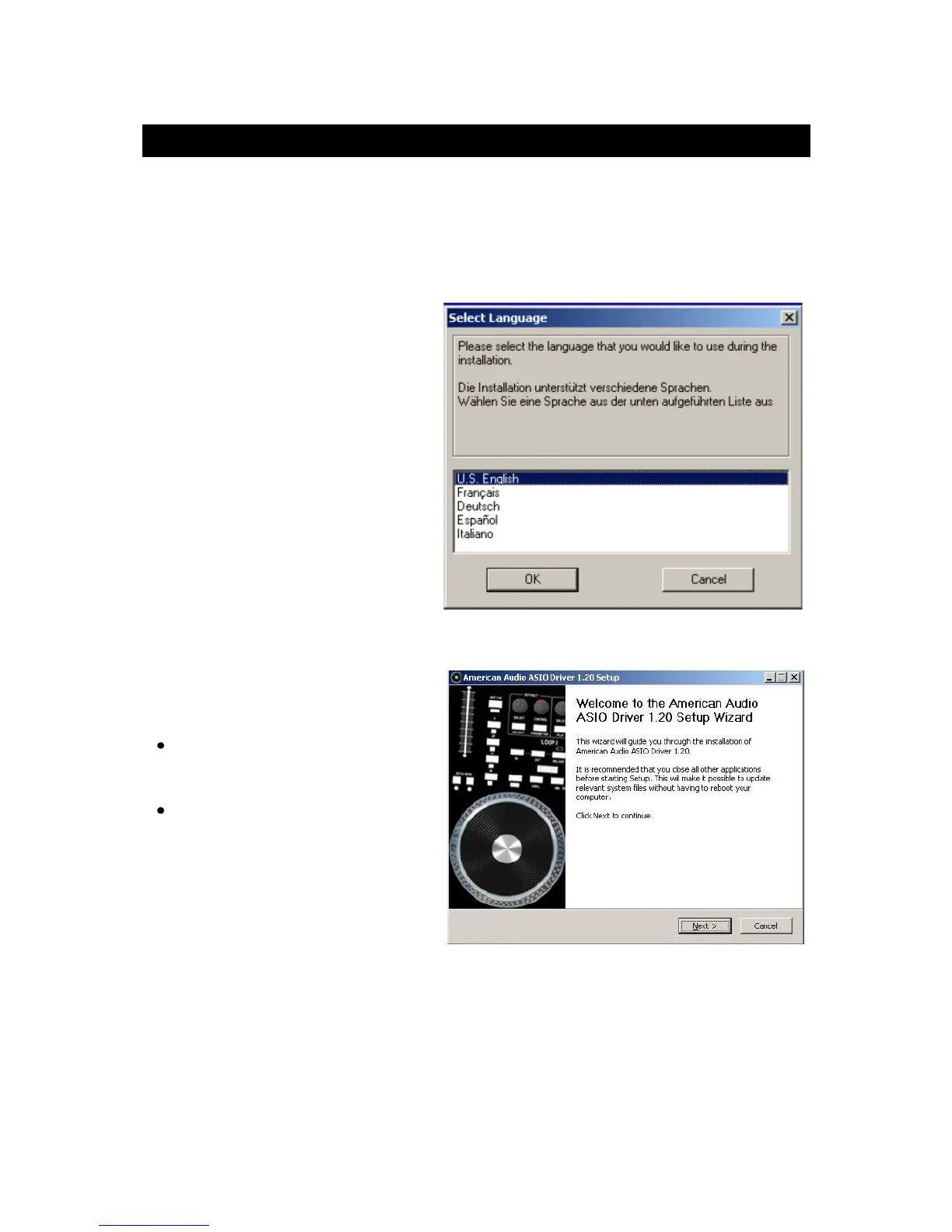
Choose your desired language and
click OK.
Read the following information and
click Next.
Follow the screen prompts to install
the software.
The ASIO Driver installation will open
during the Virtual DJ installation.
PC users, follow the screen
prompts for proper installation.
Mac install is automatic after
clicking on the *.dmg file.


 To Next Page