©American Audio® - www.americanaudio.eu VMS2™ User Manual Page 31
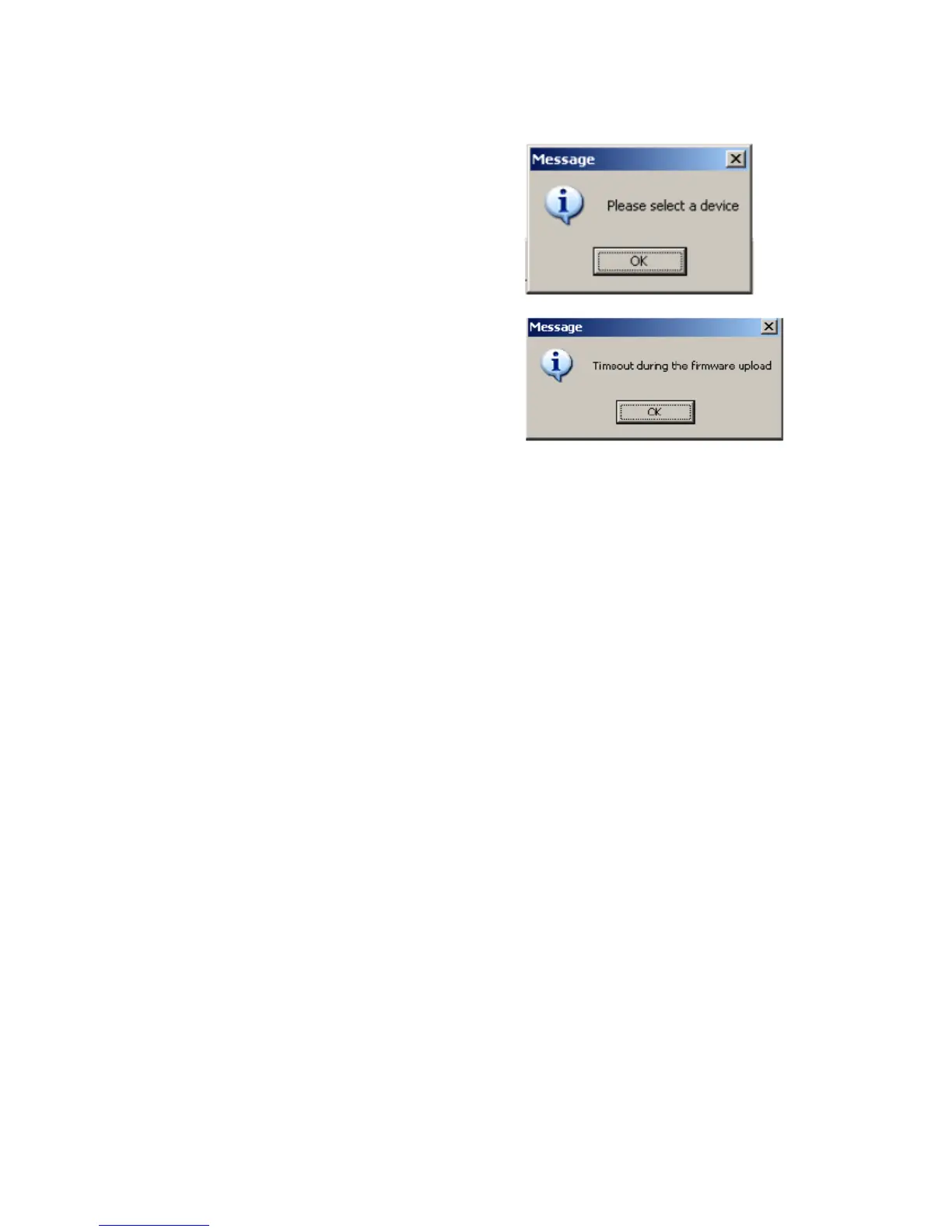
You may receive some Error windows like you see below.
Please check your computer audio setting and
ensure that the VMS2™ is not set as a default
playback, playback recording, or MIDI device. This
will interfere with the update and software
applications. Also, make sure that any software
that uses MIDI or the Audio interface is closed.


 To Next Page