Before Installing the Intellex
Installation and Configuration Guide 7
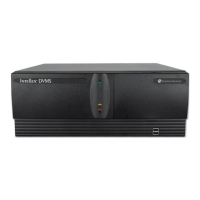
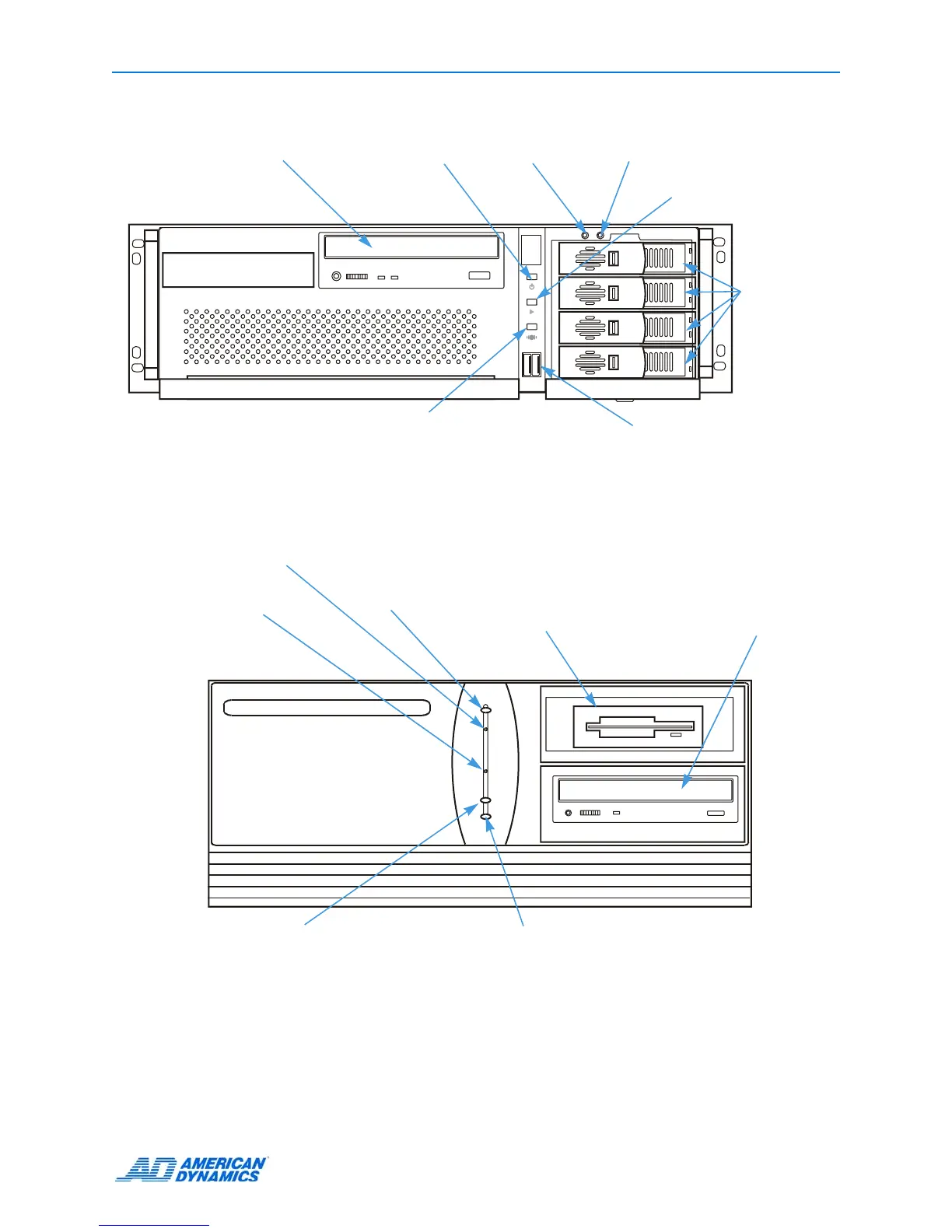
Front Panel
4_0FP_1
POWER
REC
ALARM
DVD-RW Drive
USB Connectors
Hard drives
Power indicator
Alarms indicator
• Illuminates when alarm events
occur but have not been reviewed.
• Blinks when the notification screen
appears.
REC (recording indicator)
illuminates when the unit
records images to the
image database.
Ultra
3
2FP
1
Power indicator
Power: Insert the reset tool into
the pinhole to power on or off.
Reset: If the unit does not power
on, insert the reset tool into the
pinhole to reset. The unit powers
on and performs standard
diagnostics.
Alarms indicator
• Illuminates when alarm events
occur but have not been reviewed.
• Blinks when the notification screen
appears.
REC (recording indicator)
illuminates when the unit records
images to the image database.
3½-inch diskette
drive
CD-RW/DVD Drive
DVMS/LT
Power switch
Reset switch


 To Next Page
 Loading...




