Configuring the Intellex
34 Intellex®
b Click Setup. Choose the Quality, Sensitivity, Resolution, and Live Filter. Click OK. For
information about live filters, see
page 29.
c To schedule alarm recording time, click Alarmed then click and drag to highlight the time
block for custom scheduling.
d Click Setup. Select the Pre-Alarm Quality, Pre-Alarm Sensitivity, Pre-Alarm Resolution, Live
Filter, and the Pre-Alarm Duration from the Alarm Segment setup screen. Click OK.
e To schedule disabled record time, click Disabled then click and drag to highlight the time
block for custom scheduling.
f Repeat step 4 for each configuration.
5 If you are setting up a holiday custom schedule:
a Click the Set Holidays tab.
b Select the day(s) to designate as a holiday.
c Click Add to List.
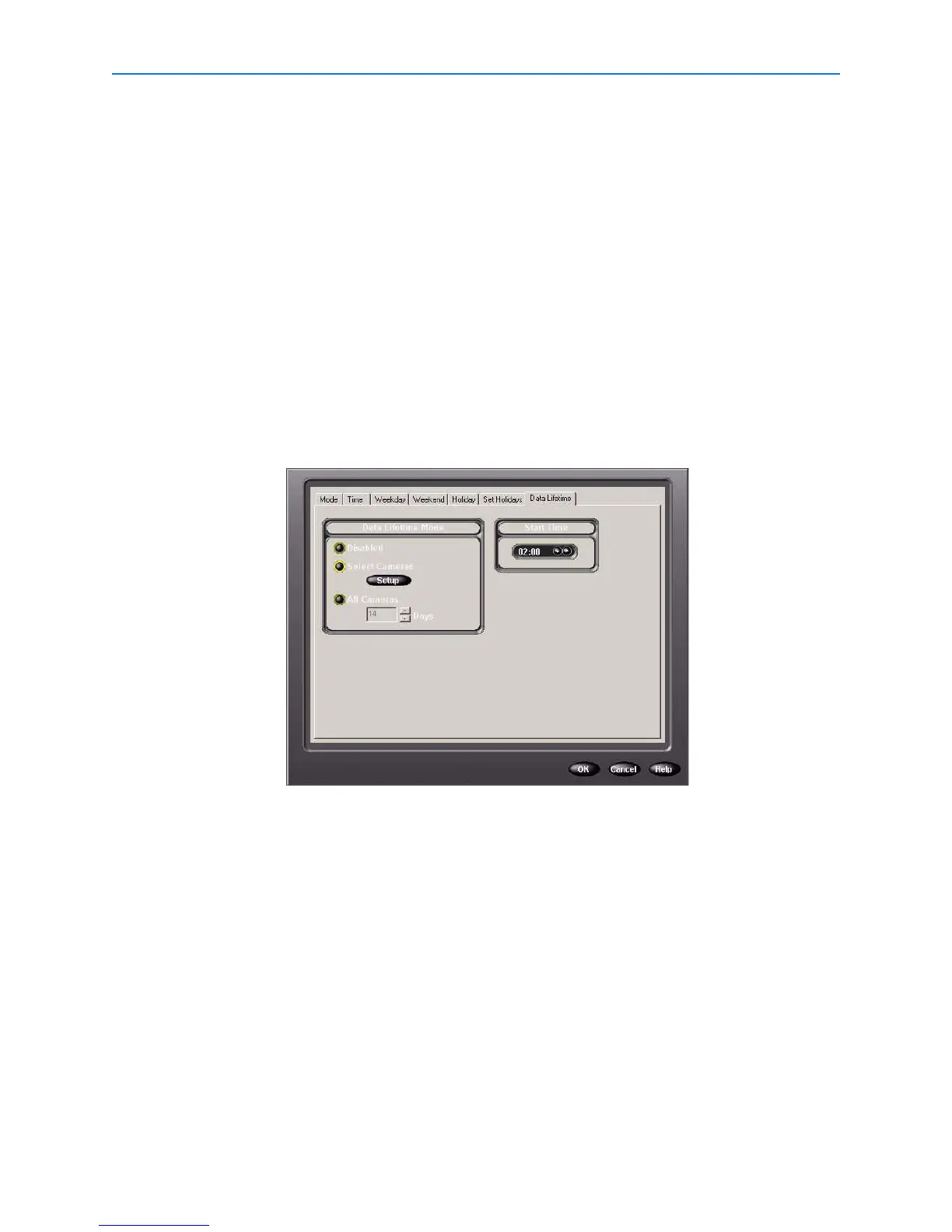
6 Click the Data Lifetime tab to configure deletion of expired data.
7 Select a Data Lifetime Mode:
• Disabled to prevent any scheduled deletion of video data (default).
• Select Cameras to specify individual cameras. Click Setup to display available cameras and
their data lifetimes, then select individual cameras and data durations.
• All Cameras to specify data durations for all cameras.
8 Click OK.
Using Single Camera Schedule
1 From the Setup Options screen, click Schedule.
2 From the Mode tab, click Use Single Camera Schedule.
3 From the Single Camera tab, choose the camera.
4 Select the rate (measured in images per second, or ips). A higher ips offers better quality but
less recording time.


 To Next Page
 Loading...




