Faults and Troubleshooting
Page 44 of 60 Easy Ramp and EasyFlex Ramp
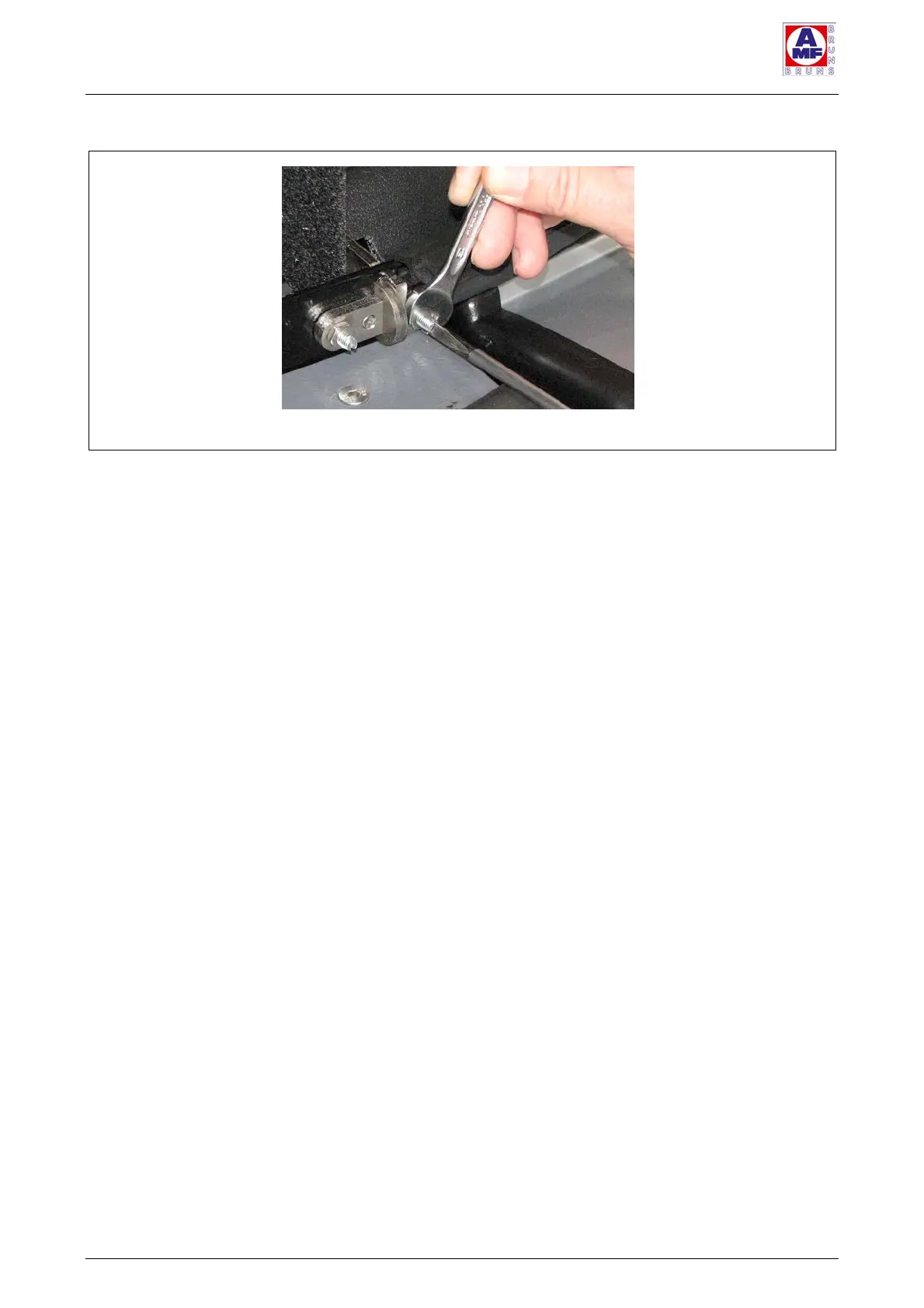
Figure 24
:
Adjusting Screws (2)
Turn the adjuster screw in to reduce the amount of play.
Or:
Turn the adjuster screw out to increase the amount of
play.
Tighten the locking nut once again.
Check the access ramp’s play once again.
Repeat the procedure as often as necessary.
Replace the black protective caps.



 To Next Page