User`sManual
4/18
3. AnalyzethesignalinTerrestrialMeasuremenu.
4. AnalyzethescopeinScopemenuandthespectruminSpectrumChartmenu.
Howtomeasurecablesignal:
1. ConnectthesignalcabletoIEC‐Type,Femalejackfirst.
2. AnalyzethesignalincableMeasuremenu.
3. AnalyzetheTILTinTIL
TmenuandthespectruminSpectrumChartmenu.
Pleasereferbelowdescriptionsifyouwanttolearnallfunctions.
4.HOMEMENU
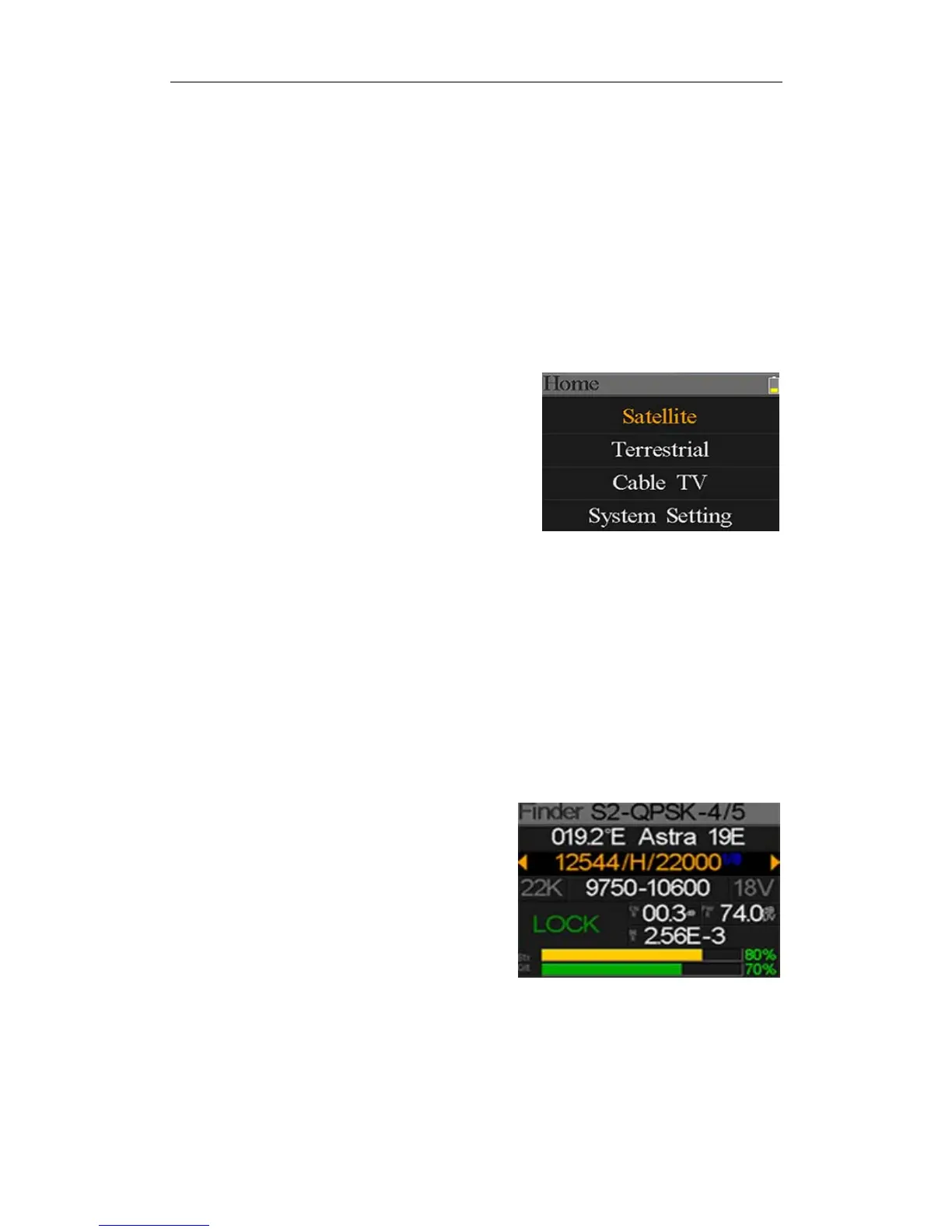
Themeterwillenterthismenufirstduringpoweron.Press
[/]toswitchitemsor[OK]toentersubmenus.
Satellite: SubmenuforDVB‐S/S2system.
Terrestrial: SubmenuforDVB‐T/T2system.
CableTV: SubmenuforDVB‐Csystem.
SystemSetting: Submenuforsystemparameterssetting.Suchaslanguage,auto
poweroffandsoon.
5.SATELLITE
ThesubmenuforDVB‐S/S2functions.Usercanreadtheparametersofthelivesignal,analyzethe
spectrumchart,gettheconstellationchart,calculatetheanglesforaspecialsatelliteoreditthe
parametersofsatellites.
5.1SATELLITEMEASURE
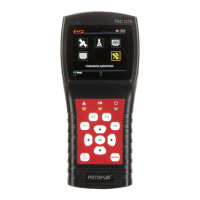
Thedevicewillshowthestrengthandqualityofthe
livesignal.AndalsoBER,CNR,modulatortype,FEC
andpowerlevel
z S2‐Q‐4/5: Themodulatortype,FECandDVBsystemofthesignal.
z 036.0°EEutelsat36: Thecurrentsatellite.Press[/]toswitchbetweensat
ellites
andpress[OK]toentersatellitelisttoselectsatellite.Press[OK]
buttontoselectthefocusedsatelliteandpress[MENU]toexit


 To Next Page