User`sManual
9/18
z Constellation: Press[OK]tostartandshowtheconstellation
z Str:Thestrengthofsignal
z Qlt:Thequalityofsignal
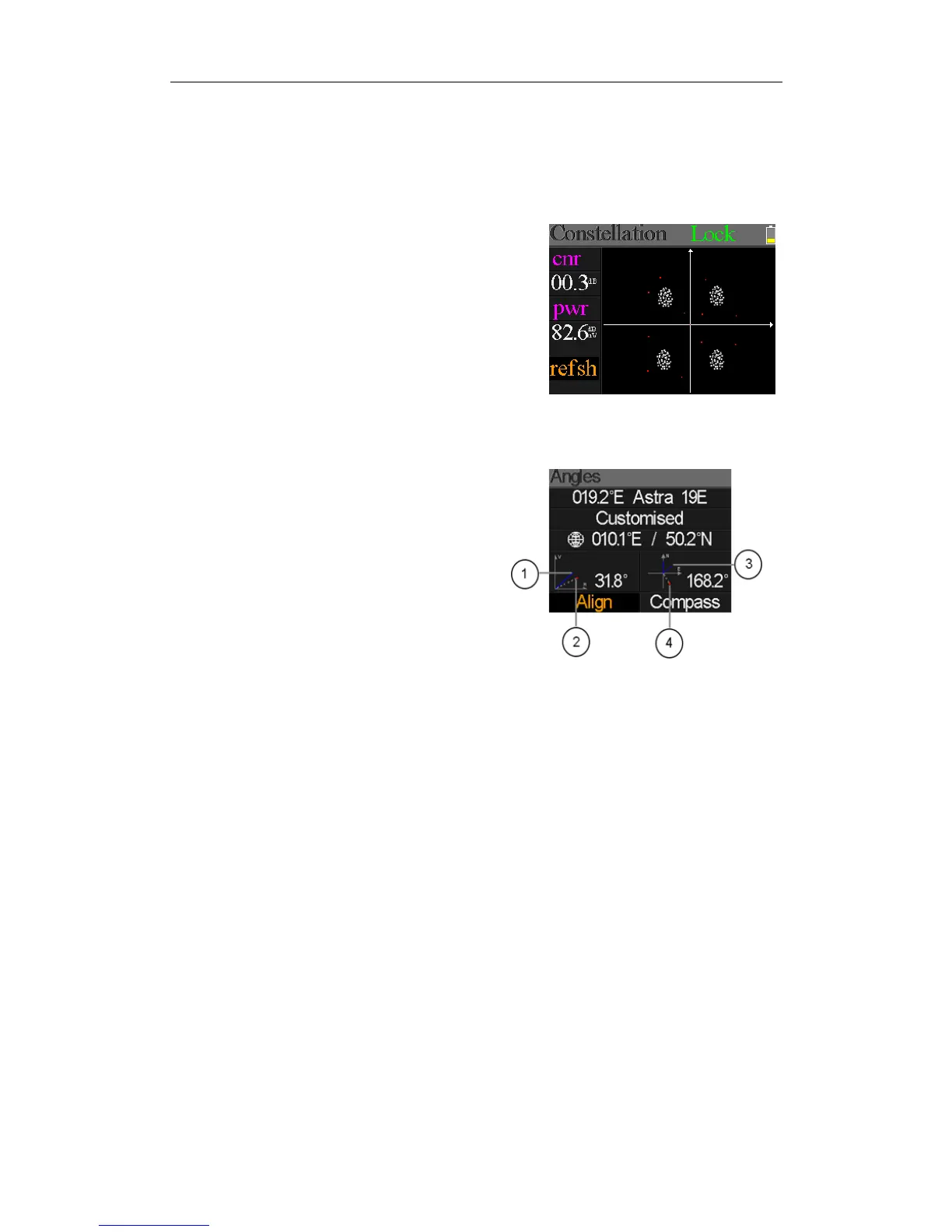
Rightistheconstellationmenu:
TheCNR,Powerlevelandconstellationchartwillbe
showedonthemenu.Press[OK]torefresh.
5.6ANGLECALCULATION
Theelevationandazimuthoftheantennawillbecalculated
accordingtothecustomizedlongitudeandlatitudeortheselectedcity.Press[OK]toenteredit
modeonMyLongitudeorMyLatitudeifCustomizedisselected.Andpress[/]toswitchthe
focuseditemandpress[/]tochangevaluesfor
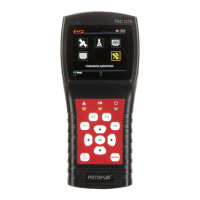
eachitemundereditmode.Pleaseseebelowfigure:
○1.Thecurrentelevationsimulatedbymeter
○2.
Therightelevationcalculatedbymeter
○3.
Thecurrentazimuthsimulatedbymeter
○4.
Therightazimuthcalculatedbymeter
Userneedtoadjusttheattitudeofthemeteraccordingtothesimulatedresultsuntilthecurrent
simulatedvaluesveryclosetotherightones.Ascloseaspossible.ThentheBLUElineswillturn
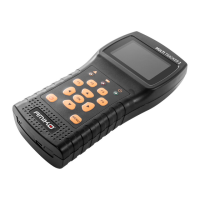
GREEN.Belowingisthegraphformeterduringadjust.


 To Next Page