12
The M5900 Communications Ports
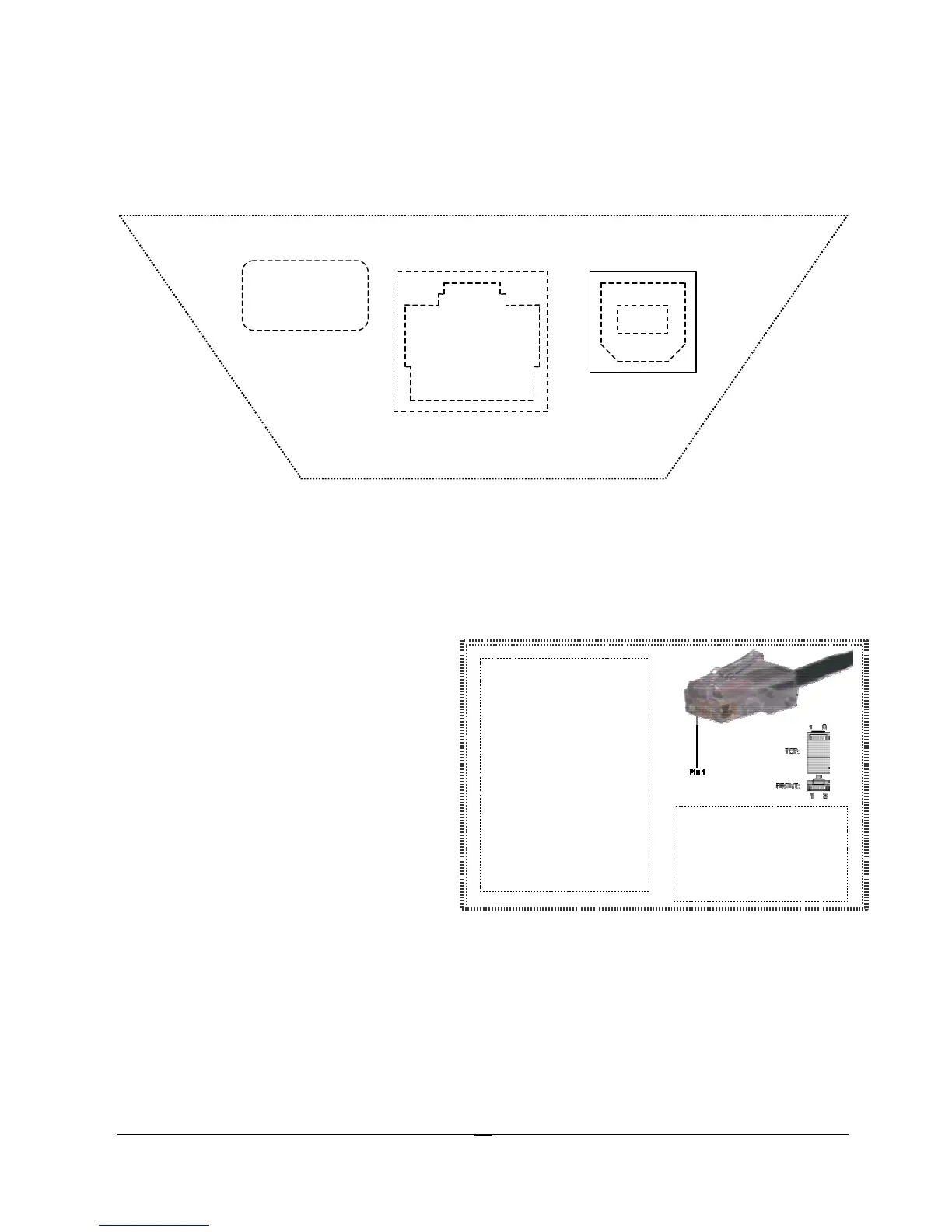
The M5900 has two types of communications ports on the bottom of the unit.
The two ports are shown here.
Description of the RJ-45 10 Pin Connector (RS-232)
1. 5 VDC (out to handheld tethered scanner)
2. RxD (in to terminal)
3. TxD (out from terminal)
4. RTS (out from terminal)
5. GND
6. Battery Charge (in to terminal)
7. CTS (in to terminal)
8. UDC+ (USB data +)
9. UDC – (USB data -)
10. Battery Out (from terminal)
Description of the USB Type II Connector (Slave only)
1. 5 VDC
2. Data -
3. Data +
4. GND
10 9 8 7 6 5 4 3 2 1
4 3
1 2
-pin
Ethernet connector
can be used to
an RS-232 serial port
printer. In this case
the 2 outside pins (1
and 10) are not
connected. Use the
1. RxD (in to terminal)
2. TxD (out from
terminal)
3. RTS (out from
terminal)



 To Next Page