44
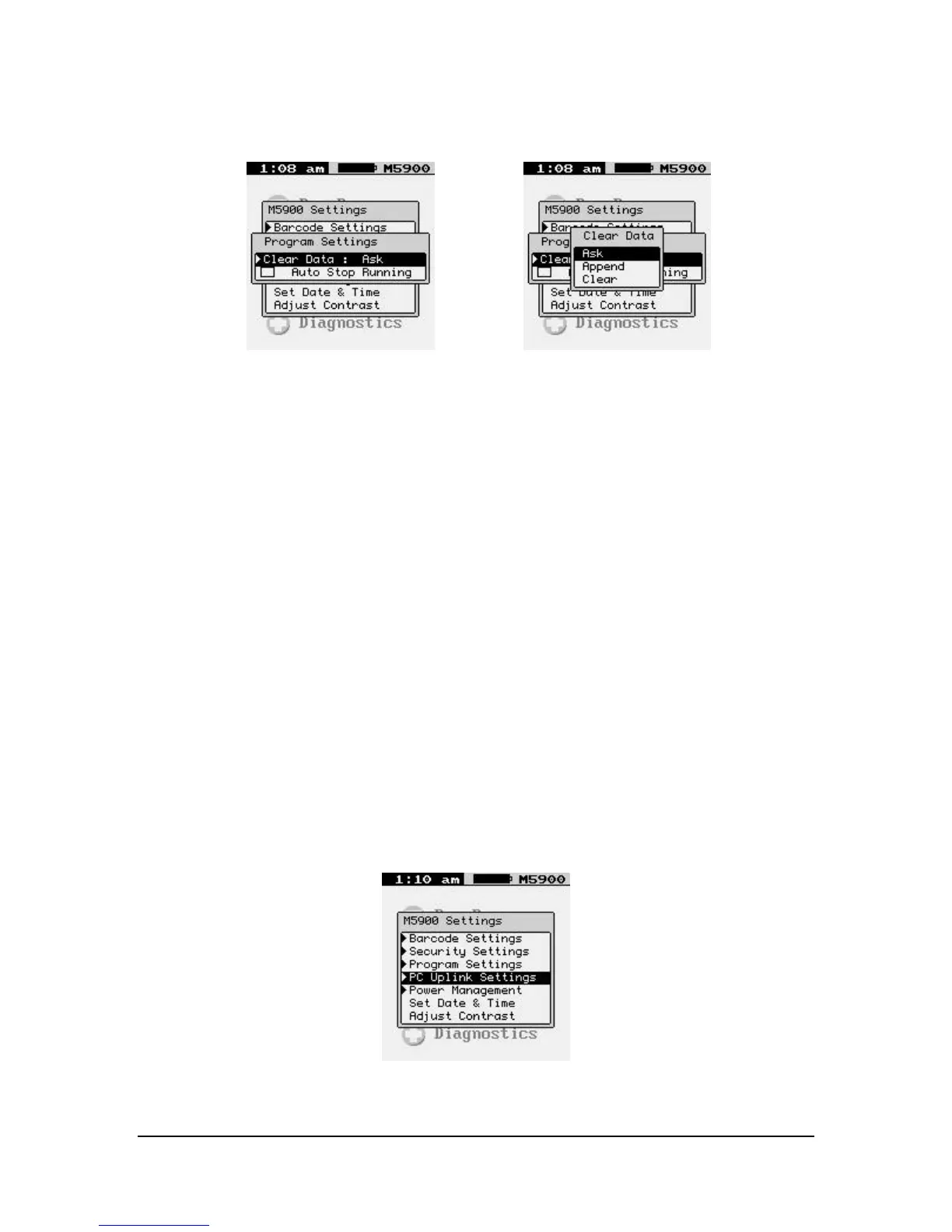
CLEAR DATA
Ask
The “Ask” function will prompt the user as to what to do with the capture file.
Append
The “Append” function will always append the capture file.
Clear
The “Clear” function will always delete all the data in the capture file.
Auto Stop Running
The “Auto Stop Running” function is used when changing the currently running program
to a new program. If selected, the current program will stop and the new program will
start without warning the user.
PC Uplink Settings



 To Next Page