20
The M5900 Menu System
This chapter describes the Main Menu functions of the M5900 Portable
data Terminal.
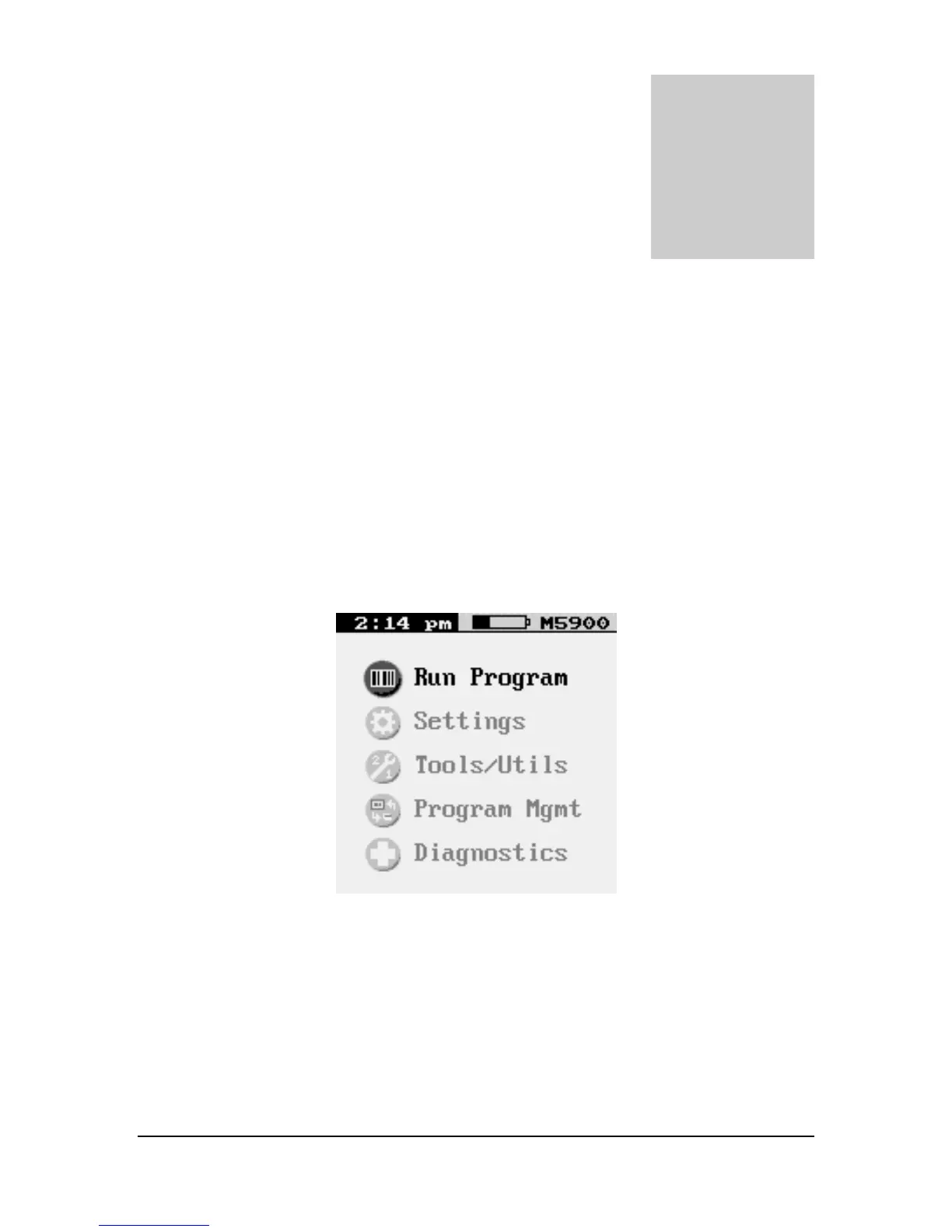
Main Menu
ou may access the menu system by pressing the [Menu] key on the M5900
portable data terminal. The menu screens pop-up in front of the currently
displayed screen. Only the items in the menu screens are active when the menu
items are displayed.
The menus can be navigated by using the up and down cursor keys. A selection is made
by pressing one of the two [ENTER] keys on the M5900 portable data terminal. The
[ESC] key will always exit the current menu.
The current time and battery status are shown at the top of the Menu screen.



 To Next Page