50
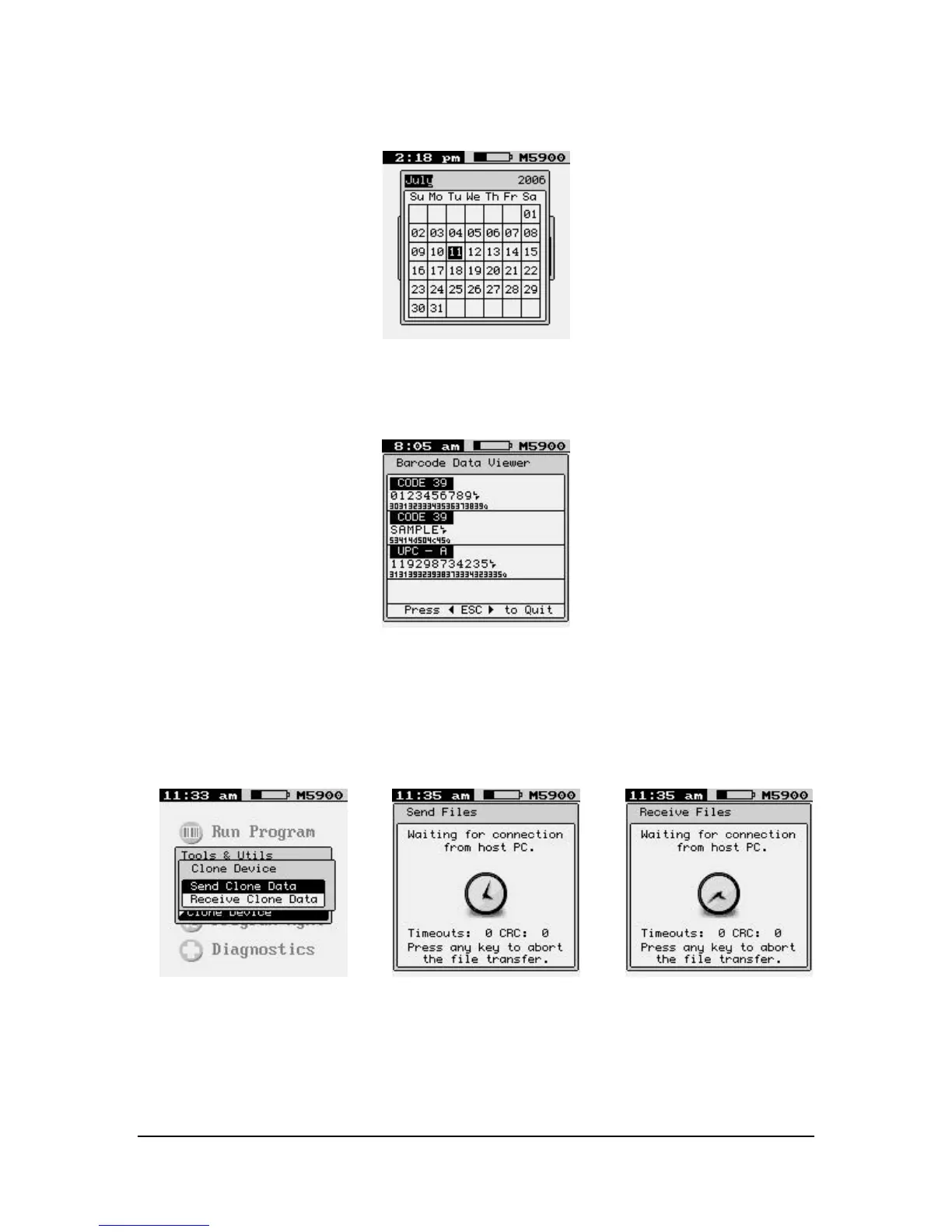
Calendar
You can use the pop-up a calendar to make seeing the date easier.
Barcode Data Viewer
The “Barcode Data Viewer” function displays the actual data acquired by the bar code
scanner including non-printable characters. The display shows both the printed values as
well as the ASCII equivalent value scanned. Hit the [Esc] key to quit.
Clone Device
The “Clone Device” function allows the user to backup and save the current device
settings, to transfer to a new device.



 To Next Page