24
Allows the user to override a Termination Character embedded in a bar code. If the bar
code has a non-printable termination character, it will be truncated and replaced by the
selected termination character.
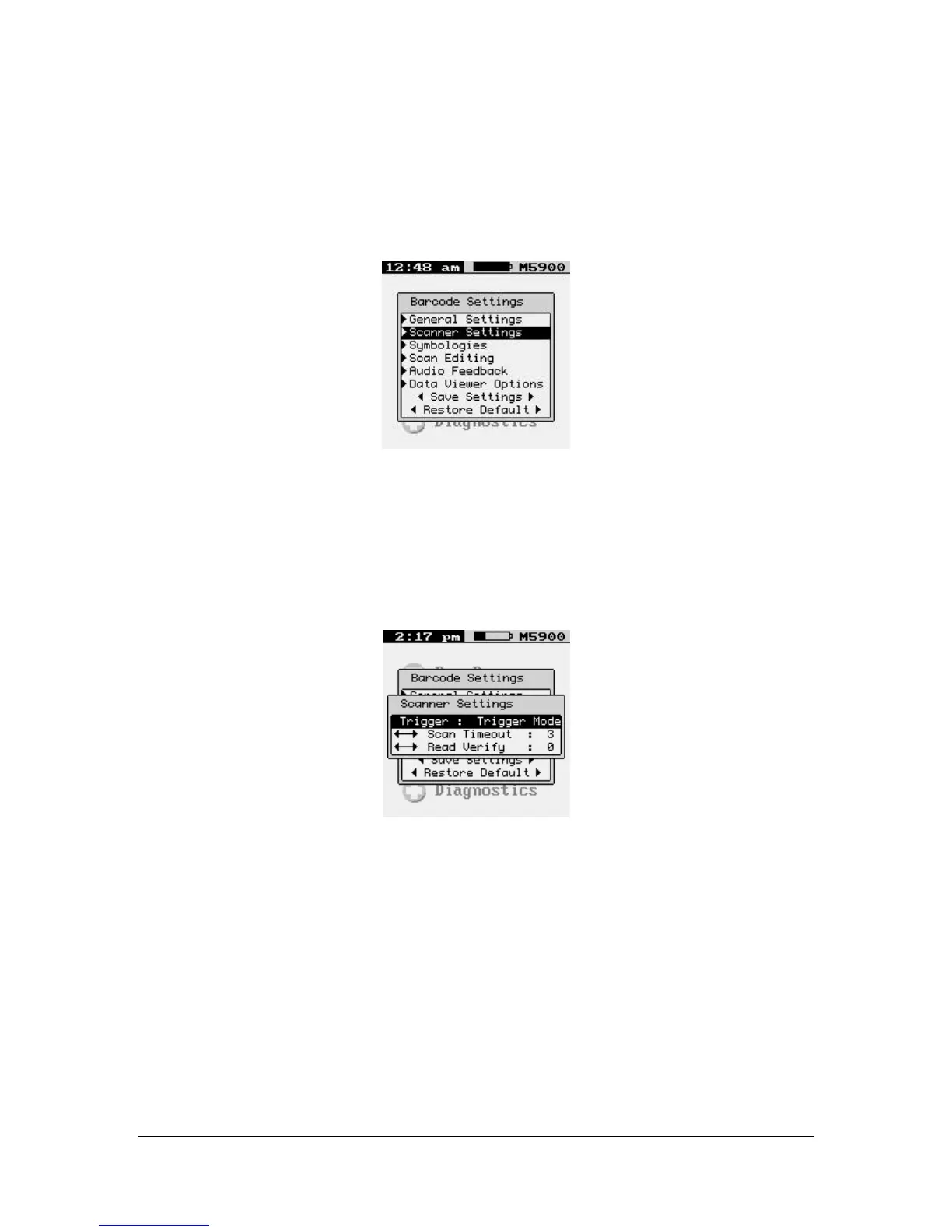
Scanner Settings
These options are used to configure the laser or CCD device behavior, and the trigger
mode for the M7100 handheld terminal.
TRIGGER PULSE
Trigger Mode
Trigger activates scanning device for as long as trigger is held up to the Laser Timeout
value in seconds. (Recommended)
Pulse Mode
Continues to keep the scanner active even when the trigger is not held down, up to the
Laser Timeout value in seconds.
<--> Scan Timeout



 To Next Page