16
Using the M5900
This chapter describes using the M5900 portable data terminal
for the first time.
Initial Startup – Cold Boot
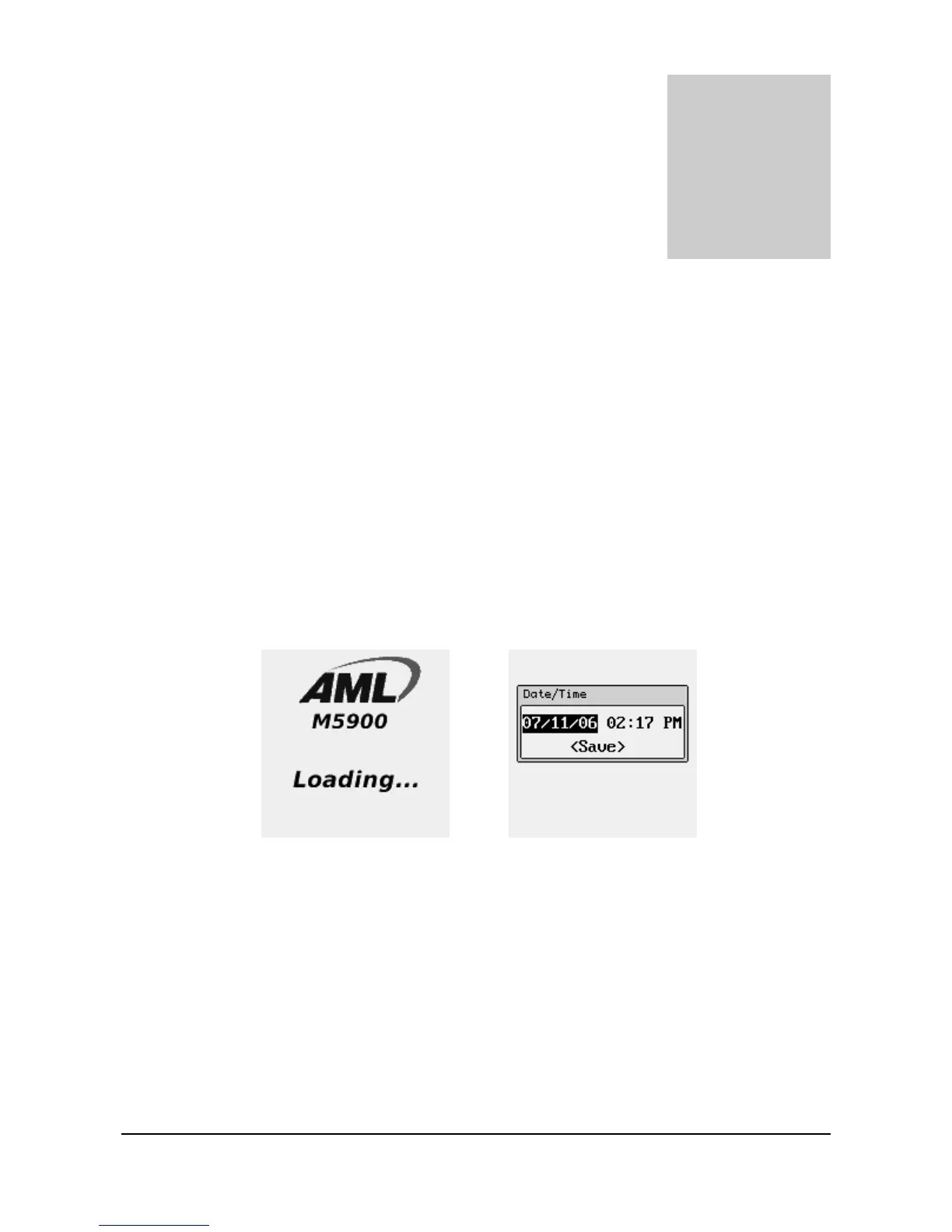
hen the M5900 is turned on for the first time, it performs a cold boot. The cold
boot process loads the operating system into the M5900’s virtual memory so it
will execute as fast as possible. This process only takes a few seconds. You
should program the current date and time into the real time clock of the M5900 terminal.
This allows programs to time and date stamp information as it is collected.
In order to force a cold boot upon restart of the
terminal, press and hold the [Power] and [SCAN]
buttons simultaneously for at least 5 seconds.
The red LED will flash rapidly and the unit will
chirp and power down. The unit will cold boot
when powered on the next time. The cold boot
process will terminate any active program.
Chapter
3
W



 To Next Page