47
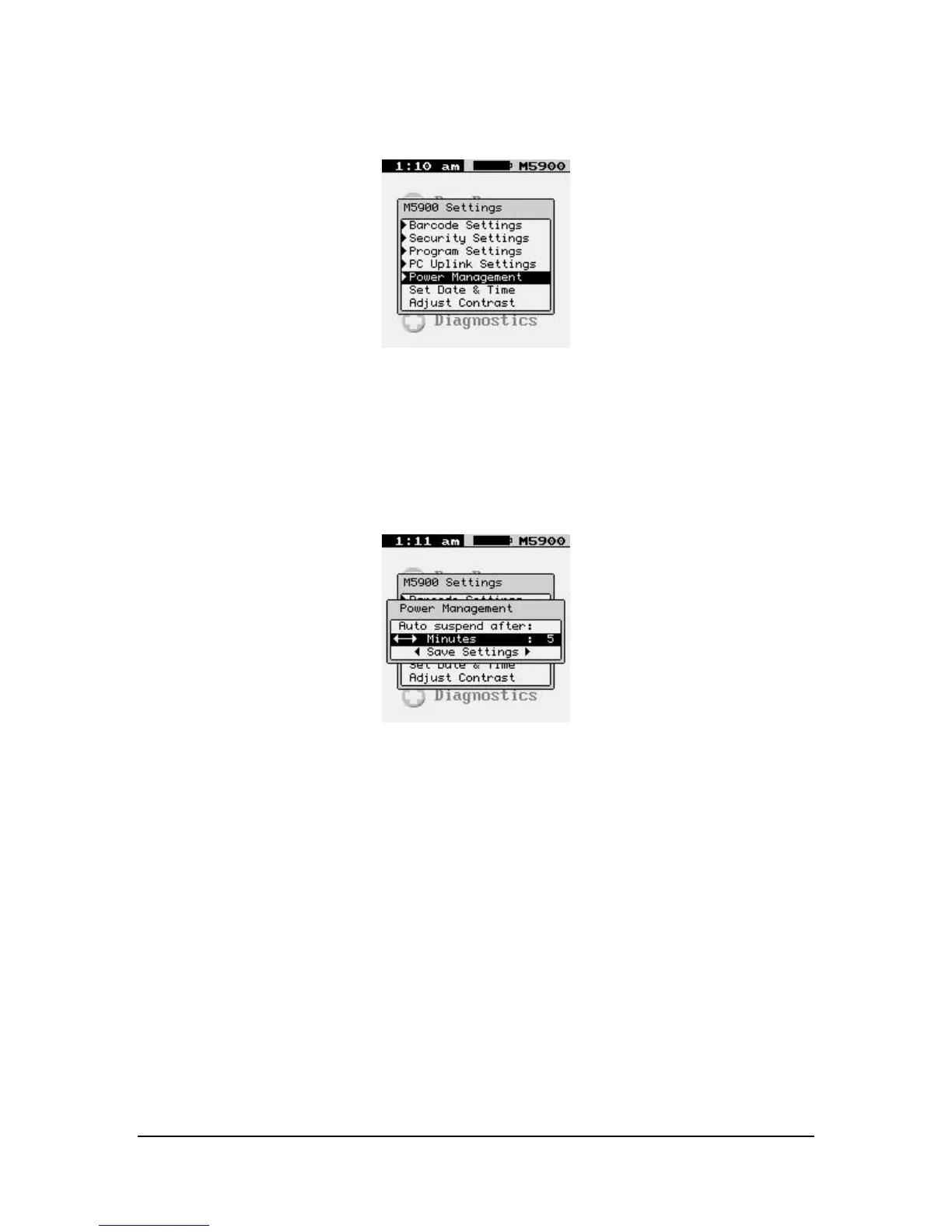
Power Management
The “Power Management” function allows the user to make changes in the way the
M5900 portable data terminal conserves power consumption.
AUTO SUSPEND AFTER:
Warning: You can disable the Power Management timer by setting a value
of OFF. However, this will increase battery usage and decrease battery
life.
Minutes
The “Auto suspend after:” determines how long in minutes before the M5900 portable
data terminal will turn off the display and halt the current program when no activity is
happening on the terminal.
<Save Settings>
You must select “<Save Settings>” in order to make the setting permanent.



 To Next Page