18
The “Receive Files” screen is shown waiting for a response from the PC. At any time the
user can hit the [Esc] key to see the Firmware Update Main Menu screen.
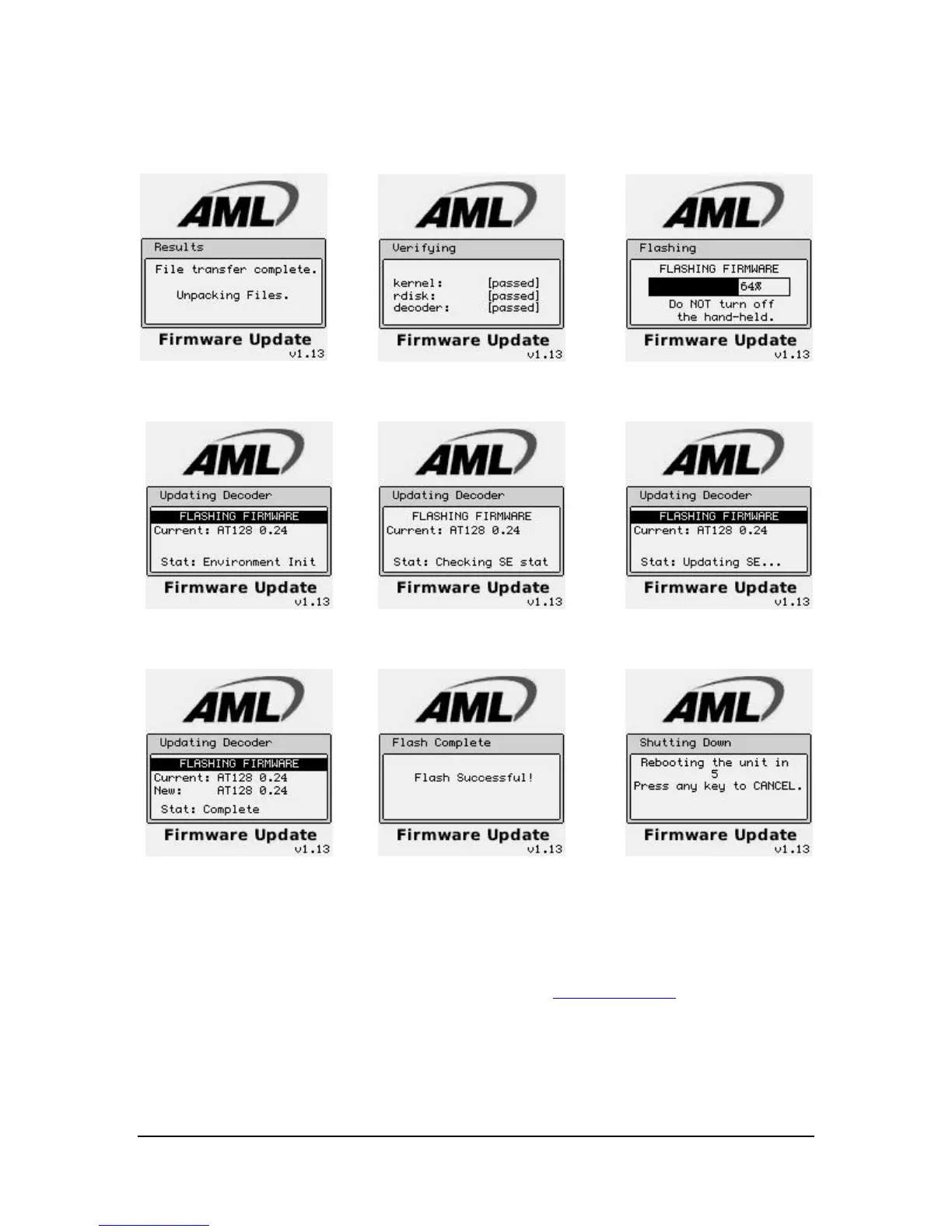
When finished hit the “Reboot Hand-Held” and wait for the M5900 terminal to
decompress and install the files. Once the files are decompressed and stored in memory,
the unit will automatically re-boot and start normally.
The M5900 firmware is available on the AML website (www.amltd.com
).
Note: The latest firmware files can be downloaded off the AML website.



 To Next Page