
 Need help?
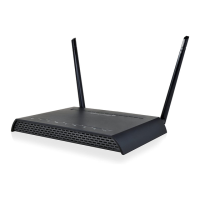
Do you have a question about the Amped Wireless R10000G and is the answer not in the manual?
Steps to prepare the router and modem before initial setup.
Connects the router to the modem using an Ethernet cable.
Details how to open the router's setup wizard via a web browser.
Configures the router's internet connection settings using automatic or manual methods.
Configures IP address, subnet mask, and DHCP for the local network.
Configures how the router connects to the Internet (e.g., DHCP, Static IP).
Prioritizes and guarantees network performance for specific devices or IP addresses.
Provides instructions on how to update the router's firmware.
Solves problems related to accessing or using the router's web interface.
Addresses problems with the router's internet connectivity.
Resolves problems with the local network connectivity and IP address assignment.
Solves problems related to wireless signal strength and connection.
 General
| Brand | Amped Wireless |
|---|---|
| Model | R10000G |
| Category | Wireless Router |
| Language | English |













 To Next Page

