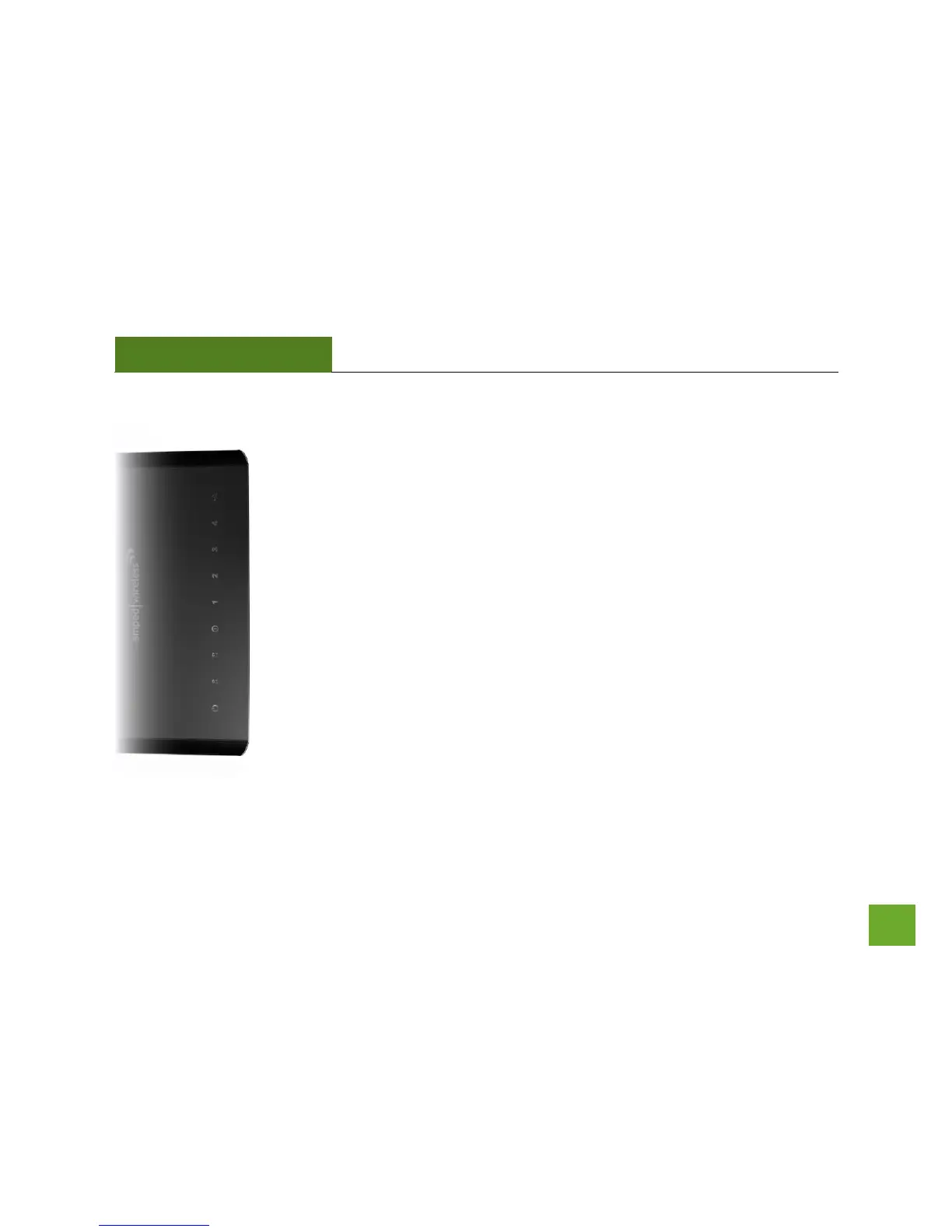
LED Indicators
(From bottom to top)
Power: Indicates when the Router is powered on. The LED will remain on.
WPS: Wi-Fi Protected Setup activity. When the WPS mode is activated the Power LED
blinks as it awaits a connection.
5.0GHz Wireless Activity: Blinks rapidly when wireless data traffic is transmitted or
received over the wireless network.
2.4GHz Wireless Activity: Blinks rapidly when wireless data traffic is transmitted or
received over the wireless network.
Internet Connection: Indicates when the Router is connected to a broadband
modem. The LED will blink rapidly when Internet traffic is transmitted or received.
Gigabit Wired Ports 1-4: Indicates when a networking device is connected to a wired
port on the back of the Router. The LED will blink rapidly when wired data traffic is
transmitted or received.
USB Connection: Indicates when a USB storage device is connected to the USB port.














 To Next Page