Amtech
6-128
6
Input from Display Panel into P101 to PA01
P101 047001001000 Copy the PSI1 status into Flag no. 1.
P102 047002002000 Copy the PSI2 status into Flag no. 2.
P103 008003001000 Copy the bit status Flag no. 1 into Flag no. 3.
P104 008004002000 Copy the bit status Flag no. 2 into Flag no. 4.
P105 019001001002 AND operation between two Flags and result will be stored in flag
no. 1.
P106 022003003001 XOR operation between two Flags and result will be stored in flag
no. 3.
P107 022004004001 XOR operation between two Flags and result will be stored in flag
no. 4.
P108 048012001000 Write the Flag no.1’s result into the PSI's selectable option no. 12
which is Ext Flt (NO).
P109 048024003000 Write the Flag no. 3’s result into the PSI's selectable option no. 24,
which is RUN.
P110 048002004000 Write the Flag no. 4’s result into the PSI's selectable option no. 2,
which is Jog Select.
P201 000000000000 End of Program.
Note:
User can use 0 to 99 single bit locations for general application.
User has to set following parameter.
1. Enable PLC function from C312.
2. Select option 28 in C101.
3. Select option 29 in C102.
4.
Select option 1 in C114.
Example 2
This application can be used when RUN is required after certain delay.
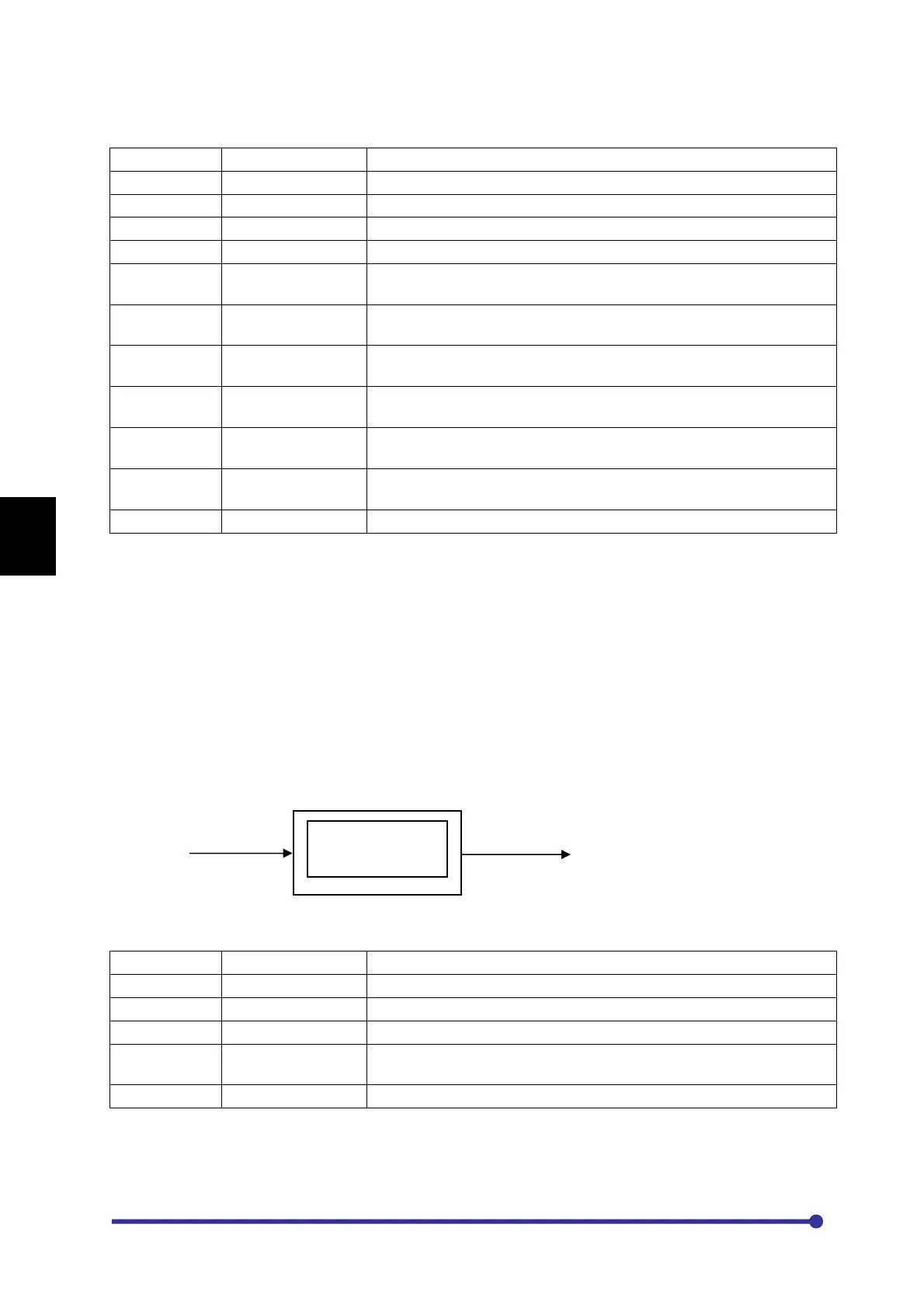
In this example when Digital input will be applied to PSI1, RUN will be activated after 5
seconds of delay. To keep RUN status active PSI1 should be applied permanently otherwise
RUN will become Inactive.
PSI1 RUN
Program Code:
Input from Display Panel into P101 to PA01.
P101 047001001000 Copy the PSI1 status into Flag no. 1.
P102 008092001000 Copy the bit status of Flag no. 1 into Flag no. 92.
P103 057000000000 Here 5000 count (C701*C702) has been loaded to the TIMER1.
P104 048024093000 Write the bit status of Flag to the PSI's selectable option number
24, which is RUN.
P105 000000000000 End of Program.
Note: User should consider fix format for TIMER COMMAND. There are 4 Timer commands. All are used as
same format.
Seconds




 To Next Page