EasyManua.ls Logo

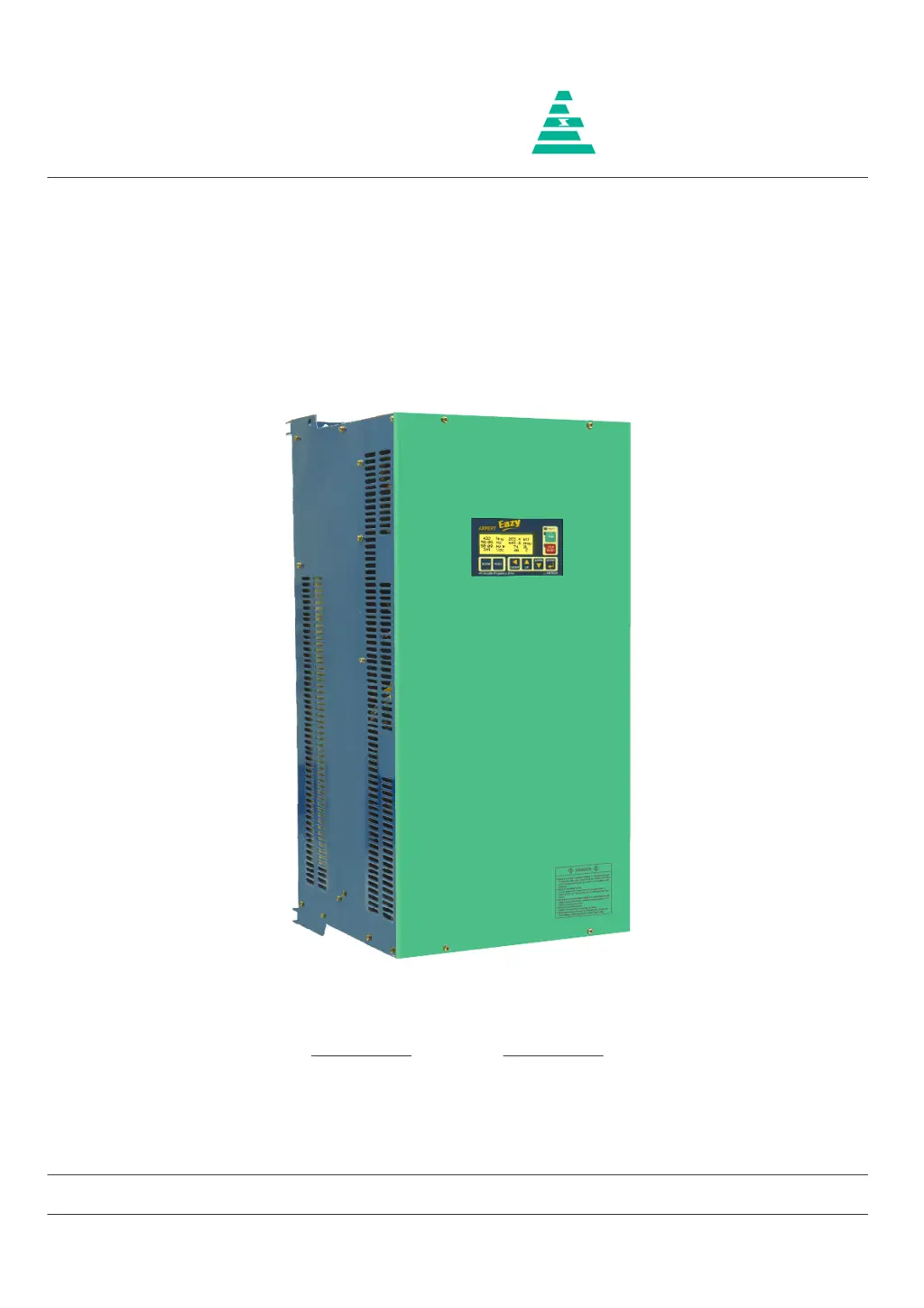
Amtech Axpert-Eazy AMT-315-4 - User Manual

Default Icon
242 pages
Print Icon
To Next Page IconTo Next Page
Loading...
NOTICE
1. Read this manual thoroughly before using the Axpert-Eazy, and store in a safe place for reference.
2. Make sure that this manual is delivered to the final user.
200 V System, 11 kW (15 Hp) ~ 90 kW (125 Hp)
400 V System, 22 kW (30 Hp) ~ 1550 kW (2075 Hp)
500 V System, 30 kW (40 Hp) ~ 1550 kW (2075 Hp)
600 V System, 30 kW (40 Hp) ~ 1800 kW (2415 Hp)
Instruction Manual
Axpert-Eazy Series
AMTECH
IMAE-01, Rev. 1.20
JUL 2017
AMTECH

Table of Contents

Questions and Answers

  • E
    Eric WilsonSep 3, 2025
    What causes Under Voltage Fault in Amtech Axpert-Eazy AMT-315-4 DC Drives?
    • E
      Eric WhiteSep 3, 2025
      An Under Voltage Fault in Amtech DC Drives can be caused by the DC Bus voltage falling below the under voltage level. Check the input power supply and correct it if necessary. Also check soft charge contactor or connection.
  • S
    Samuel MaloneSep 2, 2025
    What to do if Amtech Axpert-Eazy AMT-315-4 have Thermistor Over Temperature Fault?
    • W
      Walter McclureSep 2, 2025
      If your Amtech DC Drive is showing a Thermistor Over Temperature Fault, it could be due to several reasons. A trouble may have occurred in the cooling blower, so replace it if necessary. The ambient temperature may have risen, so lower the ambient temperature (less than 50 °C for 400 V series or less than 40 °C for 500 V / 600 V series). The temperature switch (thermostat) or thermistor may not be connected or loosely connected at J16 and J13 respectively, so disconnect thermostat switch connection at J16 and ensure that the thermostat shows short circuit. Disconnect the thermistor and ensure that the thermistor shows resistance greater than 2.2 kΩ but less than 60 kΩ. Reconnect thermostat and thermistor properly.
  • E
    Emily RamirezAug 31, 2025
    How to fix U Phase Current Sensor Fail Fault on Amtech DC Drives?
    • K
      Kimberly RuizAug 31, 2025
      To address a U Phase Current Sensor Fail Fault on Amtech DC Drives, first, check for a loose connection of the hall current sensor cable connected at J12 of PCA-2014A. Switch off the unit, remove the cable, and inspect both sides for proper crimping. If you find any issues, replace the cable and check again. Second, one or more current sensors may have failed. Remove connector J12 and reset the fault. If the fault can be reset, identify the failed current sensor. If, after removing connector J12, the problem persists, replace PCA-2014A.
  • G
    garciajenniferAug 29, 2025
    What causes an Adjustable Over Current Fault in Amtech Axpert-Eazy AMT-315-4?
    • E
      Evan NguyenAug 29, 2025
      An Adjustable Over Current Fault in Amtech DC Drives can be triggered by a few factors. The motor current data might be set incorrectly, so set correct motor current data in B103. Alternatively, the adjustable over current settings may be too low, so increase the adjustable over current level (B302). Finally, the output current might be too high, so reduce the motor load.
  • D
    Daniel JenkinsAug 27, 2025
    What to do if Amtech DC Drives display a Communication Loss?
    • M
      Mrs. Jennifer VelasquezAug 27, 2025
      If an Amtech DC Drive displays a Communication Loss, it could be due to several reasons. There may be a problem in display board PCA-2012, so replace the display board PCA-2012 and check again. Also, there may be a problem in control board PCA-2014A. If +5 V supply or +3.3 V supply is not coming then also this fault will come. Check the power supply unit and if problem is found replace it, or replace the DSP control board PCA-2014A and check again. You can also disable the fault using C405. This will allow the inverter to run in case of communication loss between the PCA-2014A DSP control board and PCA-2012 LCD display board.
  • M
    Mr. Chad HensonAug 26, 2025
    Why does my Amtech DC Drive show a Drive Over Load Fault?
    • K
      Kevin ButlerAug 26, 2025
      An Amtech DC Drive may show a Drive Over Load Fault because the AC drive is overloaded. Ensure that motor current data are properly set in B103. Reduce the load or increase the motor and AC DRIVE capacity. If this occurs at low speed, reduce the torque boost settings (A501 / A502) or DC braking settings (A307 / A308).
  • T
    Tiffany PatelAug 25, 2025
    What to do if my Amtech Axpert-Eazy AMT-315-4 DC Drives show a Ground Fault?
    • K
      Kathryn BishopAug 25, 2025
      If your Amtech DC Drive indicates a Ground Fault, it may be due to a short in the output line or motor. Check that no output is shorted to ground; partially damaged output cables can also cause this. Another possibility is a problem with one or more current sensors. Remove the current sensor feedback and check. If the fault persists, replace PCA-2014A, otherwise replace the problematic current sensor.

Amtech Axpert-Eazy AMT-315-4 Specifications

General IconGeneral
BrandAmtech
ModelAxpert-Eazy AMT-315-4
CategoryDC Drives
LanguageEnglish

Related product manuals