Modero S Series G4 Touch Panels
1
Modero S Series G4 Touch Panels Instruction Manual
Modero S Series G4 Touch Panels
Overview
The Modero S Series is a beautiful touch panel family sophisticated enough for room control yet priced right for the
most cost sensitive installations. The Modero S Series panels include VoIP, brilliant 24-bit color depth, PoE connectivity,
USB and streaming video.
Features
Architectural Design Consistency – Install both Modero S and Modero X touch panels throughout a facility
for consistent style on any budget
Secure Table Mounting Option – Our beautifully styled secure mounting plate attaches to the Modero S
tabletop touch panels and secures with under-table tamper resistant bolts making it virtually theft proof; if it’s
not possible or desirable to mount the touch panel to the table the secure plate can also be used in conjunction
with a Kensington Lock, or mount it and use the lock together for extra security
Powerful Graphics – Powered by G4, the Modero S Series features streaming video and brilliant 24-bit color
depth
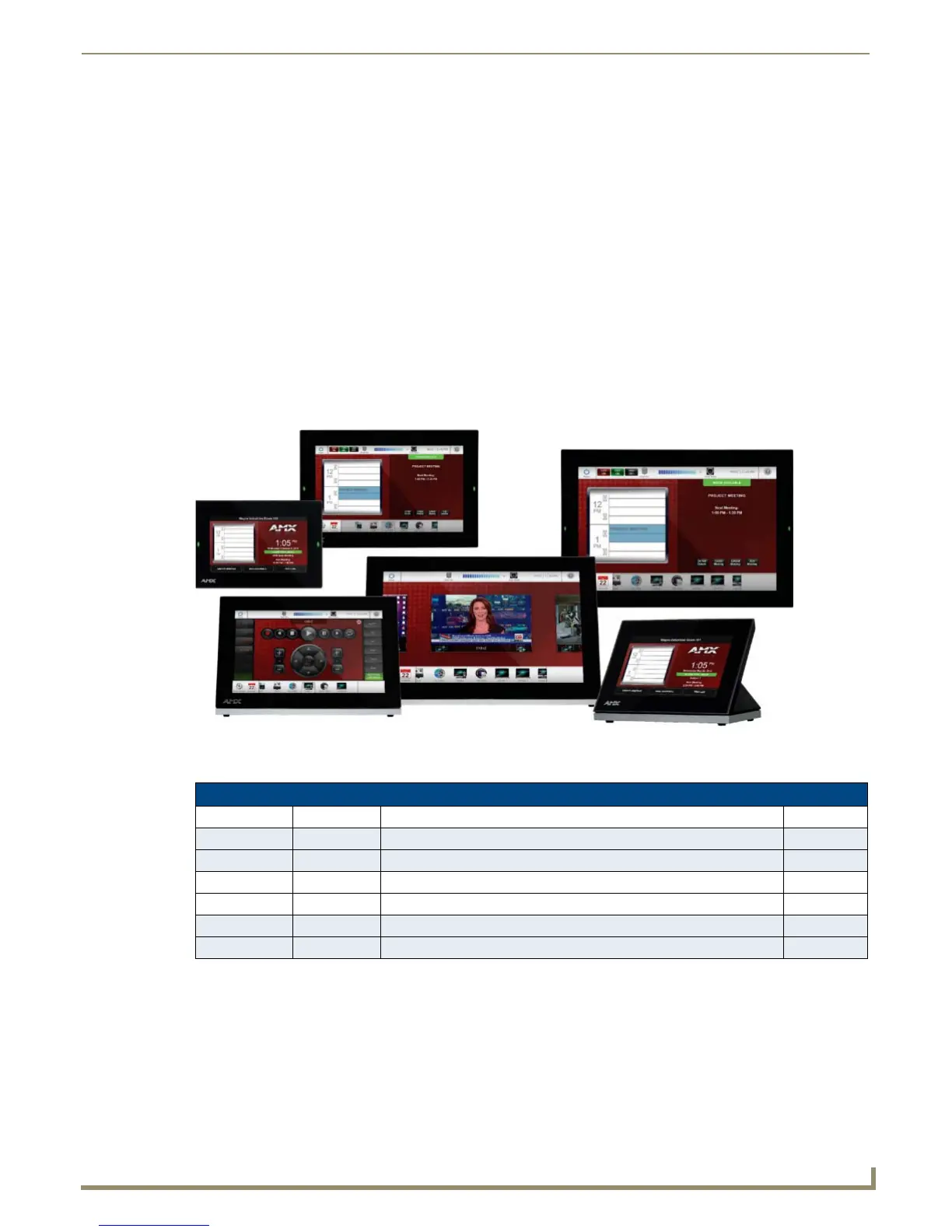
The Modero S-Series G4 Touch Panels covered in this manual include:
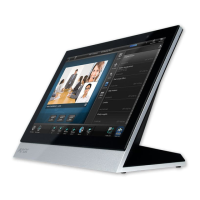
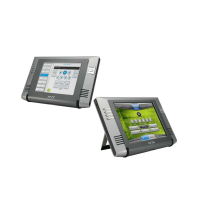
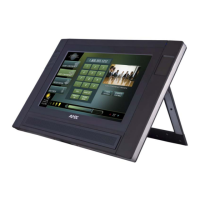
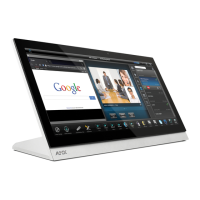
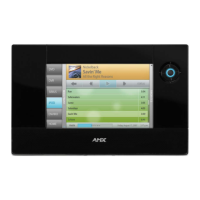
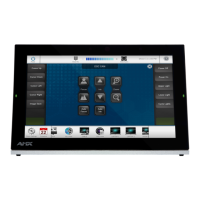
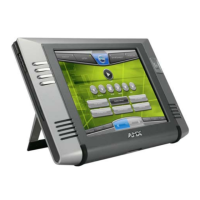
FIG. 1 Modero S Series Touch Panels
Modero S-Series G4 Touch Panels
Name FG# Description Page Ref
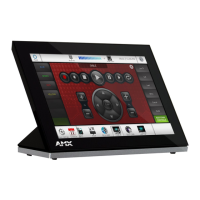
MST-1001 FG2265-05 10.1" Modero S Series Tabletop Touch Panel page 7
MSD-1001-L FG2265-01 10.1" Modero S Series Landscape Wall Mount Touch Panel page 9
MST-701 FG2265-06 7" Modero S Series Tabletop Touch Panel page 13
MSD-701-L FG2265-02 7" Modero S Series Landscape Wall Mount Touch Panel page 15
MST-431 FG2265-07 4.3" Modero S Series Tabletop Touch Panel page 19
MSD-431-L FG2265-03 4.3" Modero S Series Landscape Wall Mount Touch Panel page 21




 To Next Page