4.2.2 Erase Codes
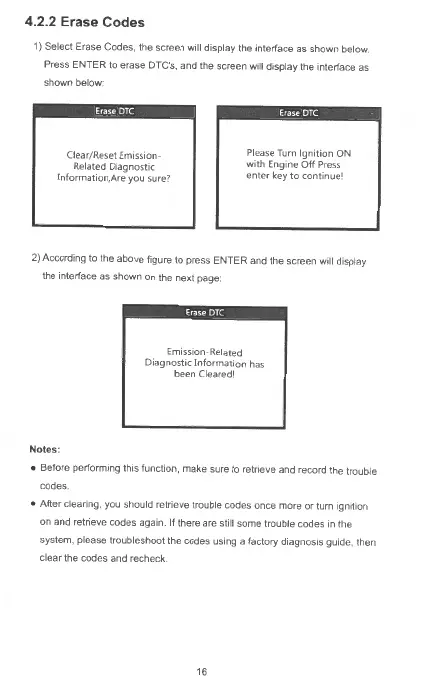
1) Select Erase Codes, the
sc
reen will display the interface
as
shown
below
Press
ENTER
to erase
DT
C's, and the screen will display
lhe
interface
as
shown
be
l
ow
·
Clear/Reset Emission-
Related Diagnostic
[nformation,Are you
sure7
Please Turn
Ignition
ON
with
Engine
Off
Press
enter key
to
continue!
2) According to the above figure to press ENTER and the screen will display
the interface as shown
on
the next page
Notes:
Emission-Related
Diagnostic I
nfo
rm
ation
has
been Cleared!
• Before performing this function,
make
sure
to
retneve and record the trouble
codes
• After clearing. you should retrieve trouble codes once more
or
turn
1gntt1on
on and retneve
codes
again. If there are stilt some trouble codes
1n
the
system. please troubleshoot the codes using a factory diagnosis guide, then
clear the codes and r
ec
heck
16



 To Next Page