touch. Also, turns on the unit
when it is in standby mode.
9. SETUP key
Ø Displays the setup menu.
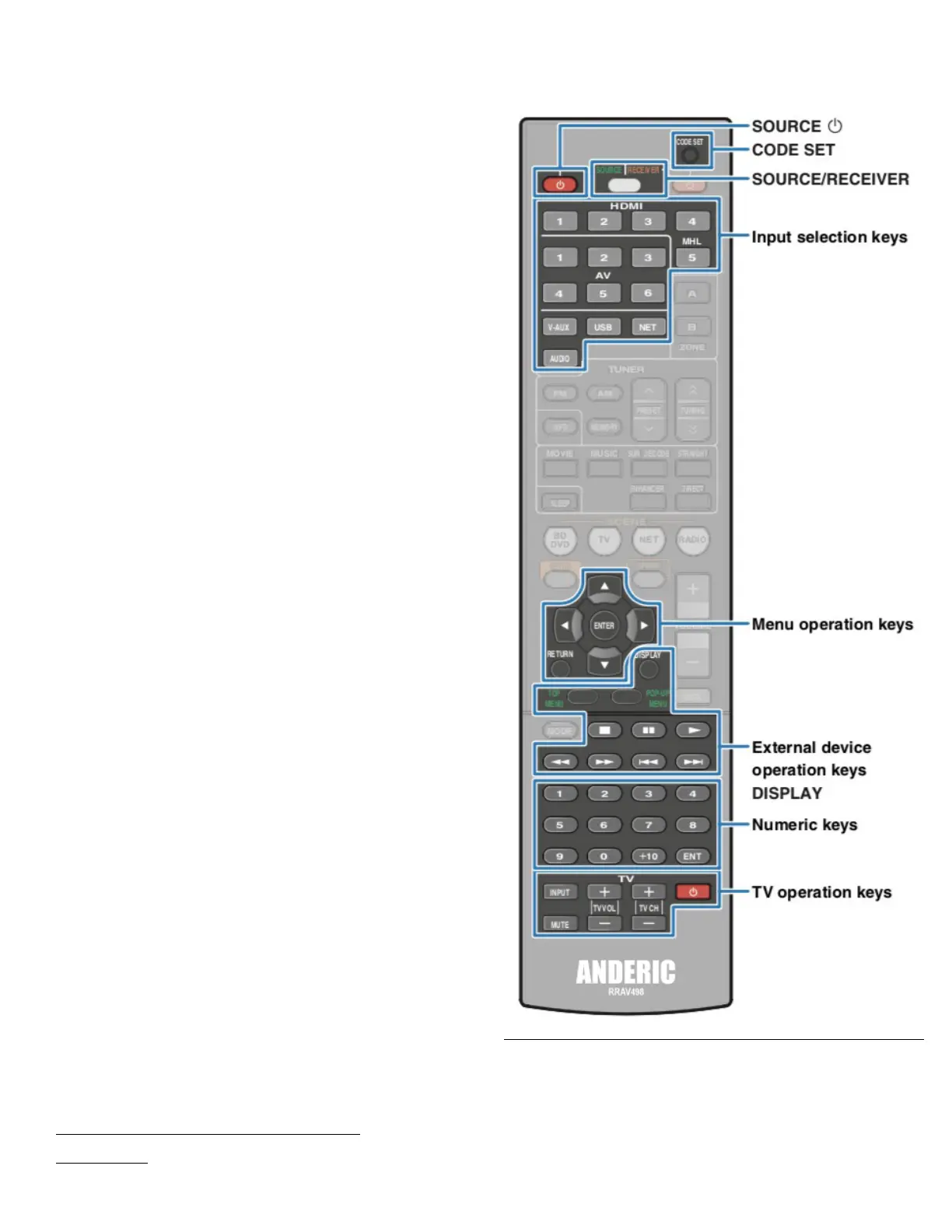
10. Menu operation keys
Cursor keys (Select a menu or a
parameter)
ENTER (Confirms a selected
item)
RETURN (Returns to the
previous screen)
11. MODE key
Ø Switches between “Stereo” and
“Mono” for FM radio reception.
Also switches the iPod operation
modes.
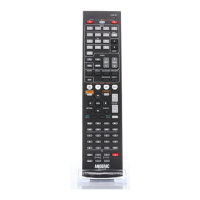
12. External device operation keys
Ø Let you play back and select
menus and perform other
operations for external devices.
13. Numeric keys
Ø Let you enter numerical values,
such as radio frequencies.
14. TV operation keys
Ø Let you select TV input and
volume, and preform other TV
operations.
15. CODE SET button
Ø Registers remote control codes of
external devices on the remote
control.
16. ZONE keys (HTR-5066 only)
Ø Enable/disable the audio output
to Zone A or Zone B.
★/★★ keys (HTR-4066 only)
Change the external device to be
controlled without switching the
input source.
17. OPTION key
Ø Displays the option menu.
18. VOLUME keys
Ø Adjust the volume.
19. MUTE key
Ø Mutes the audio output.
To operate external devices with the remote
control, register a remote control code for each
device before using.
Programming for external
devices
You can use the unit’s remote control to
operate playback devices if you have
registered their remote control codes. You can
also use the input selection keys to change the
playback devices that are controlled by the


 To Next Page