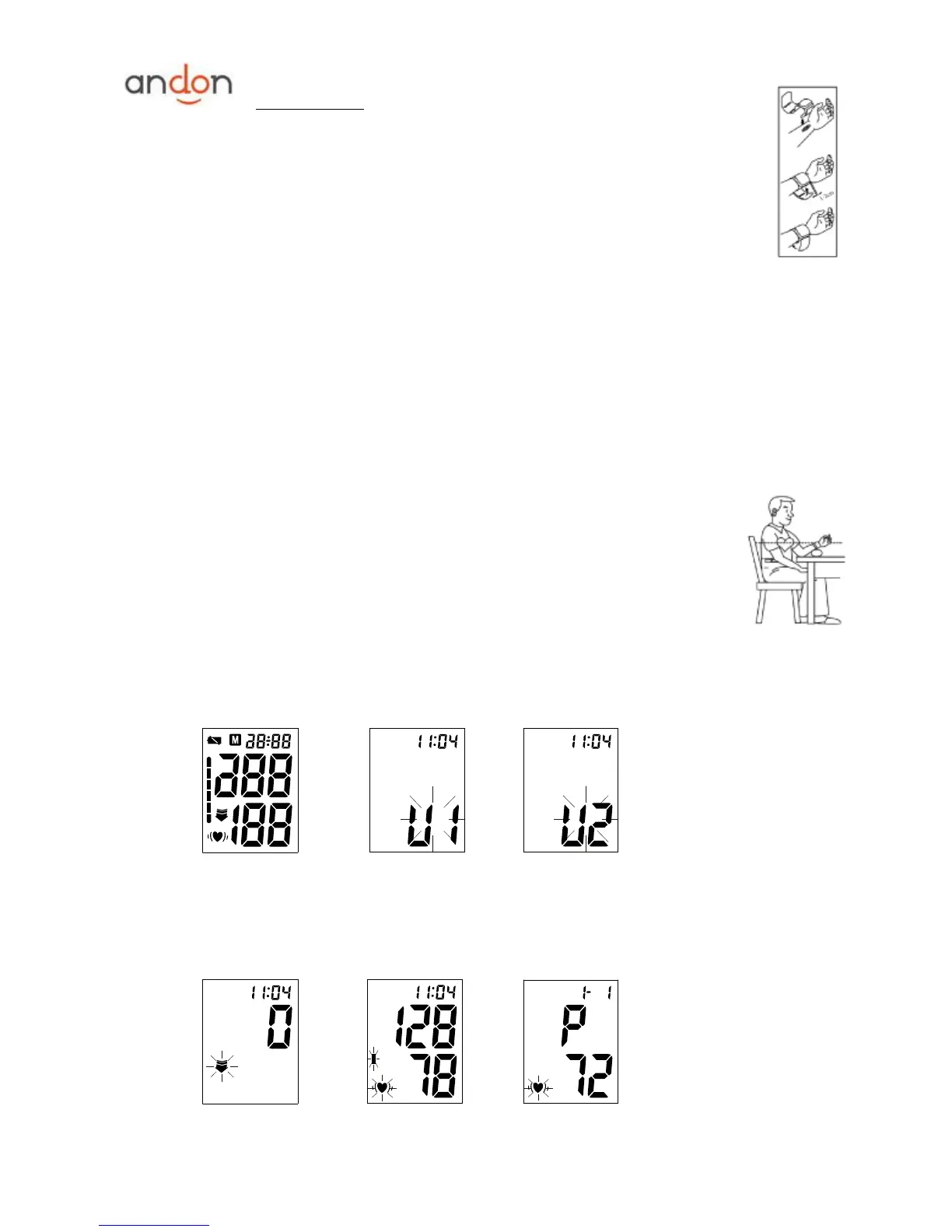
b. While seated, place the arm with the cuffed wrist in front of your body on a desk or table
with the palm up. If the cuff is correctly placed, you can read the LCD display.
c. The cuff must be neither too tight nor too loose.
Note:
Please refer to the cuff circumference range in ―SPECIFICATIONS‖ to make sure
that the appropriate cuff is used.
Measuring on same wrist each time.
Do not move your arm, body, or the monitor during measurement.
Stay quiet, calm for 5 minutes before blood pressure measurement.
Please keep the cuff clean. If the cuff becomes dirty, remove it from the monitor and clear it by
hand in a mild detergent, then rinse it thoroughly in cold water. Never dry the cuff in clothes dryer
or iron it. Clean the cuff after the usage of every 200 times is recommended.
5. BODY POSTURE DURING MEASUREMENT
Sitting Comfortably Measurement
a. Be seated with your feet flat on the floor, and don’t cross your legs.
b. Place palm upside in front of you on a flat surface such as a desk or table, with
your elbow resting on a chair or table
c. The middle of the cuff should be at the level of the right atrium of the heart.
6. TAKING YOUR BLOOD PRESSURE READING
a. After applying the cuff and your body is in a comfortable position, press the ―START‖ button. A beep
is heard and all display characters are shown for self-test. See picture 6.
Picture 6 Picture 6-1 Picture 6-2
b. Then the current memory bank (U1 or U2) is displayed. See picture 6-1. Press ―MEM‖ button to
change over to other bank. See picture 6-2. Confirm your selection by pressing ―START‖ button. The
current bank can also be confirmed automatically after 5 seconds with no operation.
c. After selecting the memory bank, the monitor starts to seek zero pressure. See picture 6-3.
Picture 6-3 Picture 6-4 Picture 6-5

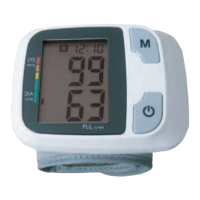

 To Next Page