5 Maintenance
ID No: 7164491 Page 51
5.2.3. Status LED
For local supervision, a status LED at the bottom of the node gives an indication of a
summary alarm.
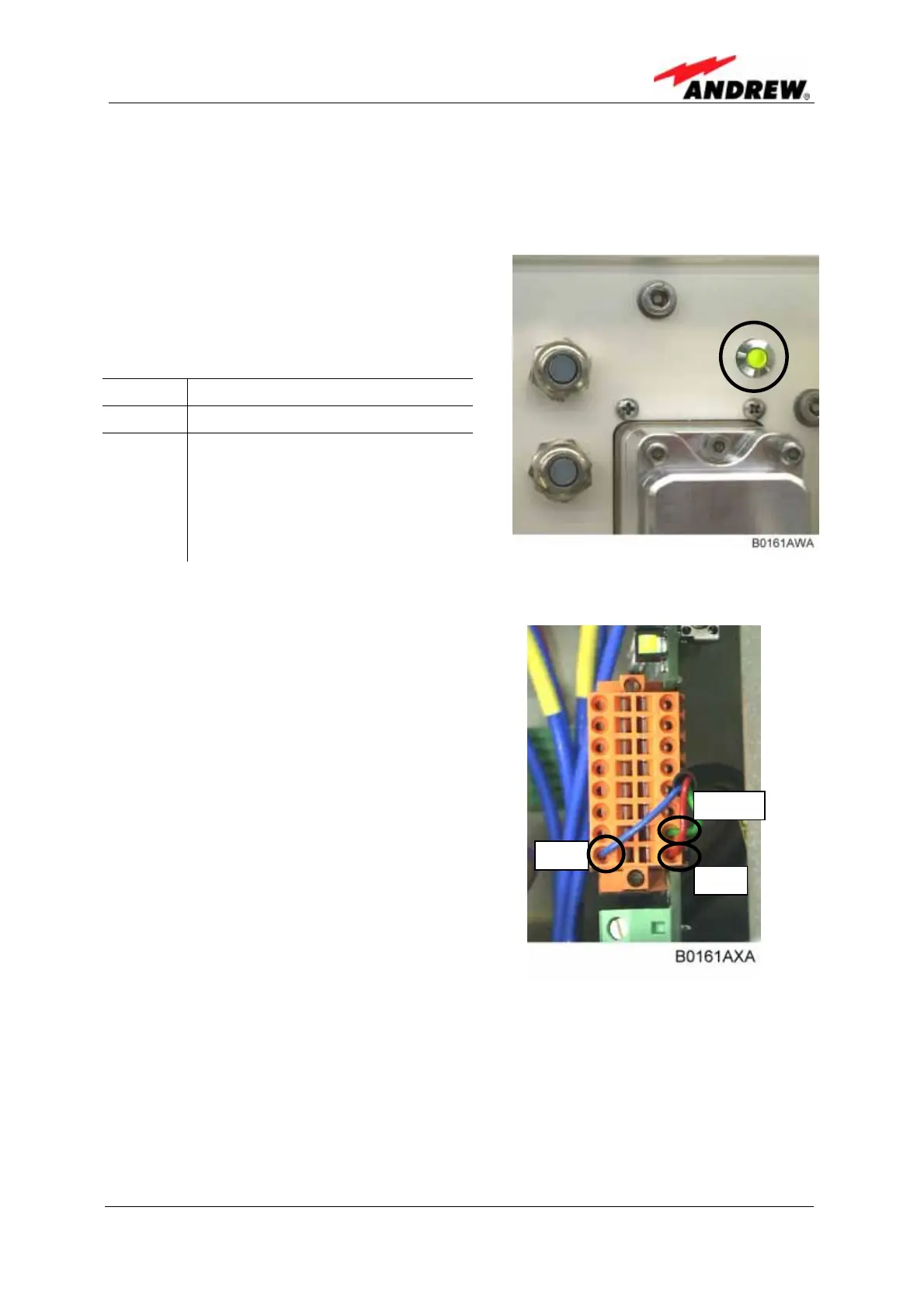
The kit contains one alarm LED and three
cables.
This 2-colour LED provides visual
equipment status information:
Green Normal operation condition
Red Summary alarm
Status
LED off
Check the cables to the external
alarm connector.
Check power switch inside of
the node.
Check mains cabling.
Check mains power.
figure 5-4 Status LED
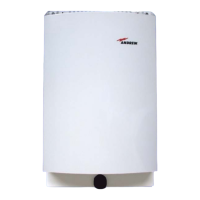
If the customer will not use the LED kit
disconnect the three cables to the external
alarm connector.
figure 5-5 Connection of the external
alarm clamps
red
reen
blue



 To Next Page