DRIVE Assist Function
Document No. 992012. Issue 16 – 12.01.21
Page 15
17. Introduction to DRIVE Assist
This section of the document explains what DRIVE assist means, and how to use it.
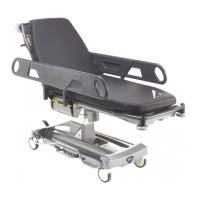
The trolley incorporates a motorised 5
th
wheel, the ‘DRIVE wheel’. The assistance the
DRIVE
wheel provides is to help reduce the pushing and pulling forces required to start
and stop the trolley, and the force required in motion; it is therefore referred to as
‘DRIVE assist’.
The pushing handles are attached to sensors that detect the push/pull action on them,
and are termed ‘DRIVE handles’. DRIVE assist is automatically activated by placing both
hands on the DRIVE handles, and pushing or pulling the handles forwards or backwards
to apply a modest amount of start-up motion to the trolley; see Section 20, ‘Using DRIVE
Assist’ for a more detailed explanation.
On page 32, the ‘Quick Start Guide for Using DRIVE Assist’, is intended to help you use
DRIVE assist in a few simple steps. However, it is advisable that these instructions are
read in their entirety before using the equipment.
WARNING: Do not use a trolley bed push, or other mechanical means for
propulsion of the trolley, on a trolley fitted with DRIVE assist.
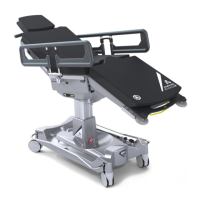
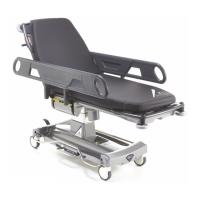
The DRIVE feature is available on the following trolleys; DRIVE Patient Trolley (21112),
DRIVE Emergency Trolley (21122), DRIVE Powered Patient Trolley (21114) and DRIVE
Powered Emergency Trolley (21124).
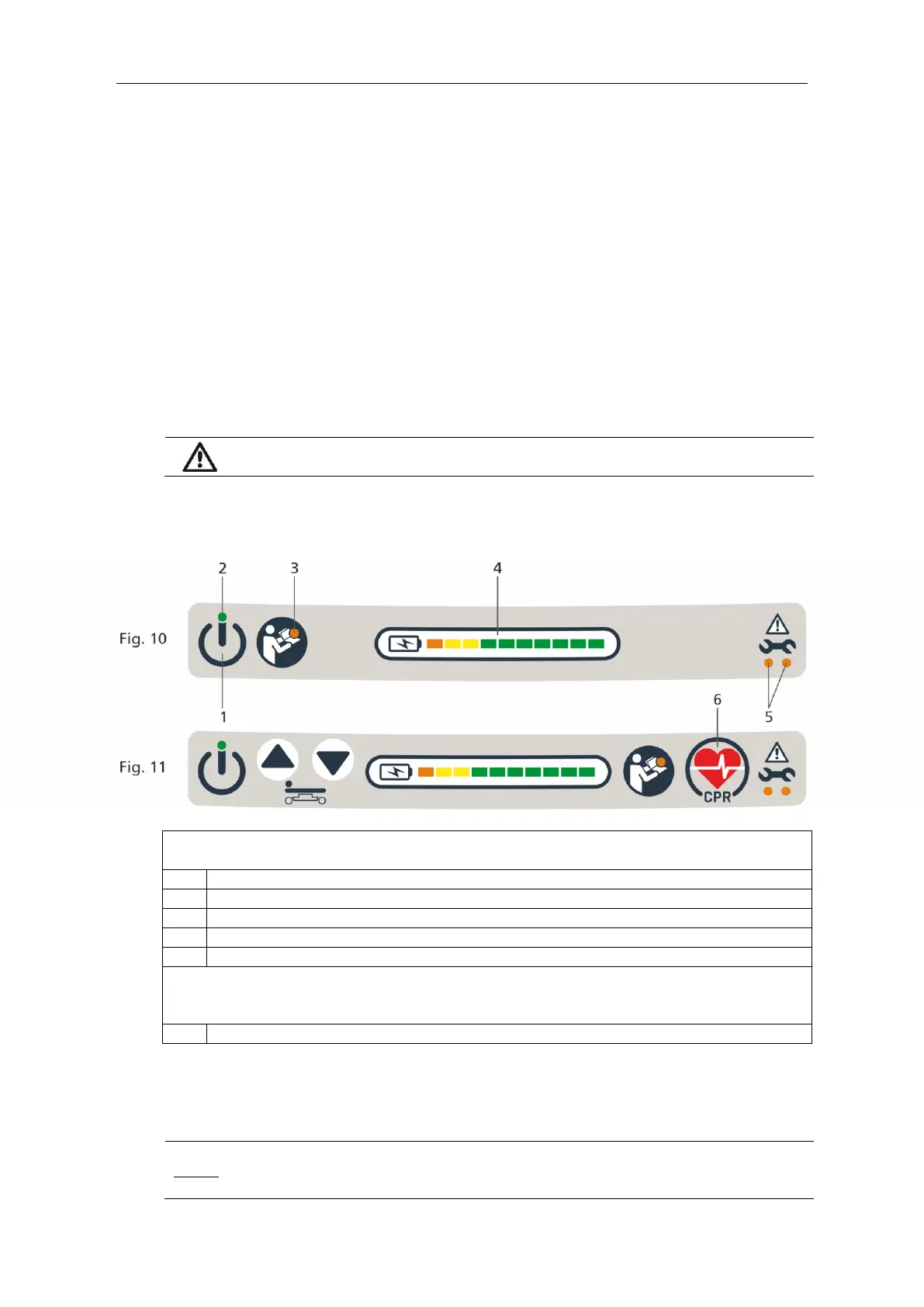
Key to Fig.10 – User Interface (head end), used on the following products;
DRIVE Patient Trolley (21112), DRIVE Emergency Trolley (21122)
Read Instructions Indicator
Battery Charge Level Indicator
Key to Fig.11 – User Interface (head end), used on the following products;
Powered Patient Trolley (21116), Powered Emergency Trolley (21126), DRIVE Powered
Patient Trolley (21114), DRIVE Powered Emergency Trolley (21124)
CPR Position Button (see Section 32)
18. Switching On DRIVE Assist
The trolley is switched on by depressing the ON/OFF Button (item 1, Fig.10); at start up a
short beep sounds.
Before switching on DRIVE, ensure the DRIVE handles are free from external
forces, and nothing is hanging from, wrapped around, or clamped on to, the
DRIVE handles, as this will prevent successful calibration.


 To Next Page