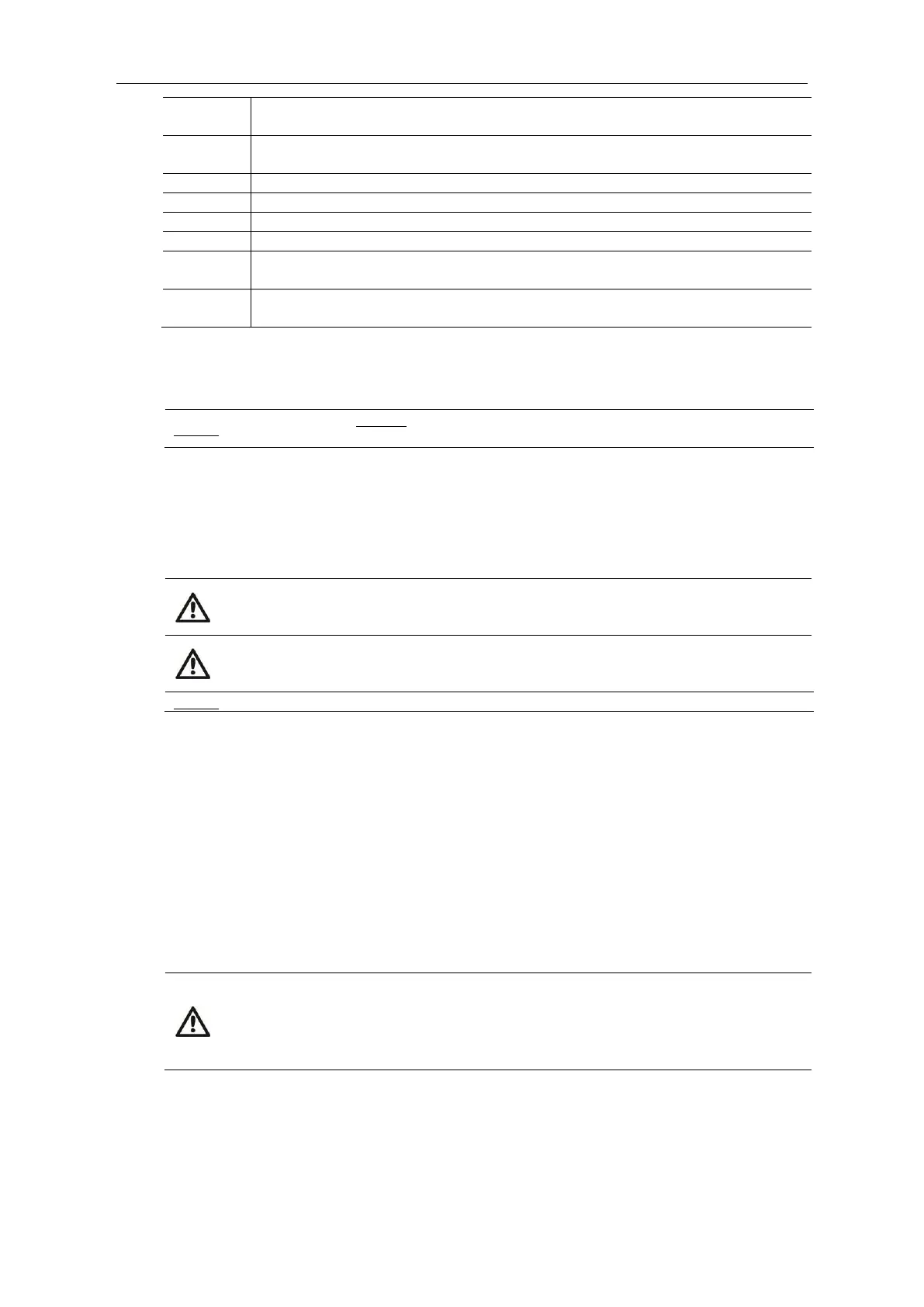
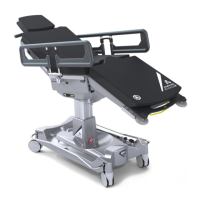
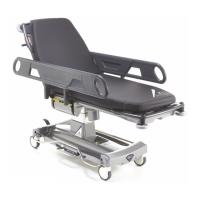
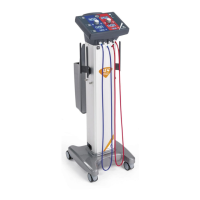
Product Accessories
Document No. 992012. Issue 16 – 12.01.21
Page 28
QA3 v3.0 K8 Pressure Care Mattress with Waterproof Zip Cover - for Serial
No. 11681 Onwards
QA3 v3.0 Mattress - Replacement Waterproof Zip Cover - for Serial No.
11681 Onwards
Theatre Pillow with QA3 Mattress Retention Strap
QA3 v3.0 Foot End Mattress Protector
QA3 v3.0 - Lateral Cassette Holder
QA3 v3.0 & QA4 Trolley Systems - Push / Pull Bar - For QA3 Serial No. 16701
Onwards Only.
QA3 v3.0 Patient Trolley & QA4 Surgery Trolley - Foot-end Extension with
30mm Pad
43. Using the Optional Monitor Shelf with Removable Refreshment Tray
(catalogue no. 21152)
A monitor shelf cannot be fitted on the trolley if optional fold-away pushing
handles (catalogue no. 21155) are fitted to the foot end.
As illustrated in Fig.15, insert the monitor shelf with removable refreshment tray (A) in
to the location sockets at the foot end of the trolley (B). Pivot the removable
refreshment tray (C) over the frame so that it sits above the foot end of the patient
platform as a monitor shelf, as shown in Fig.16. The monitor shelf has a safe working
load of 25kg (55.1lbs).
CAUTION: Do not tilt the patient platform into a Trendelenburg position when
equipment is placed on the monitor shelf as this could result in injury to the
patient and/or user.
WARNING: Exceeding the maximum specified weight limit of 25kg (55.1lbs)
could result in failure of the monitor shelf and injury to the patient and/or
user.
The maximum weight limit per IV hook is 3kg (6.6lbs) or 3 litres (101.4 fl oz.).
The monitor shelf frame can be fitted with two transfusion poles (catalogue no. 21152-
B1) as a factory fitted option. The height of the transfusion pole is adjusted by
releasing the thumb lock (D), lifting the pole to the desired height, and retightening
the thumb lock. Each transfusion pole is fitted with two spring-loaded hooks (E) that
are designed to return to their original upright position when not in use. Swivel one or
both hooks outwards to hang the IV bags, as illustrated in Fig.8b.
Fig’s.17&18 illustrate how the removable refreshment tray is set up and used. The
refreshment tray is removed from the monitor shelf frame by depressing the yellow
release button (F). When the tray has been removed both support legs (G) can be
hinged open and the refreshment tray placed on to the trolley side rails, orientated so
that the tall lip of the tray is furthest away from the patient; as illustrated in Fig.18.
CAUTION: When using the refreshment tray observe the following;
Ensure the tray is orientated correctly; the tall lip of the tray is furthest
away from the patient.
Do not tilt the patient platform into a Trendelenburg position.
Do not lower either of the side rails.


 To Next Page