Quick Start Guide for DRIVE Assist
Document No. 992012. Issue 16 – 12.01.21
Page 32
This ‘quick start guide’ is intended to help you use the DRIVE assist function in a few simple
steps. However, it is advisable that the full Instructions for Use are read thoroughly before
using the equipment.
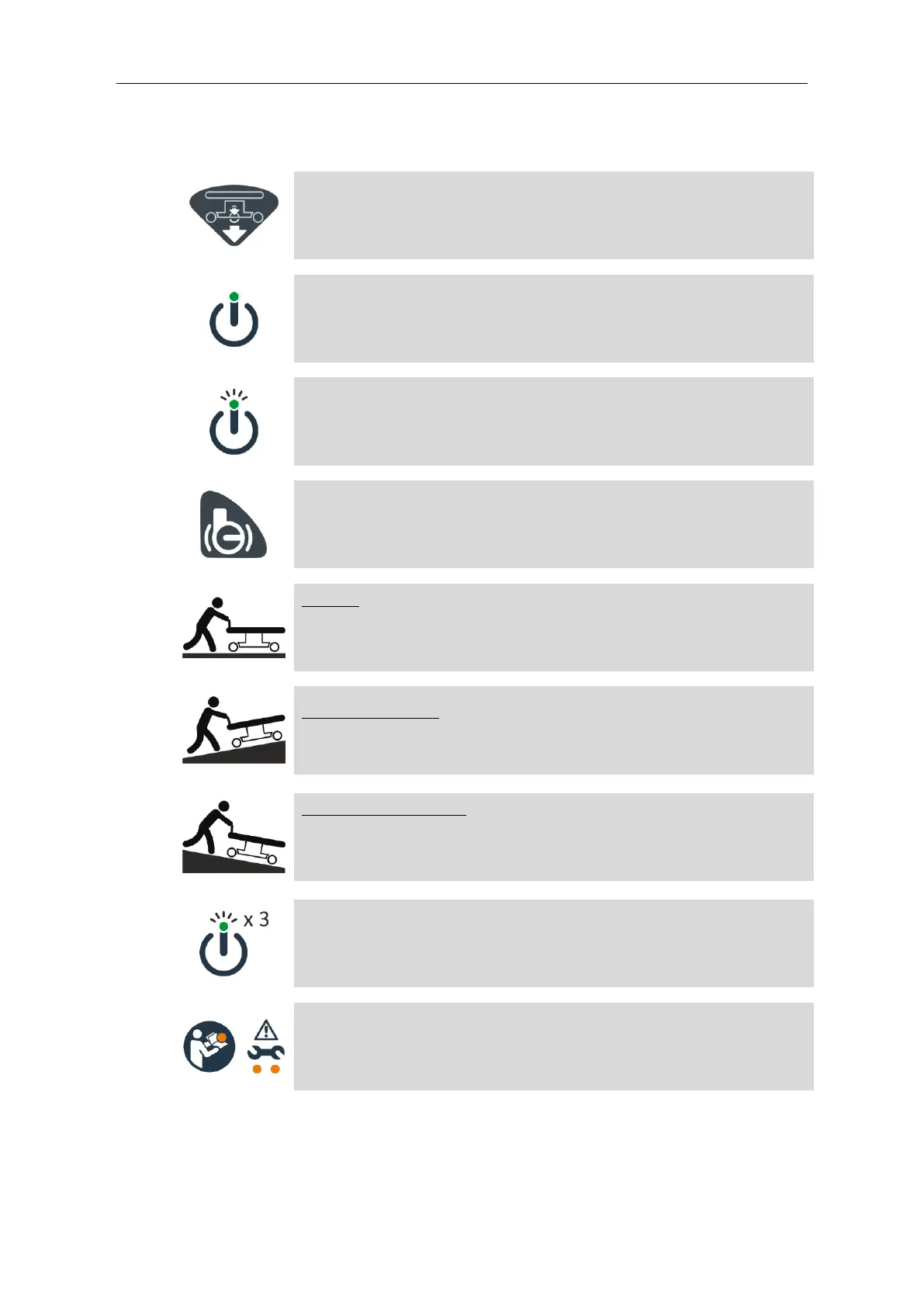
Engage the DRIVE wheel; see section 10.
Press the ON/OFF Button; a short beep will sound. Do not touch the
DRIVE handles immediately after pressing the ON/OFF button.
The ON/OFF light will flash green for 1-3 seconds as DRIVE calibrates.
The ON/OFF light will turn solid green when calibration is successful,
and a short beep will sound. DRIVE is now active.
Disengage the brakes; see section 9.
Driving: Push positively on the DRIVE handles and the trolley will
begin to move forwards. Push harder and the trolley will move more
quickly. Pull back on the DRIVE handles to slow, stop, or reverse, the
trolley.
Driving up a slope: Push the DRIVE handles fully forward, and walk at
the pace of the trolley. Pushing harder will result in unnecessary
physical exertion, and the speed of travel will not be increased.
Driving down a slope: As you approach a downhill slope, pull back
gently on the DRIVE handles to decrease the trolley speed. As you
walk down the slope, continue to pull back gently on the DRIVE
handles to descend the slope under control.
After 3 minutes of inactivity, the DRIVE handles will deactivate; this is
indicated by 3 rapid pulses of the ON/OFF light. The DRIVE handles
are reactivated by a short press of the ON/OFF Button. After 30
minutes of inactivity, the system will switch off.
If at any stage, one or more of the amber lights come on, refer to the
full ‘Instructions for Use’.


 To Next Page