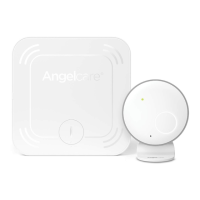
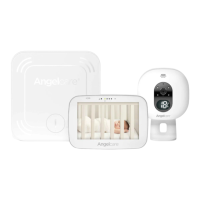
• Test your monitor before first use.
• Prior to use and on a regular basis (before placing your child in the cot) always check
the Sensor Pad is detecting no movements or vibrations in its environment.
• Test your monitor every time you move the Sensor Pad to a different place.
IMPORTANT
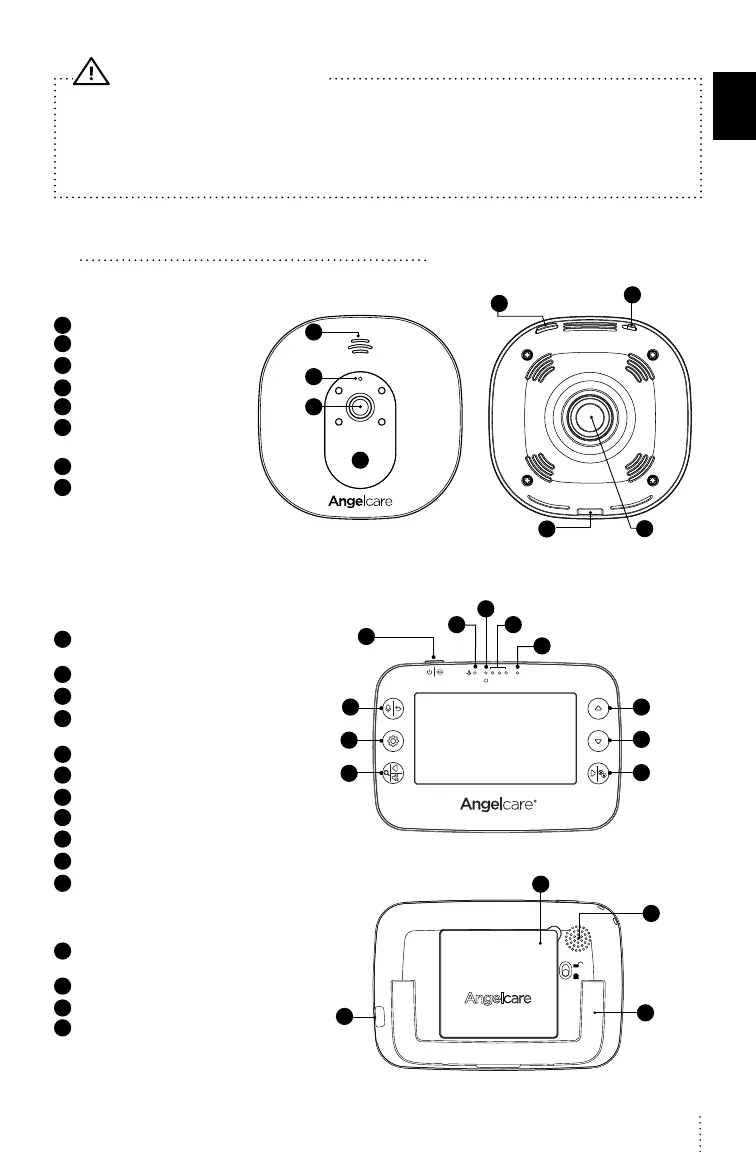
5 GETTING TO KNOW YOUR MONITOR
NURSERY UNIT
1
Speaker
2
Microphone
3
Camera Lens
4
Power indicator
5
Micro USB port
6
Pause Sensor Pad / Pairing
button
7
Power ON/OFF
8
Magnet for tabletop stand
and wall mount
FRONT SIDE
REAR SIDE
1
2
3
5
7
6
8
4
PARENT UNIT
1
Power ON/OFF (Press & Hold)
/ Sleep mode (Quickly press & release)
2
Talk-back / Return & save settings
3
Menu / Select
4
Zoom & pan feature / Navigate left
/ Switch Nursery Unit sound
5
Movement indicator (TIC function)
6
Power indicator
7
Visual sound indicator
8
Microphone
9
Volume up / Navigate up
10
Volume down / Navigate down
11
Navigate right / View mode
12
Rechargeable battery
compartment
13
Micro USB charging port
14
Speaker
15
Folding stand
FRONT SIDE
1
2
3
4
5
6
7
8
9
10
11
REAR SIDE
12
13
15
14
E
N
9


 To Next Page