DISPLAY CONTROLS
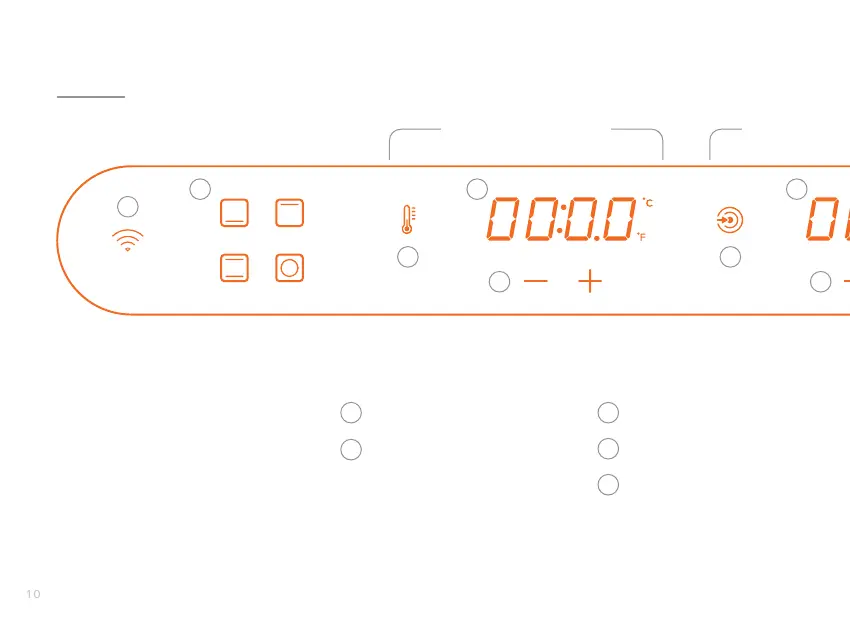
Sous Vide Timer
Probe
Wi-Fi Connection Indicator
Heating Element Selector
• Bottom
• Both
• Top
• Rear
Temperature Mode
Temperature Display
Temperature Controls
1
2
3
4
5
6
7
8
1
2
3
4
5
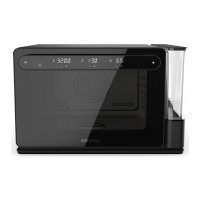
The handle of the door on the
Anova Precision® Oven is also
the touchscreen display.
Oven settings can be controlled
manually from the display or the
Anova Precision® Oven App.
Temperature Settings Cook Target Settings


 To Next Page