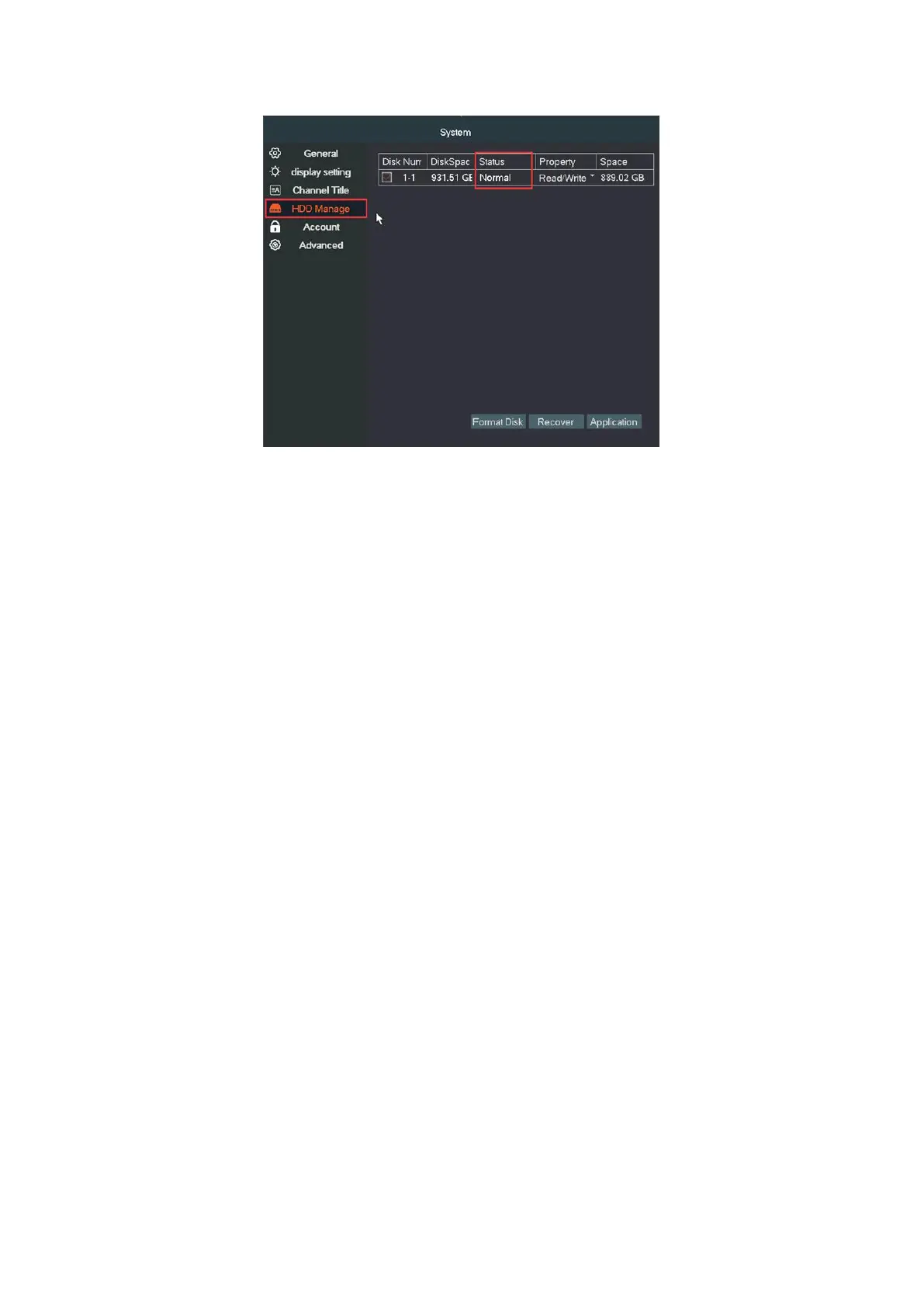
B: If NVR can't recognize HDD, we can try methods below.
1. If hard drive is not from us, please make sure your hard drive meets all
requirements below:
a. The type should be SATA.
b. Recommended use of specifications from500G to 4TB hard disk,
2. Please kindly check the DVR power adapter, If the power is insufficient,
will result in the hard drive unable to run.
3. Open the cover of NVR. Uninstall and install HDD for several times,
and check if the SATA cable of the hard drive is loose. If loosed, please
unplug and plug again.
4. Install hard drive and put hard drive close to your ear to check if you
can hear some noise. One hour later, use hand to touch hard drive to
check if it is warm. If you cannot hear any sound and surface of hard
drive is not warm, it can prove hard drive is not even powered up. Please
share us result.


 To Next Page