177
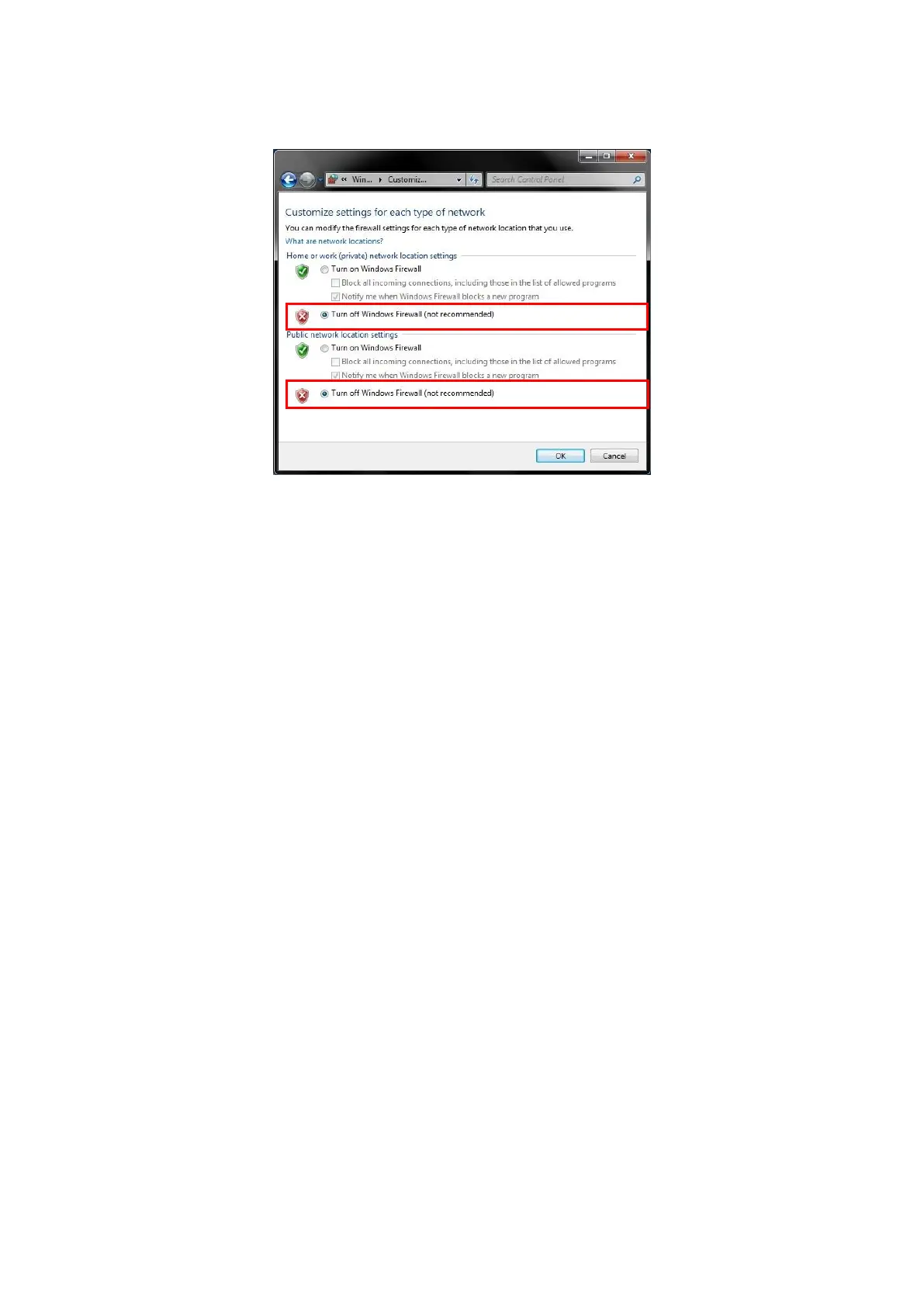
5. Select the [Advanced] tab at the Local Area Connection Properties window and disable the Windows firewall.
Figure 5.1.2.1-3 Advanced Tab of Local Area Network Connection Properties Window
6. Click [OK] to close the window.
7. Start the MT8821C.
8. Select and load the LTE measurement software to Phone1.
9. After loading, start the LTE measurement software on Phone1.
10. When testing in a 2x2MIMO environment, select and load the LTE measurement software on to Phone2 as
well.
11. After loading, start the LTE measurement software on Phone2.















 To Next Page