27
3.9 DISPLAY
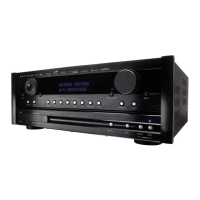
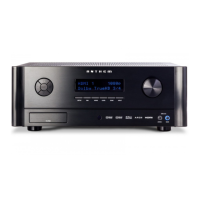
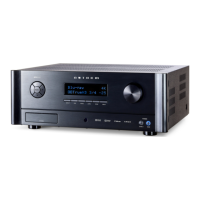
The front panel display’s brightness is set here.
BRIGHTNESS:
Set preferred default brightness.
WAKE UP BRIGHTNESS:
When a button is pressed the display can go to a brighter level for 5 seconds – select
None, Up 1 brightness level, Medium, or High. When “None” is selected and the display
is off, the wake-up behaves as Up 1 to indicate that the unit is running.
Display
Brightness Medium
Wake Up Brightness Up 1



 To Next Page