38
OPERATION
5.1 POWER ON / OFF AND VOLUME
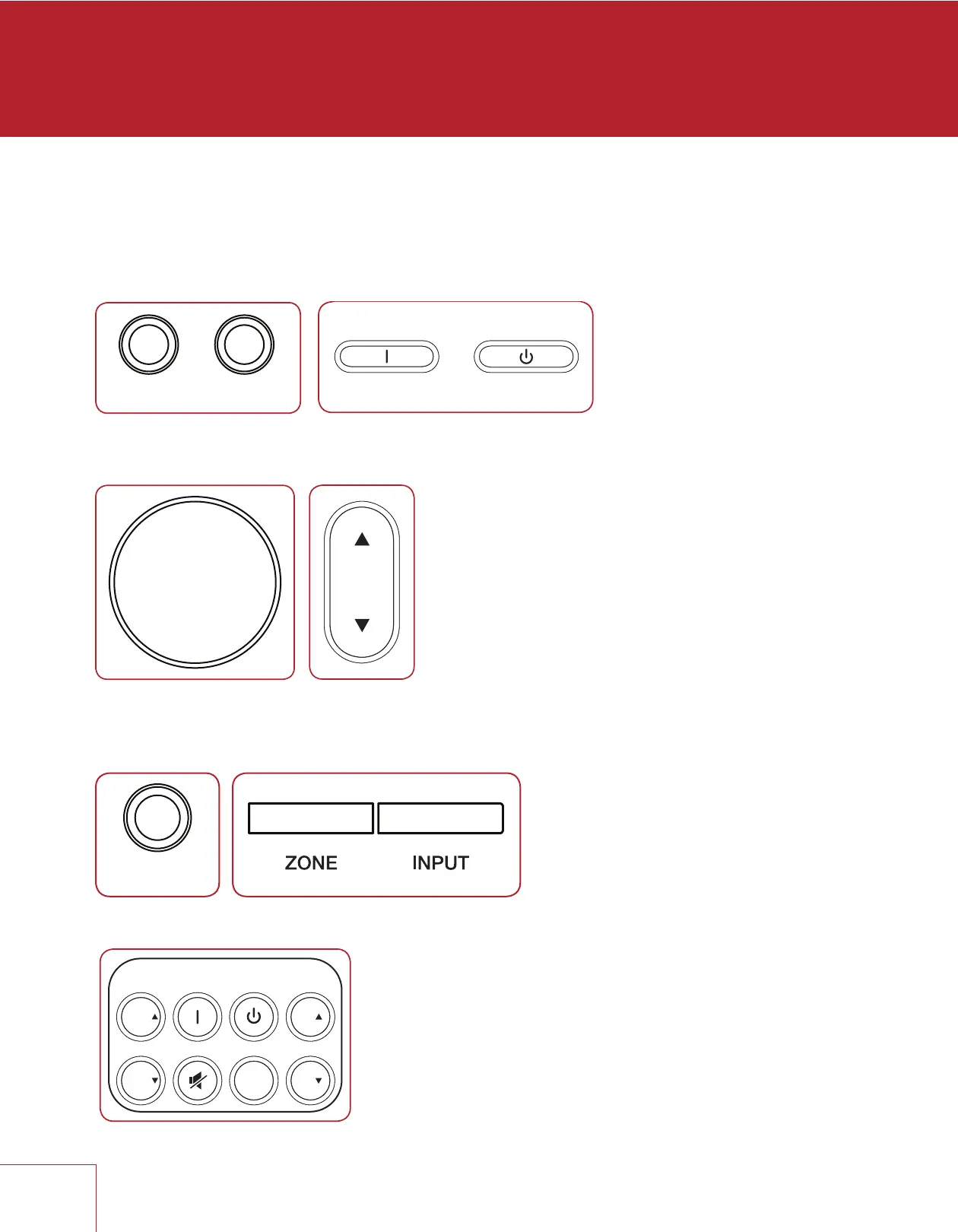
Main and Zone 2 have separate power controls. During power-on and power-off a
mechanical click is produced from the unit – this is normal. Volume comes on according
to setup menu setting.
To control volume rotate the front panel knob or press VOL up/down on the remote
control. To mute or un-mute the audio, press MUTE.
5.2 ZONE 2 OPERATION
To operate Zone 2 from the front panel after it is powered on, press the ZONE button
and change volume or press INPUT within 5 seconds.
To operate Zone 2 using the remote control, use these buttons:
RemoteFront Panel
5.2 ZONE 2 OPERATION
To operate Zone 2 from the front panel after it is powered on, press the ZONE button
and change volume or press INPUT within 5 seconds.
To operate Zone 2 using the remote control, use these buttons:



 To Next Page