39
5.3 INPUT SELECTION
The number of active inputs varies according to how the Input Setup menu was
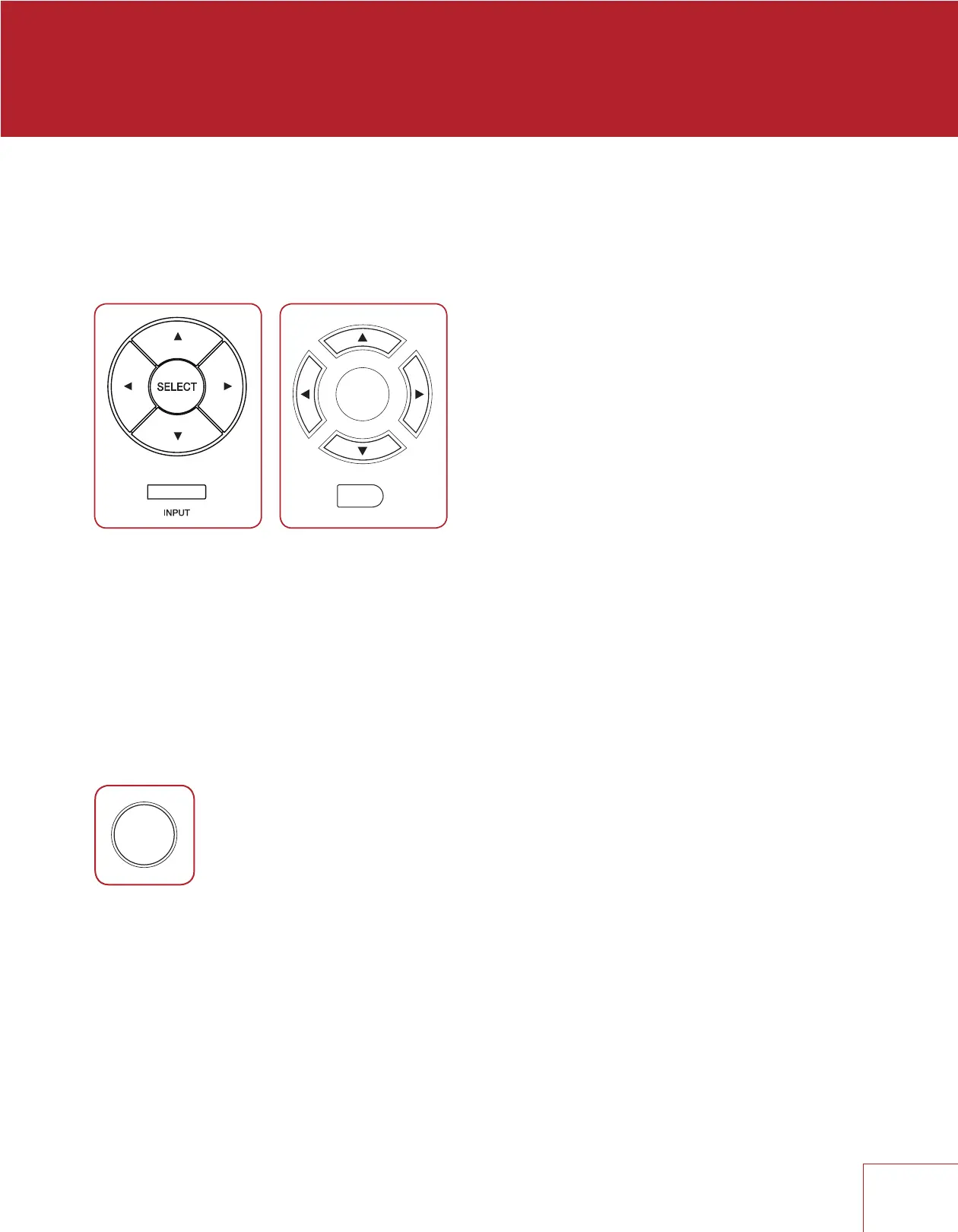
programmed. To scroll through the next/previous active inputs press the right/left
buttons, and to make a selection press SELECT.
Alternatively, press the INPUT button for an on-screen list of inputs. Use the up/down
and SELECT buttons to change the input.
To change input in Zone 2, press the INPUT button (after pressing ZONE button if using
the front panel). The next input will be selected.
5.4 TUNER
After selecting AM or FM input change station and set presets as follows. If Main and
Zone 2 are using the tuner at the same time, changes to Main will be applied to Zone 2.
Station info is shown on-screen for five minutes after a button is pressed. Song/artist
info is also displayed if the station provides it. To display this info on the front panel,
press INFO on the remote control.
AUTOMATIC TUNING
To seek the next/previous station with adequate signal strength, press up/down.
MANUAL TUNING
Press SELECT then up/down.
RemoteFront Panel



 To Next Page