89
TELETEXT AND SUBTITLES
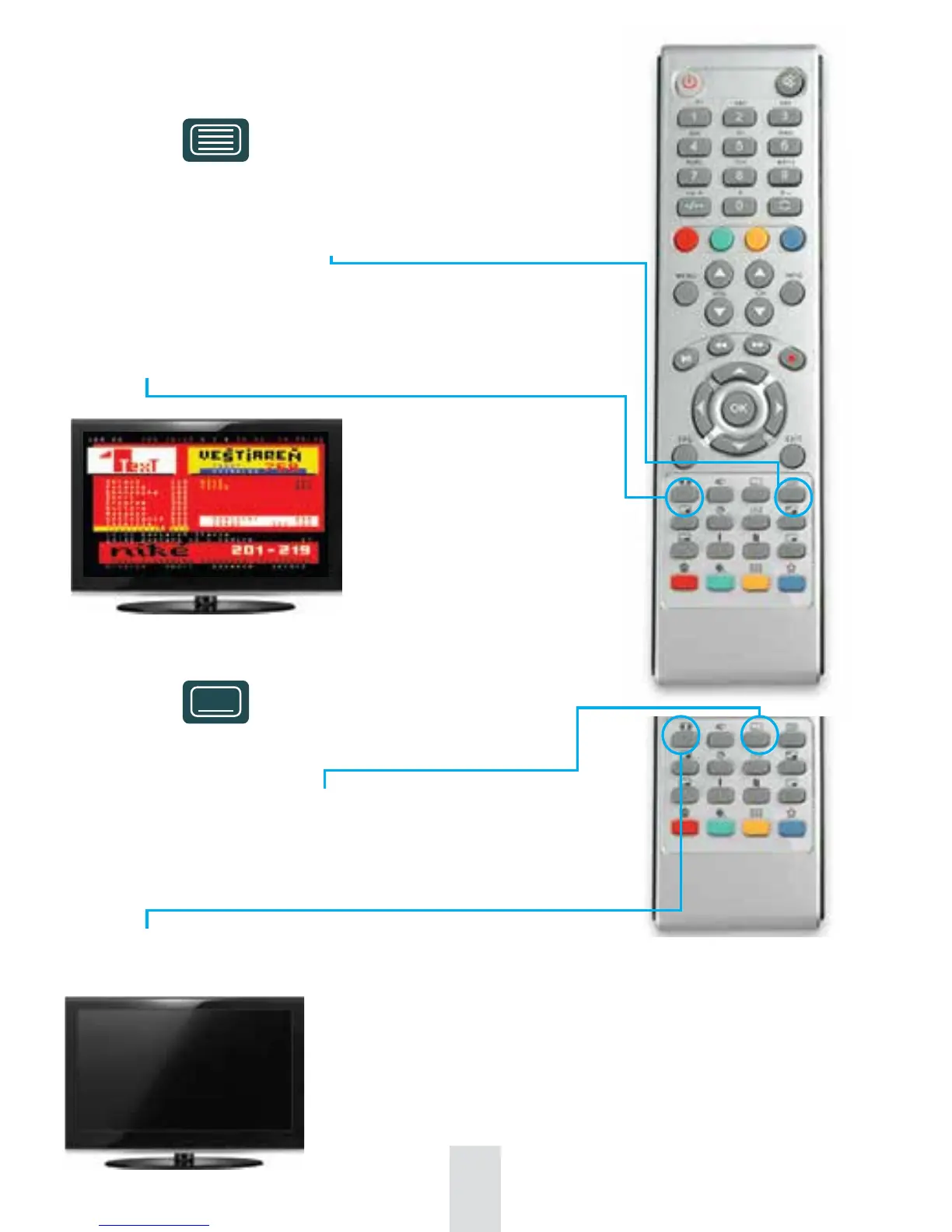
Teletext
Only at the channels broadcasting teletext.
Activate it by pressing the button on remote control.
- Use up/down arrows to switch between main pages
- Use right/left arrows to switch between subpages
- Use button to enlarge the size of teletext fonts
Subtitles
Only at the channels broadcasting subtitles.
Activate it by pressing the button on remote control.
- From subtitles menu select by numeric buttons on remote control
the subtitles you would like to display
- Use button on remote control to select the subtitles location on TV screen (1st position - original
selected by broadcaster. 2nd position - located in the middle bottom part of TV screen)
Subtitles



 To Next Page