97
TimeShift functionality provides channel recording from the moment of switching onto the channel.
Amount of recorded content depends on the external USB device capacity.
It is necessary for TimeShift to:
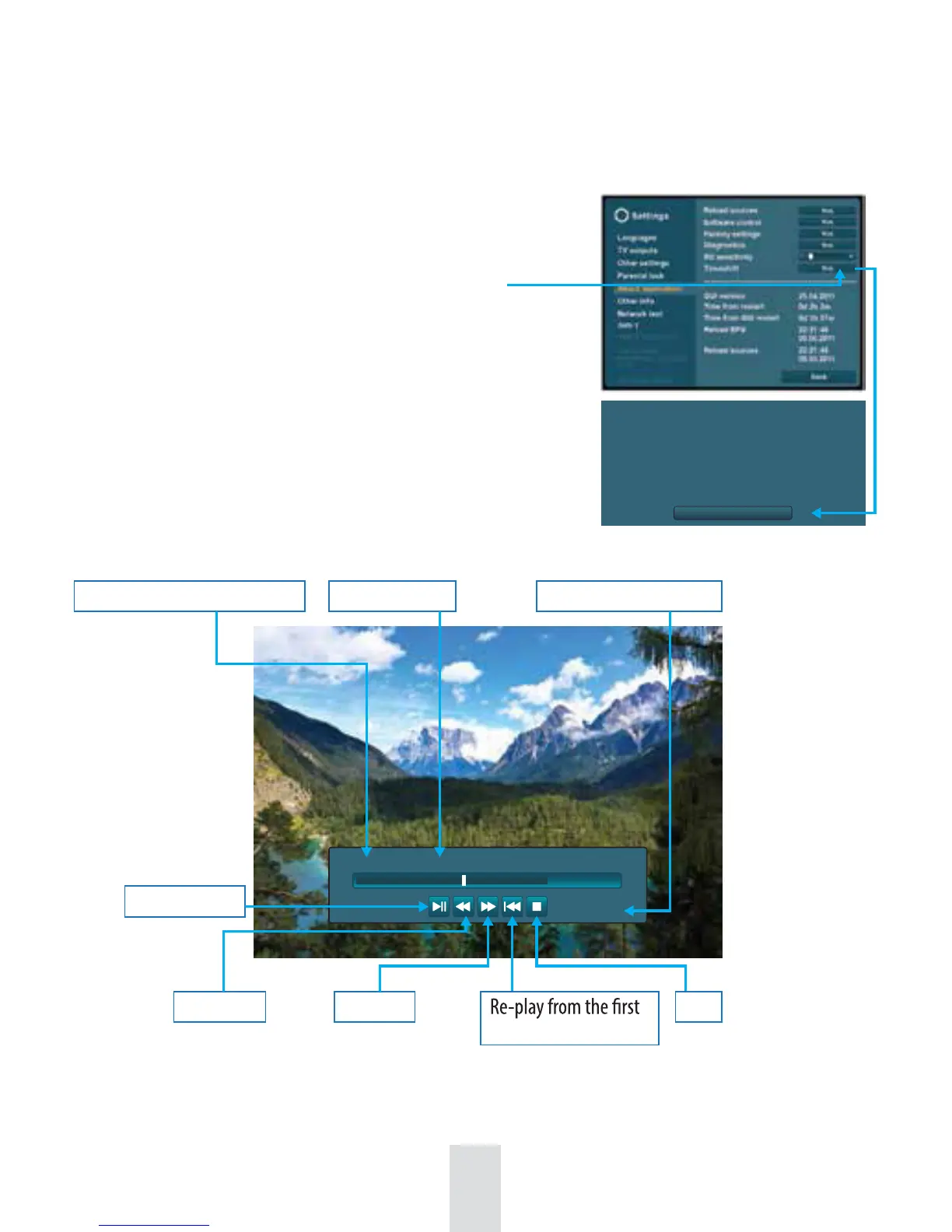
1. Set in Menu: Settings / About application / TimeShift / Yes
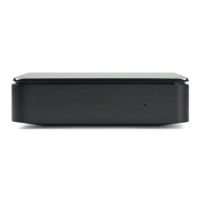
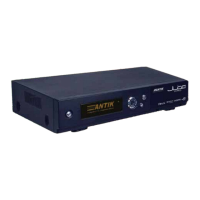
2. Connect external HDD device into the USB port of set-top box.
TimeShift player:
Initial time of TimeShift record
Play/pause
Rewind Forward Stop
moment of record
Program name
Ongoing program time
4. TimeShift recording*
15:30 Addams Family 16:40
16:12
Mutual setting of Timeshift recording and standard recording (Instant, Time, EPG, Periodical) at the same time,
makes the standard recording preferred.
*Only on selected Juice Pro models.
Ok
Timeshift disc preparation necessary. Please wait,
it can takes a few minutes. During the proces
do not manipulate with set-top box.
Preparation status displayed right beneath.


 To Next Page