EasyManua.ls Logo

AnyCubic MEGA ZERO - Page 41

AnyCubic MEGA ZERO
47 pages
Print Icon
To Next Page IconTo Next Page
To Previous Page IconTo Previous Page
Loading...
Introduction
to
slicing
software
7.
Print
offline
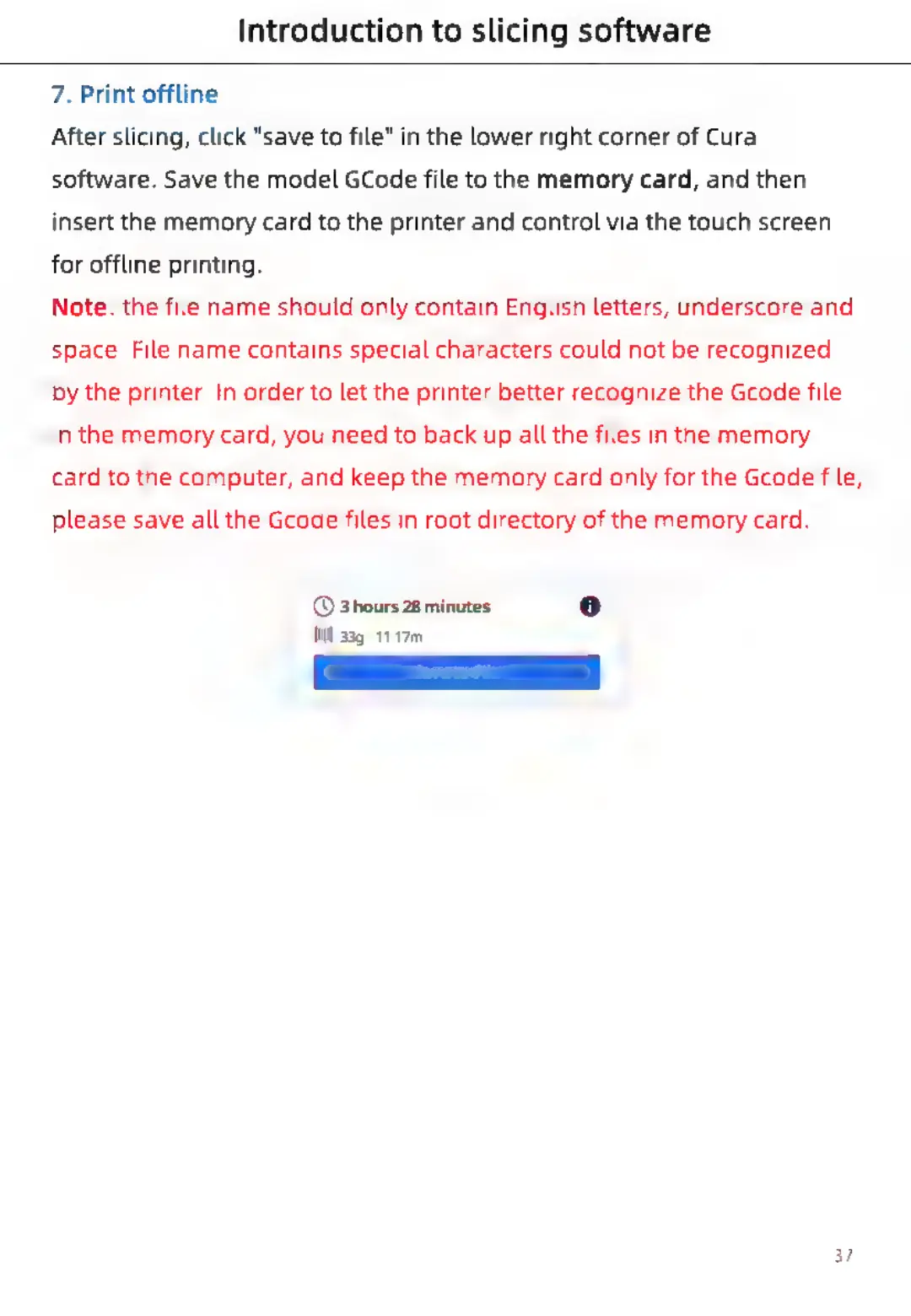
After
slicing,
click
"save
to
file"
in
the
lower
right
corner
of
Cura
software.
Save
the
model
GCode
file
to
the
memory
card,
and
then
insert
the
memory
card
to
the
printer
and
control
via
the
touch
screen
for
offline
printing.
Note:
the
file
name
should
only
contain
English
letters,
underscore
and
space.
File
name
contains
special
characters
could
not
be
recognized
by
the
printer.
In
order
to
let
the
printer
better
recognize
the
Gcode
file
in
the
memory
card,
you
need
to
back
up
all
the
files
in
the
memory
card
to
the
computer,
and
keep
the
memory
card
only
for
the
Gcode
file,
please
save
all
the
Gcode
files
in
root
directory
of
the
memory
card.
©
3hours
28
minutes
fi)
Wl
33g
-
11.17m
37

Related product manuals