MHPTV TX Quick Start Guide
MHPTV-QSG-DOC-V1.1, 12/05/2018 Page 33 of 37
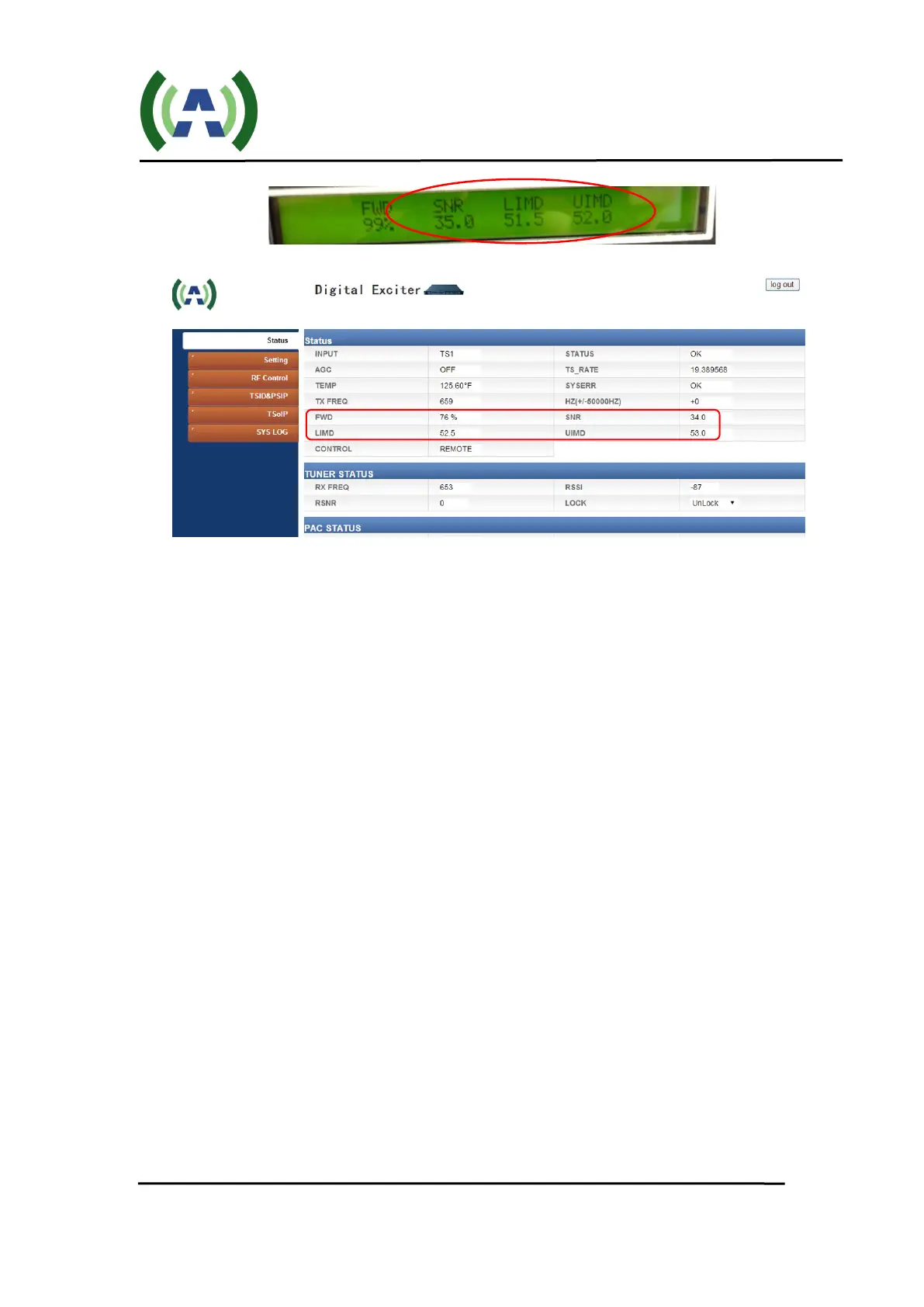
Linear and Non-Linear corrections were performed and optimized at the TX
rated TPO in the factory and so the stored correction coefficients should
produce good results if you are operating at or close to the TX max output
power.
If you are operating at a TPO less than the max rated TX power or wish to
rerun corrections, please reference the “Running Corrections” section of your
transmitter User Manual.
7. With your TX operating at your desired output power and with good RF
performance, the next step is to engage the TX AGC.
Navigate to the AGC screen on the Controller (by pressing the CONFIG button
and then the AGC button). Be sure the AGC Target FWD power is set your
desired TPO but no higher than the TX max rated output power, and then press
the unlit AGC button to engage the TX AGC and turn this button Green.


 To Next Page