MHPTV TX Quick Start Guide
MHPTV-QSG-DOC-V1.1, 12/05/2018 Page 35 of 37
10. Your TX should now be up and running properly into your load or on-air
antenna. Continue to monitor system parameters as you allow the transmitter
to warm up to temperature and stabilize at full output power for another 30
minutes.
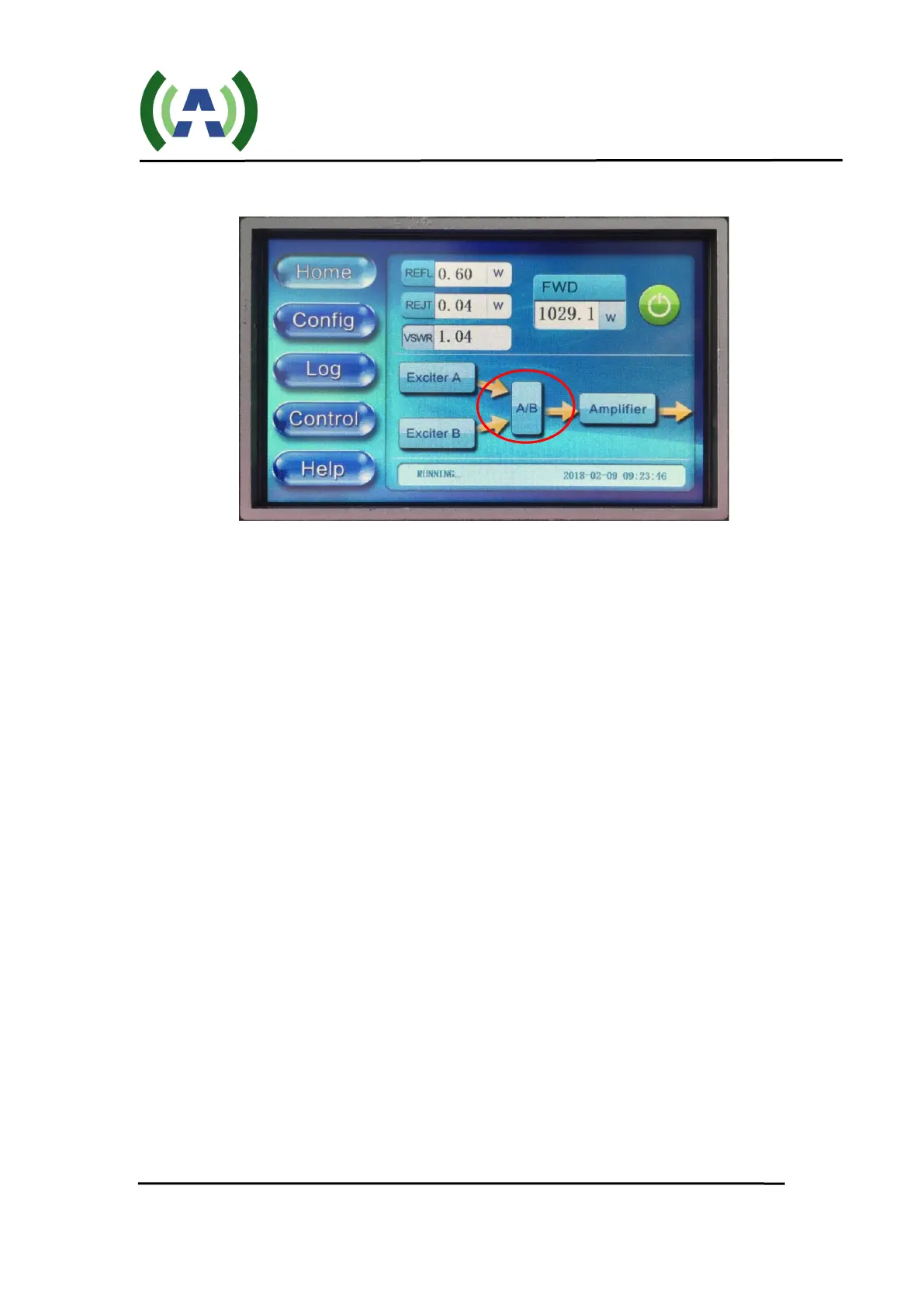
11. To turn the TX On/Off, please use the TX On/Off button located on the HOME
screen of the Control module or via the TX built-in web interface. When turning
the TX OFF and ON again, monitor the FWD power wattage on the HOME
screen as FWD power ramps up to the AGC target level (45-60 seconds).
12. To Raise or Lower the TX output power level, please adjust the AGC target
power setting under the Controller Config AGC button. An alternative to this
would be to disable the Controller AGC (set AGC-Status = Off) and raise/lower
the Exciter output drive.


 To Next Page