8
Adjusting the monitor
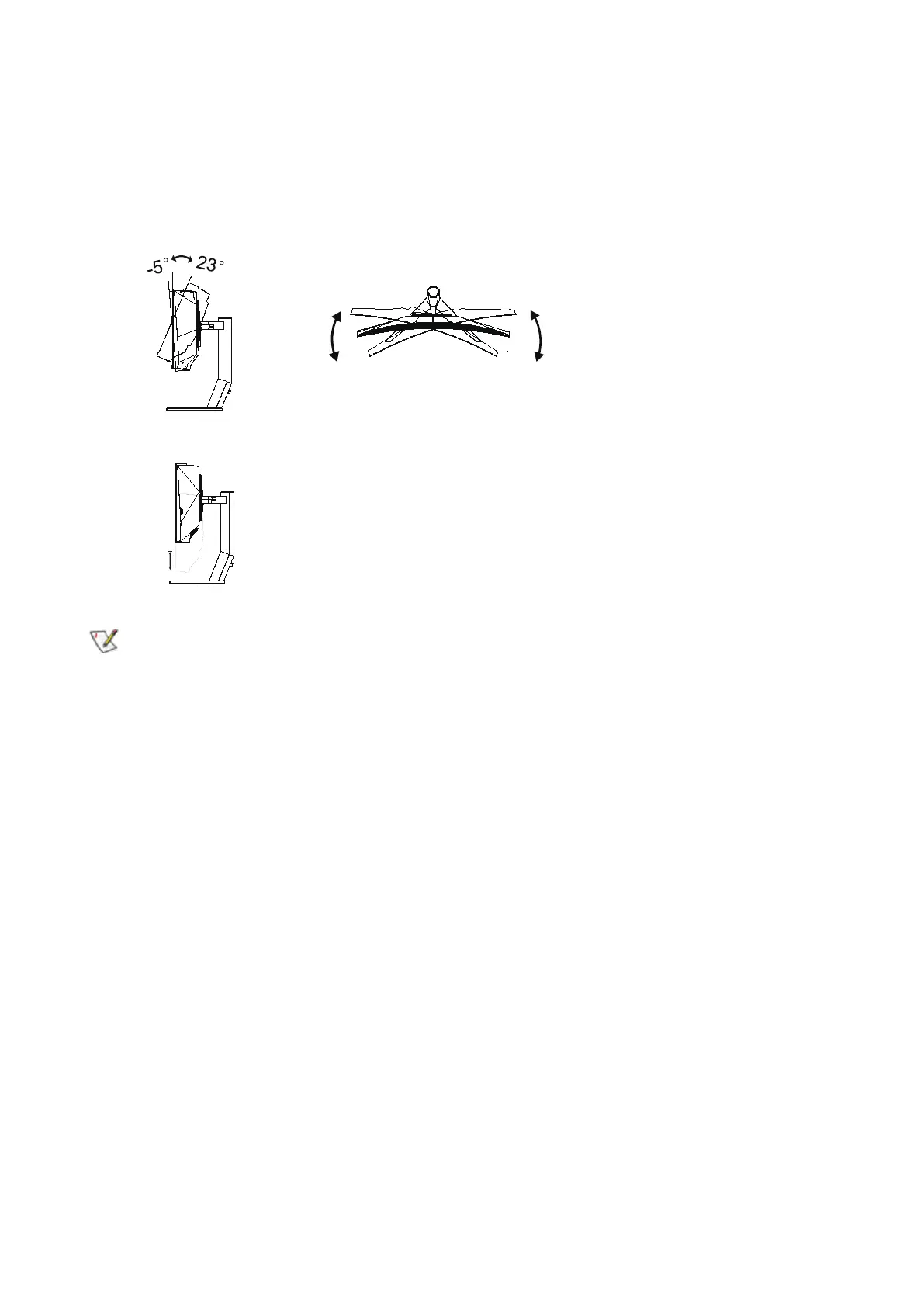
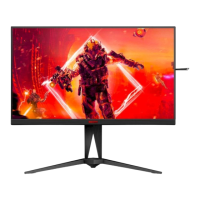
For optimal viewing it is recommended to look at the full face of the monitor, then adjust the monitor’s
angle to your own preference.
Hold the stand to steady the monitor, and grasp only the bezel to adjust the monitor’s angle.
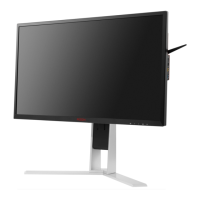
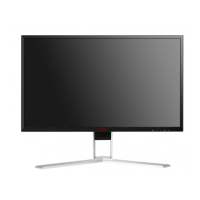
You are able to adjust the monitor as below:
16°
16°
150mm
NOTE:
Do not touch the OLED screen when you change the angle. Touching the OLED screen may cause damage.
Warning
:
1. To avoid potential screen damage, such as panel peeling, ensure that the monitor does not tilt downward
by more than -5 degrees.
2. Do not press the screen while adjusting the angle of the monitor. Grasp only the bezel.


 To Next Page