16
OSD Setting
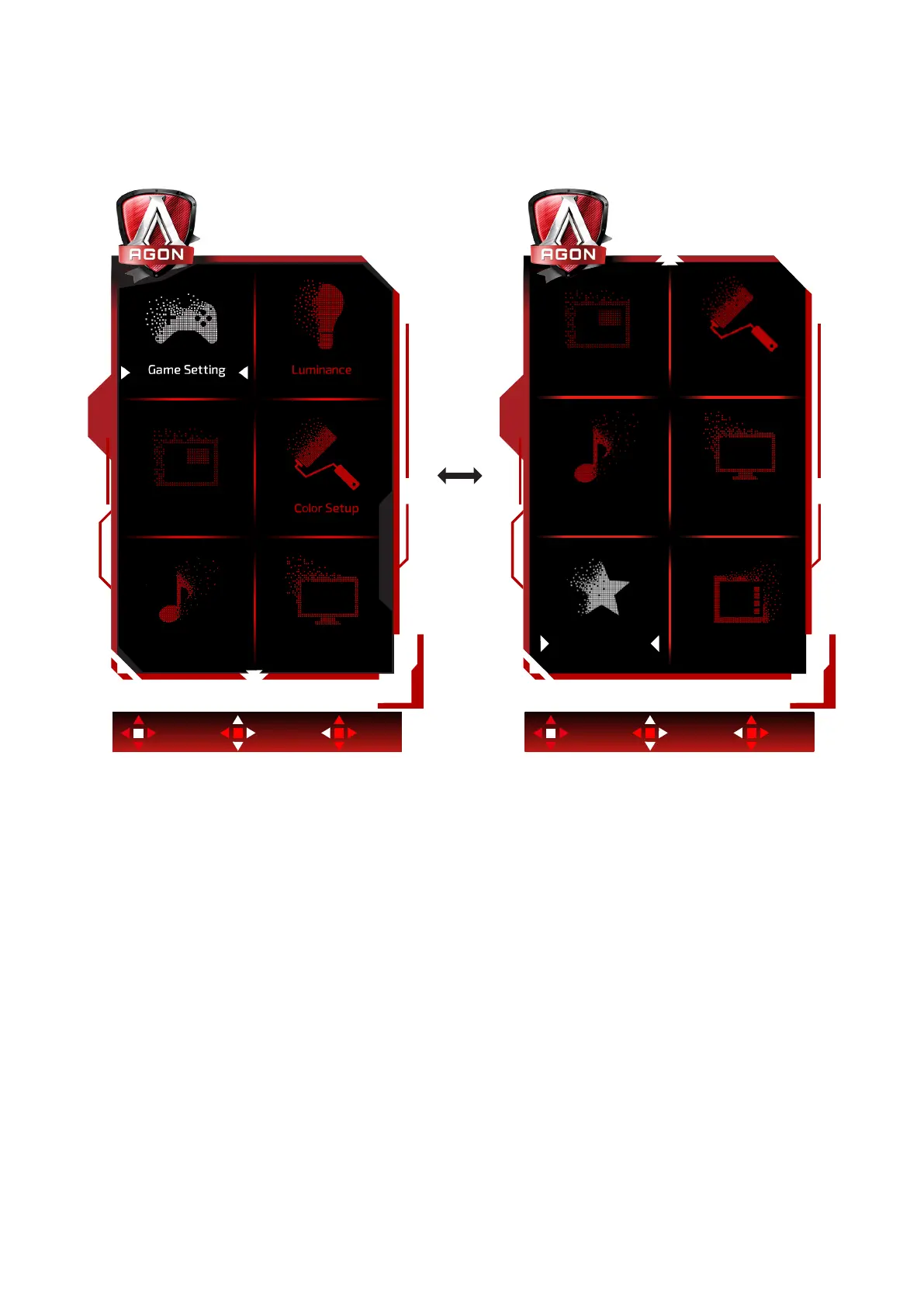
Basic and simple instruction on the control keys.
OSD Setup
OLED Care/Extra
Light FXAudio
Color Setup
Enter Move Exit Enter Move Exit
1). Press the MENU-button to activate the OSD window.
2). Follow Key Guide to move or select (adjust) OSD settings
3). OSD Lock/Unlock Function: To lock or unlock the OSD, press and hold the Down–button for 10s while
OSD function is not active.
Notes:
If the product has only one signal input, the item of “Input Select” is disable to adjust.



 To Next Page