AOC LM927U
6
3. OPERATING INSTRUCTIONS
3.1 GENERAL INSTRUCTIONS
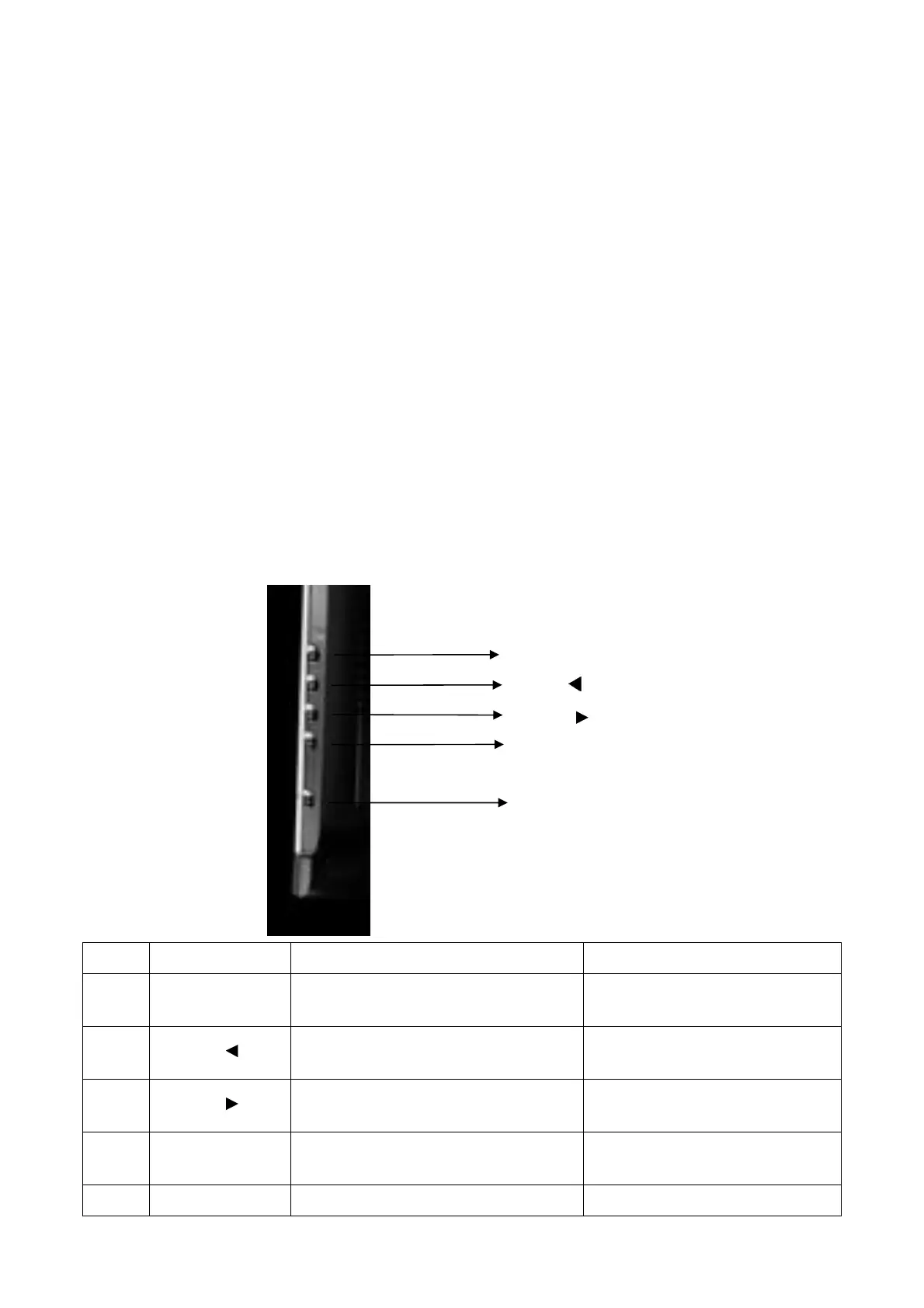
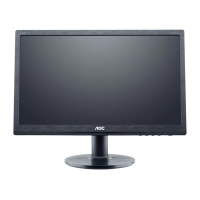
Press the power button to turn the monitor on or off. The control buttons are located in the side of the panel of the
monitor.
By changing these settings, the picture can be adjusted to your personal preferences.
-
The power cord should be connected.
-
Connect the video cable from the monitor to the video card.
-
Press the power button to turn on the monitor, the power indicator will light up.
3.2 CONTROL BUTTONS
- Power Button:
When pressed, the monitor enters the off mode, and the LED turns blank. Press again to restore normal status.
- Left / Right Button:
The Left/Right Button is used to control the monitor functions. Press to switch functions or adjust settings.
- Auto Adjust Key:
The Auto Adjust Key is used to automatically set the H Position, V Position, Clock and Phase.
- Power Indicator:
Green — Power On mode.
Orange — Power Saving mode.
Blank —Power Off Mode.
LED = GREEN, BLINKING (0.5s period) —Out of Range
NO. Name
Within OSD
Without OSD
1 Auto
1. Exit Sub menu
2. Exit the menu item
Run the Auto Adjust when this
button keep to push for 2 second
2 VOL - /
1.Move the cursor to left
2.Adjust down when menu item selected
Hot key to decrease the volume
3 VOL+ /
1.Move the cursor to right
2.Adjust up when menu item selected
Hot key to increase the volume
4 MENU
1.Enter the OSD sub menu
2.Select the OSD menu
Open OSD menu
5 POWER Power On / Off Power On / Off
Auto/Exit
VOL- /
VOL+ /
MENU
POWER
http://www.wjel.net



 To Next Page