EasyManua.ls Logo

AP systems ECU-R - 4.5.3 Manage the Network Connection; 4.5.4 Manage the WLAN connection

Default Icon
20 pages
Print Icon
To Next Page IconTo Next Page
To Previous Page IconTo Previous Page
Loading...
ECU-R Installation/User Manual
15
4. ECU-R User Interface
4.5.3 Manage the Network Connection
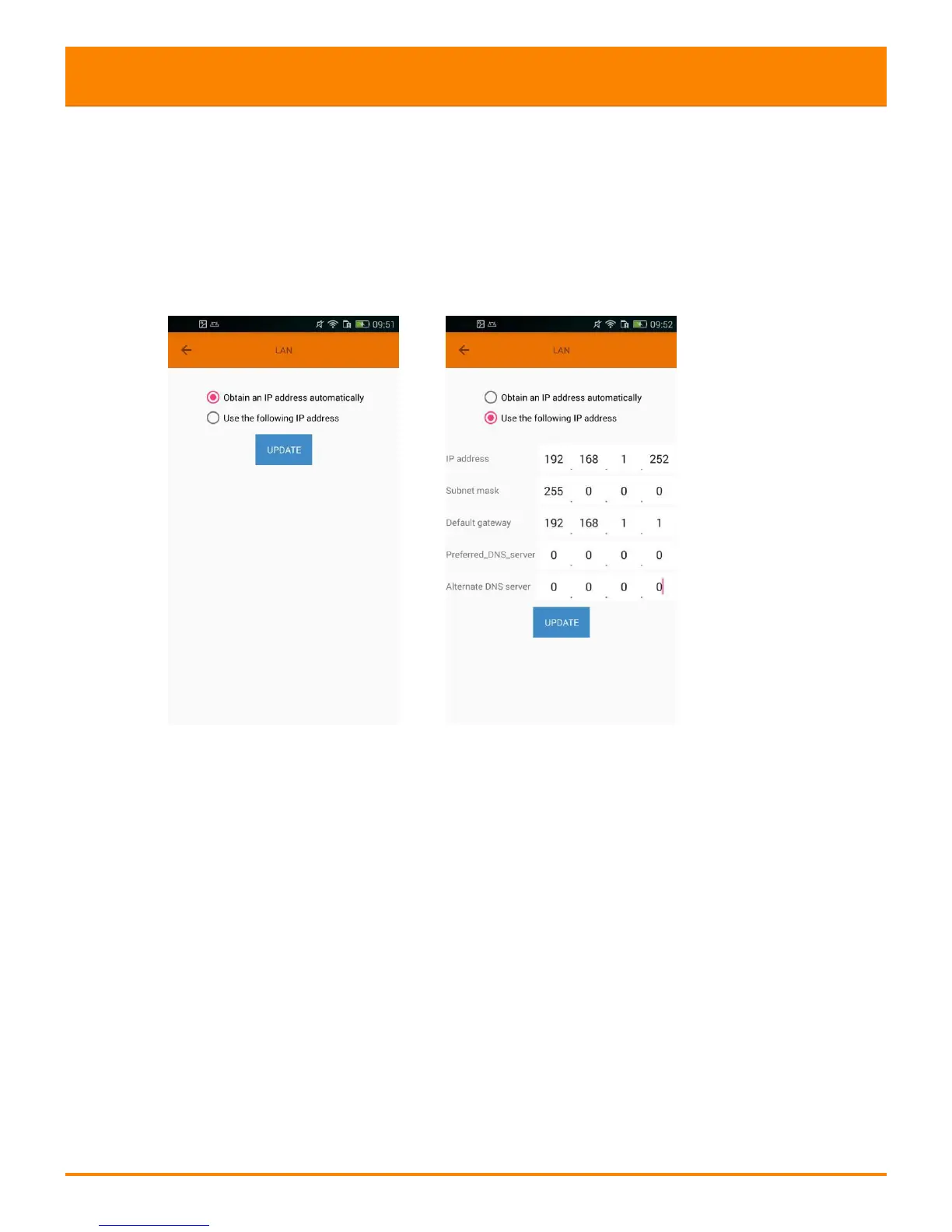
ECU-R's wired network setting has 2 options: automatically obtain an IP address
or use a fixed IP address.Obtaining an IP address automatically means the router
would distribute IP to ECU-R automatically. When choose user fixed IP, users shall
use the following IPs.
4.5.4 Manage the WLAN connection
connection state of ECU-R. Click "Search", the available SSID would be listed
below.
Click the SSID and enter the password.
The ECU-R would restart after sending the password. Please reconnect the ECU-R.