3. Hardware Installation
3.5 Internet Connection
There are two different approaches to connecting the ECU-R
to the Internet:
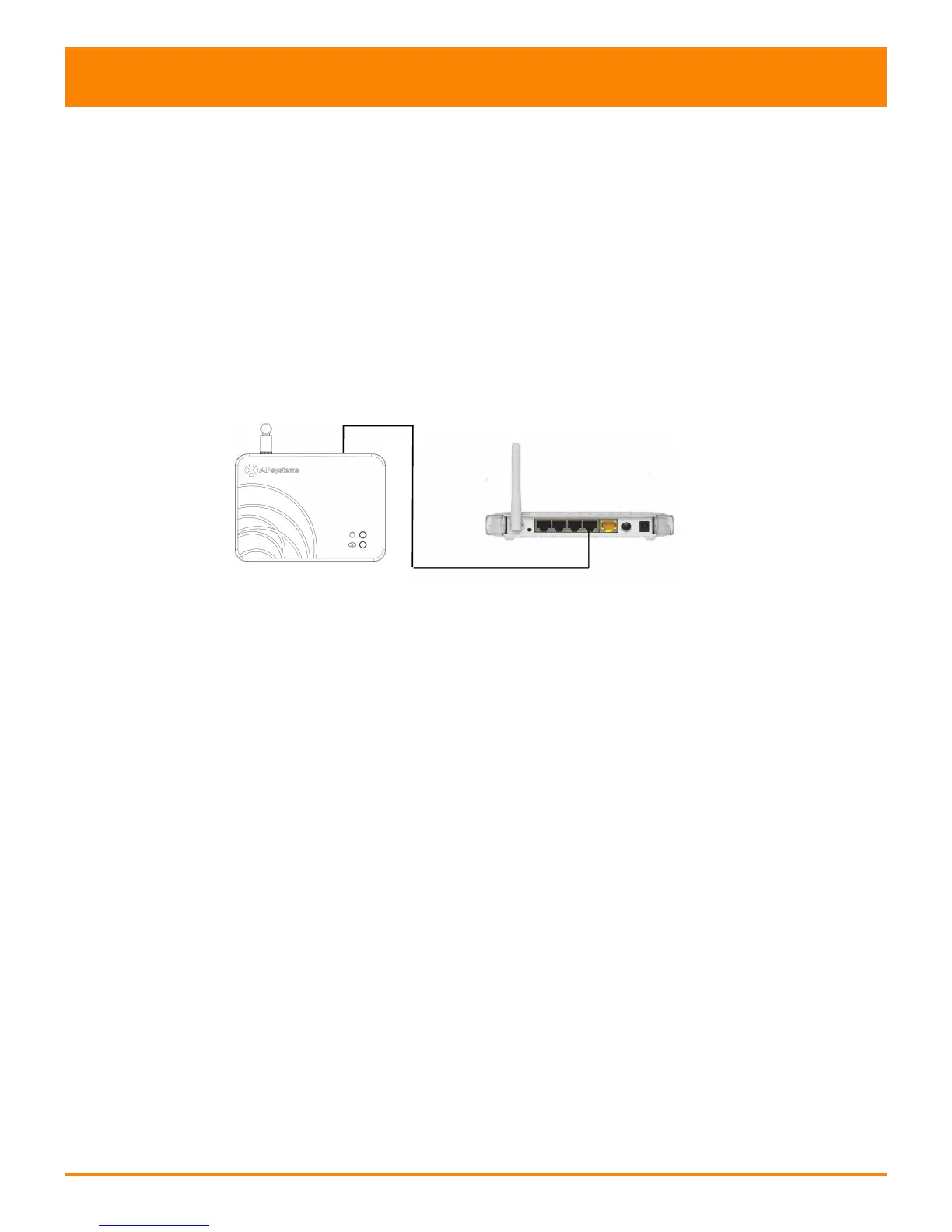
Option 1: Direct LAN cable connection.
1) Make sure the LAN cable is connected to the network
port on the bottom of the ECU-R.
2) Connect the LAN cable to a spare port on the
broadband router.
Figure 7
Option 2: Wireless Connection.
Use ECU-R internal WLAN (see Managing the WLAN Connection).



 To Next Page