2. Interface Explanation
2.1 Interface Layout
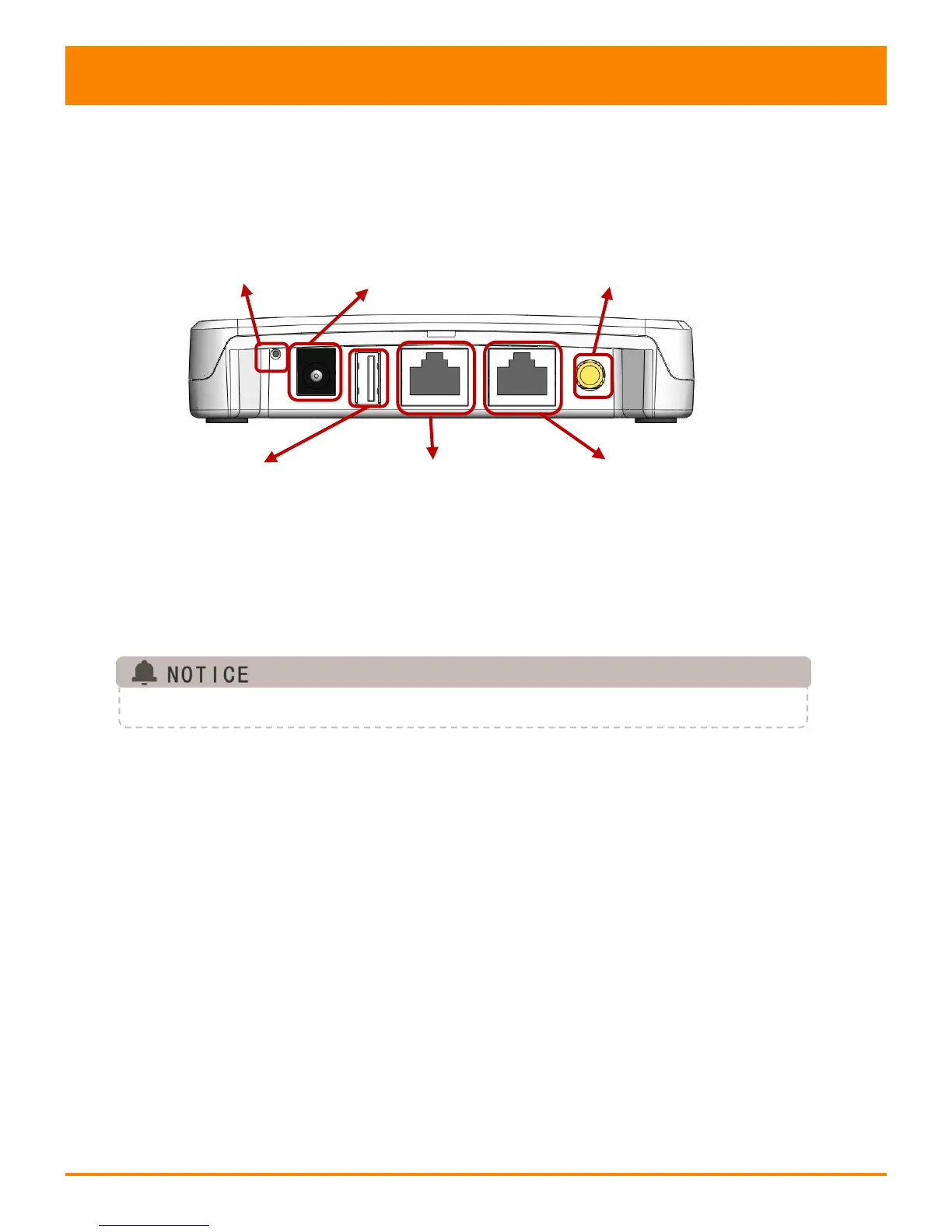
The ECU-R interface includes, from left to right, are Reset,power
connection port, USB port, RJ45 Internet, RJ45 Signal port and antenna.
Reset Power Connection Port Antenna
Figure 2
2.2 Reset
Press the Reset button for three seconds or longer, and the ECU-R will
automatically return to the default settings.
The wireless password will be changed to ‘88888888’.
2.3 Power Connection Port
The power connection port connects power through the power adapter.
2.4 USB port
The USB interface is reserved.



 To Next Page