Smart-UPS C 1000/1500 VA 120/230 Vac Tower4
Operation
Note: The UPS will charge to 90% capacity in the first three hours of normal operation.
Do not expect full battery runtime capability during this initial charge period.
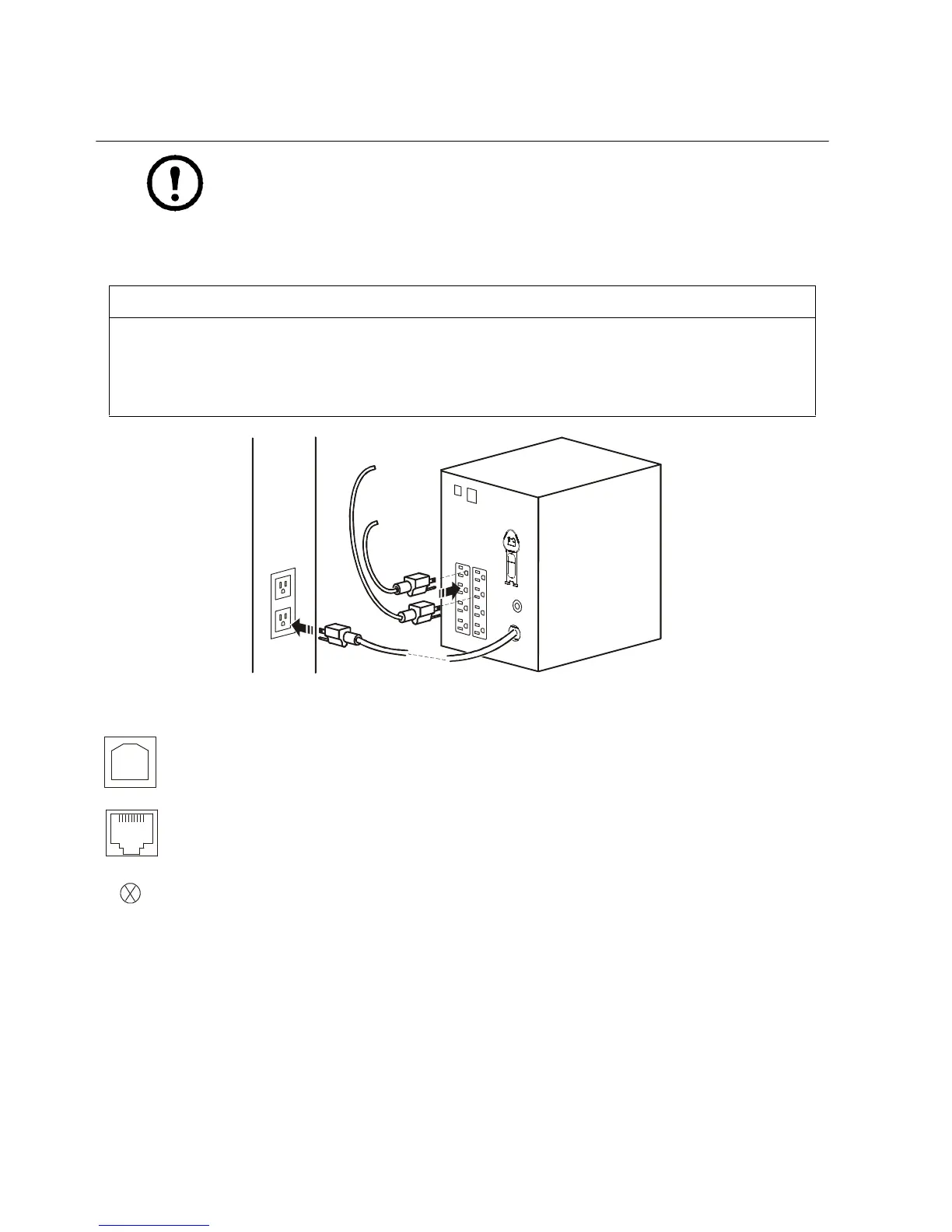
1. Connect equipment to the UPS.
2. Connect the UPS to a two pole, three wire, grounded source.
Connect equipment to the UPS
CAUTION
RISK OF EQUIPMENT DAMAGE
• Adhere to all local and national electrical codes.
• Wiring should be performed by qualified electrician.
• Always connect the UPS to a grounded outlet.
Failure to follow these instructions can result in equipment damage
USB port: Connect to a computer to use power management software.
Serial port: Connect a serial port cable (not supplied) to use power management software.
Chassis ground screw: Connect the ground leads on transient voltage devices to the chassis ground screw(s),
located on the rear panel of the UPS.
su0441b



 To Next Page